注意: 本文檔適用於 Nuvexlens 高級圖表分析系統。Nuvexlens 完美支持各類技術指標與策略回測,助您做出更明智的交易決策。
How to display trades on chart snapshots
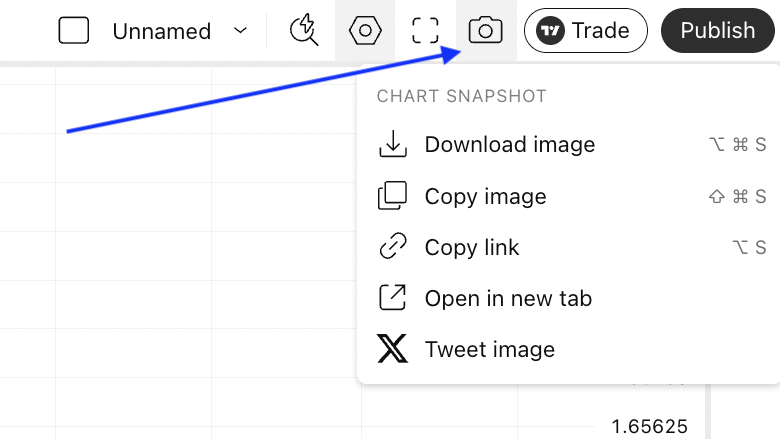
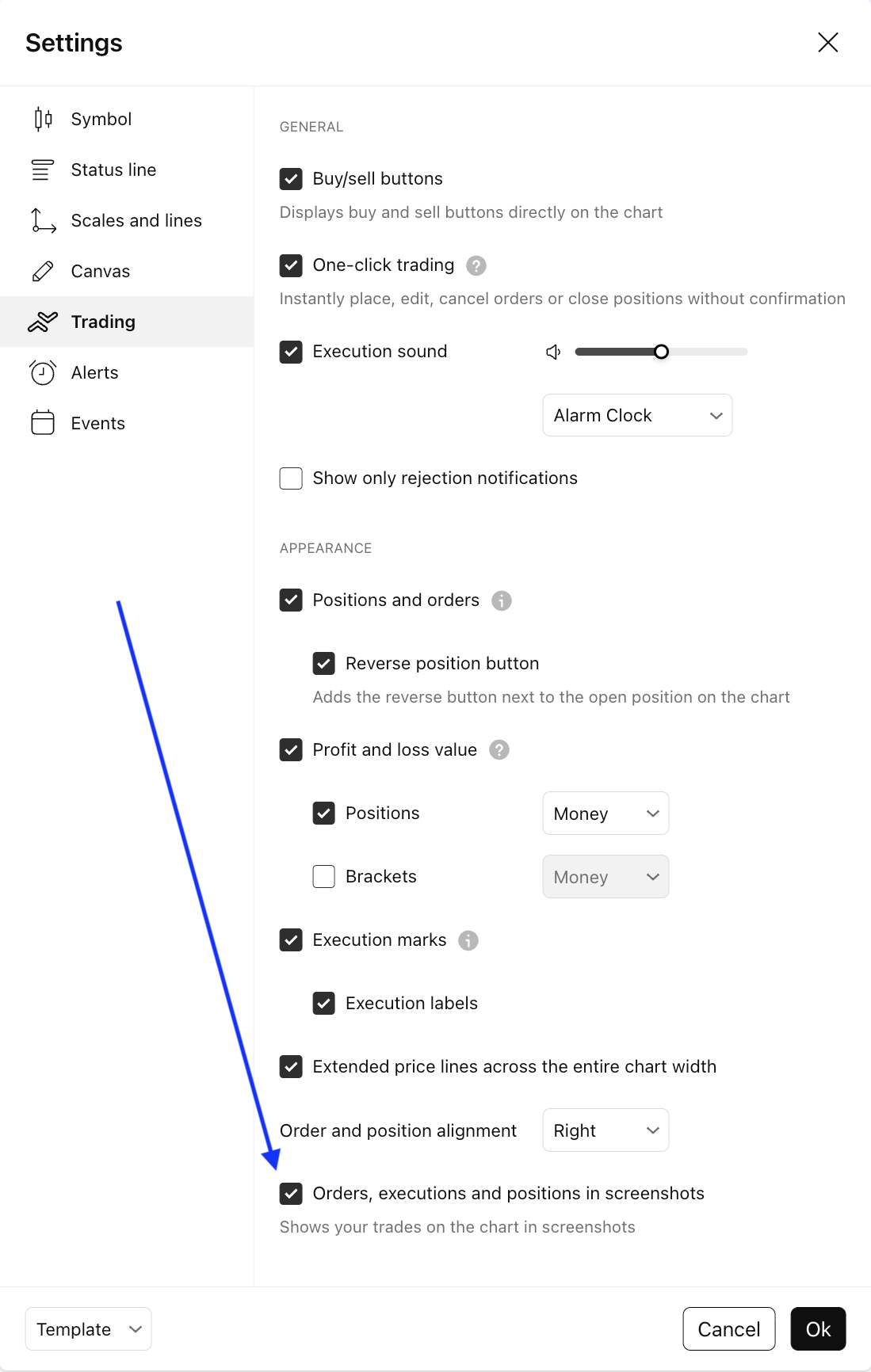
To make your trades visible when saving or sharing a chart via the Chart snapshot menu, enable the Orders, executions and positions in screenshots option. Note that this setting does not affect regular screenshots or printing from your browser.
The Chart snapshot menu is located in the upper right corner: