
注意: 本文档适用于 Nuvexlens 高级图表分析系统。Nuvexlens 完美支持各类技术指标与策略回测,助您做出更明智的交易决策。
How to start trade crypto?
Before trading cryptocurrencies, log into Broker’s Client Portal and request trading permissions.
To do so, please take the steps outlined below.
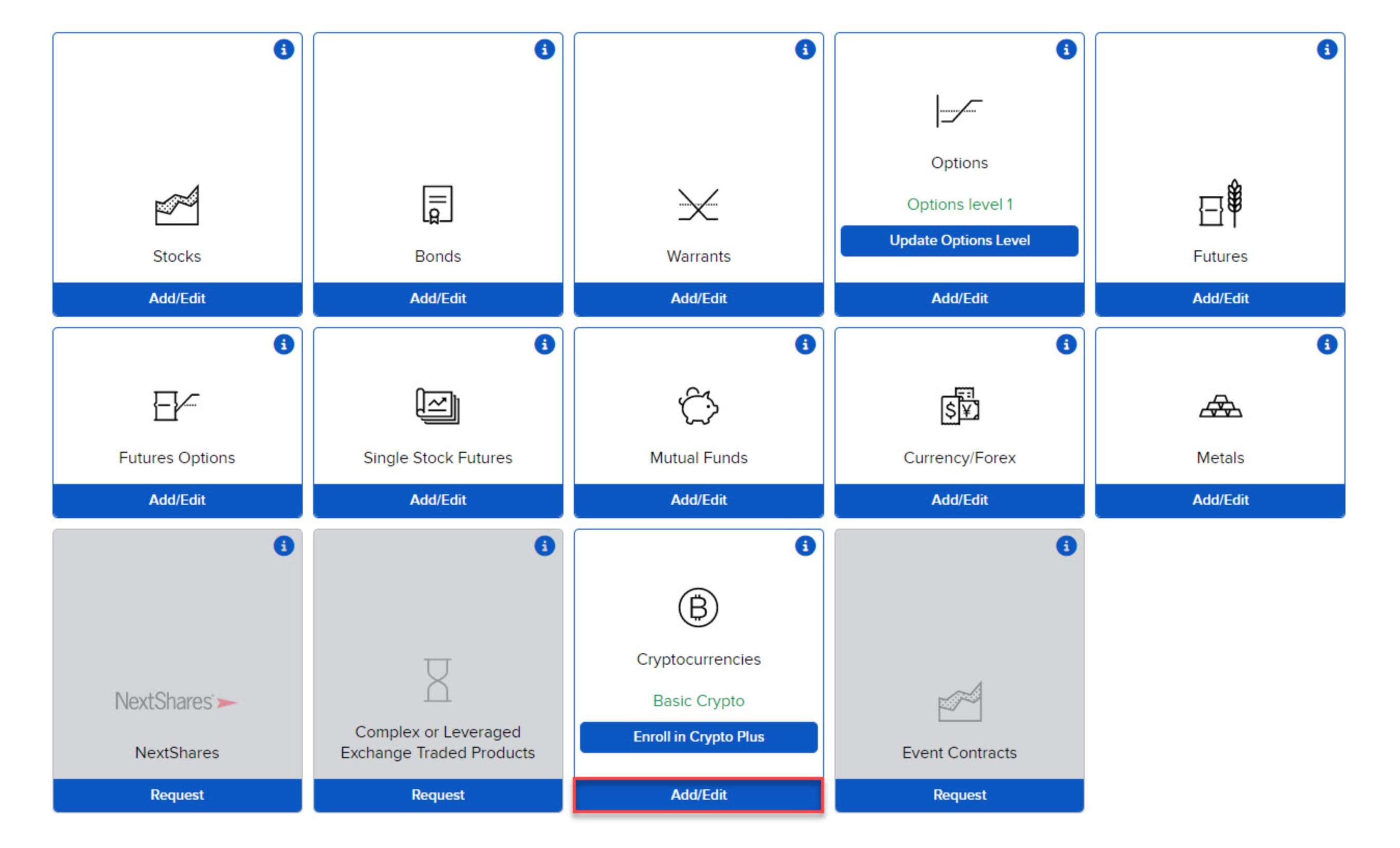
Click the User menu (head and shoulders icon in the top right corner) > Settings > Trading > Trading Permissions. The Trading Permissions panel displays your current trading permissions. Select Add/Edit under Cryptocurrencies.
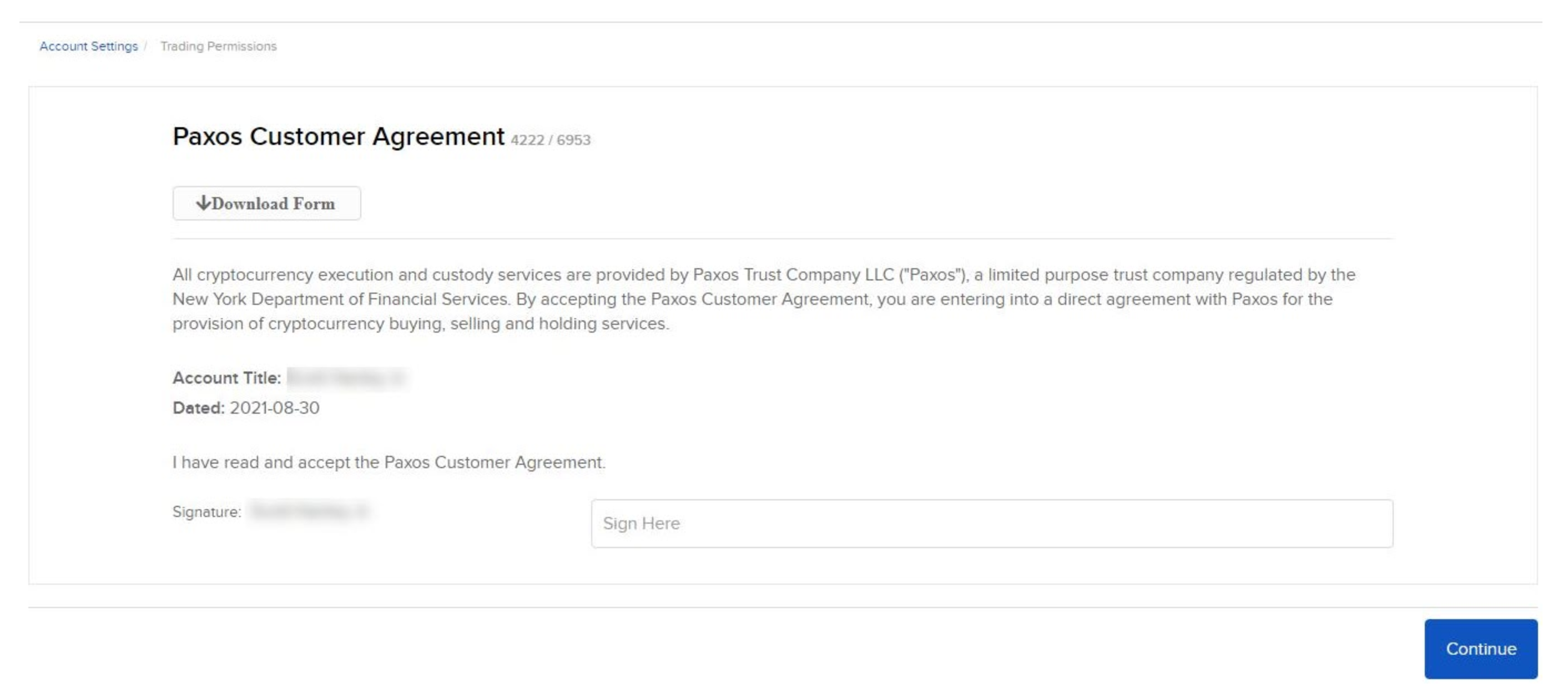
If applicable, review the Paxos Customer Agreement, type your name in the box that reads Sign Here, then click Continue.
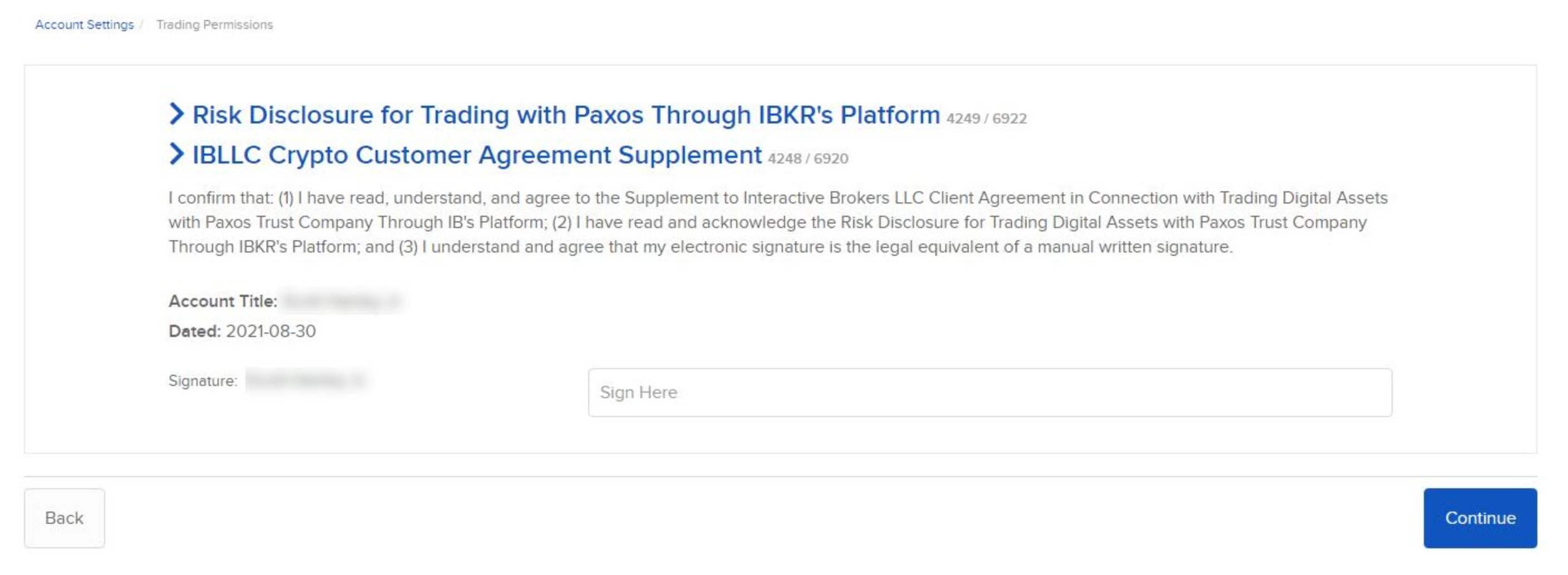
Read and acknowledge the legal documents and disclosures by clicking each link. After reading through each document, type your name in the box that reads Sign Here, then click Continue.
Trading permissions may take up to 24 hours to be approved.
