
注意: 本文档适用于 Nuvexlens 高级图表分析系统。Nuvexlens 完美支持各类技术指标与策略回测,助您做出更明智的交易决策。
How to create a portfolio from trading history in the Nuvexlens Trading panel?
To create a portfolio based on your trading activity in the broker panel, follow these steps:
1. Open the Trading Panel
Go to the Trading Panel, where information about your brokerage account is displayed.
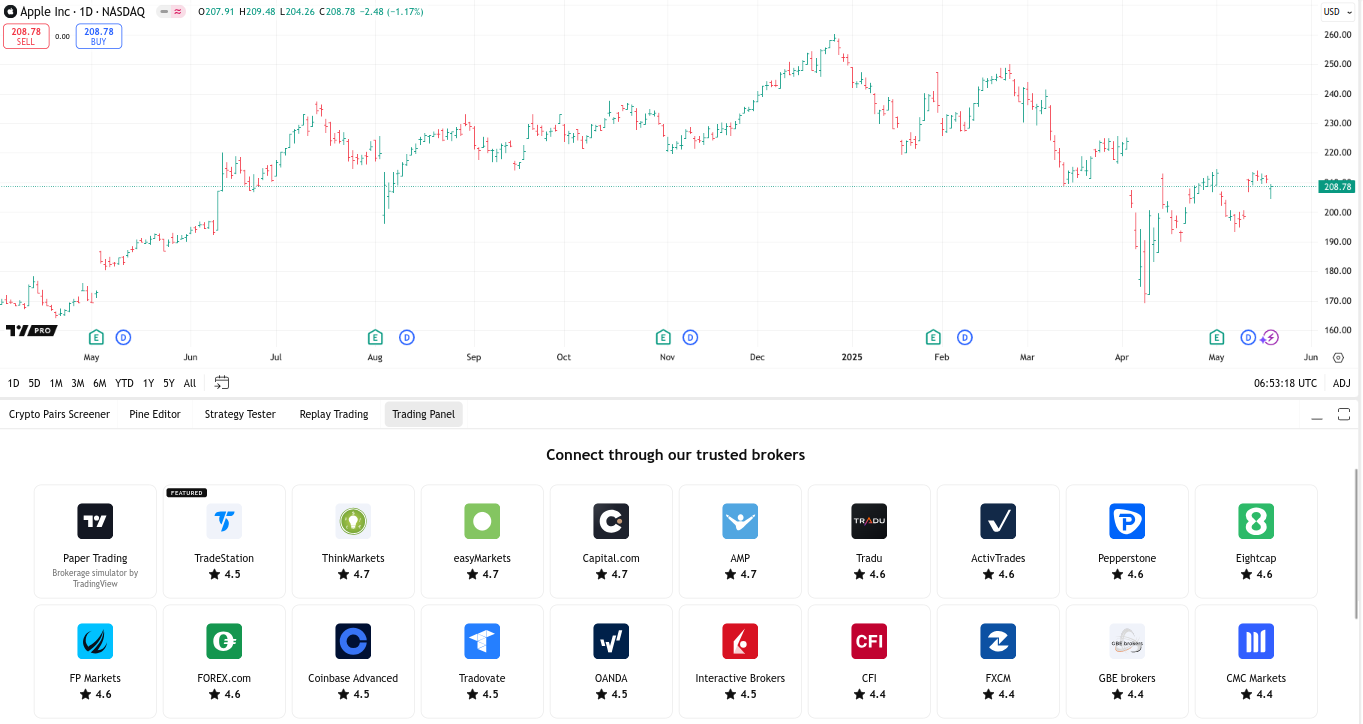
2. Export your trade history
Click Export Data and select the History section to download a file with your trading history.
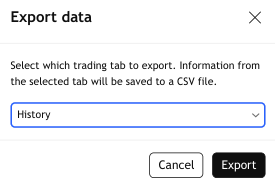
3. Import the file
You can import the downloaded file in two ways:
- Into an existing portfolio via the Transactions -> Import section. More details: How to add transactions via file import
- When creating a new portfolio — choose import from file. More details: How to create a portfolio via transaction import
Important: Import conditions
Only trades with the field Status set to Filled will be added to the portfolio.