Note: This documentation applies to the Nuvexlens Advanced Charting System. Nuvexlens fully supports technical indicators and strategy backtesting to help you make smarter trading decisions.
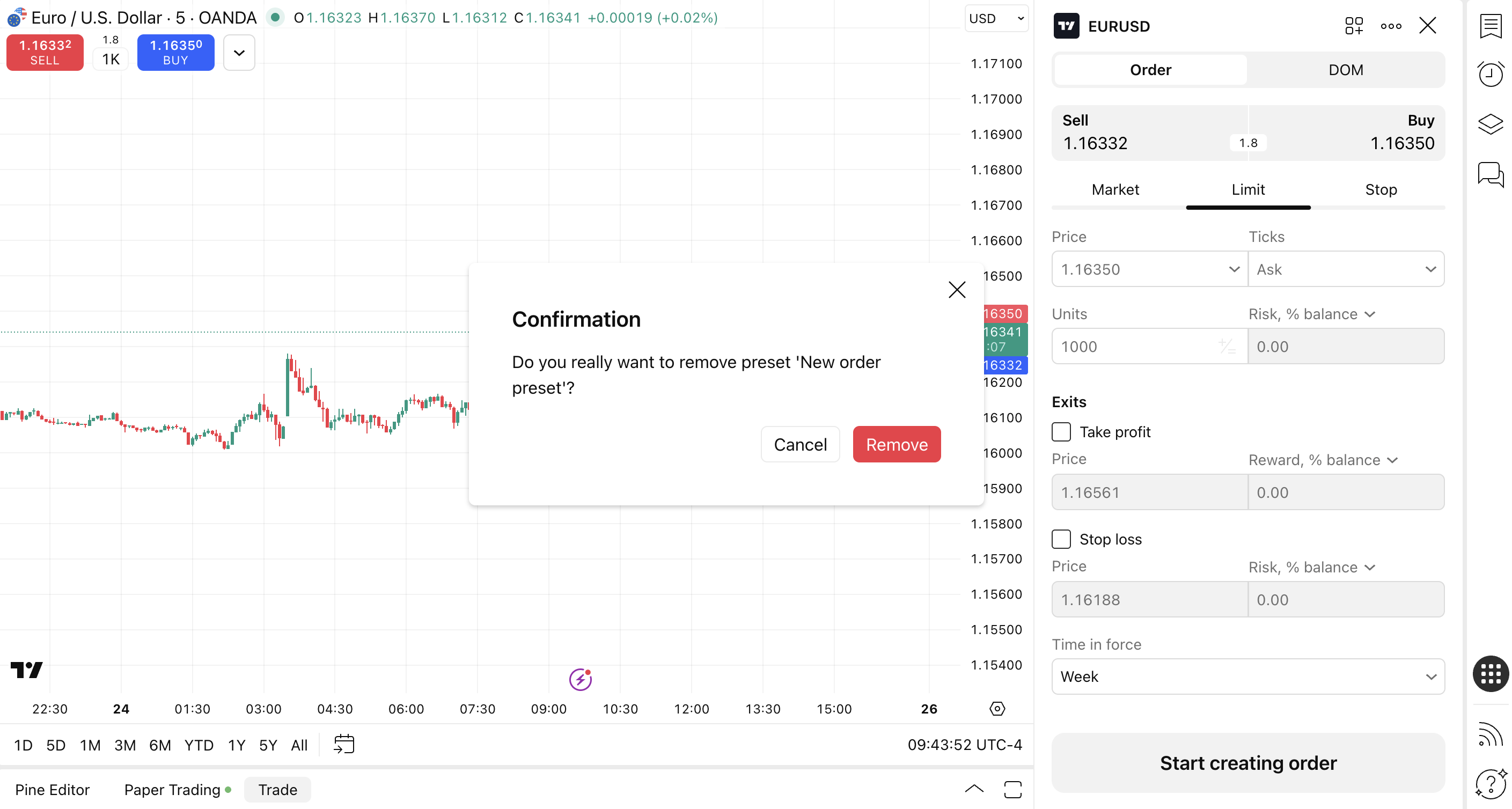
How to delete a created preset?
A preset can be deleted through the preset menu in the Order Window by clicking the Delete button.