Note: This documentation applies to the Nuvexlens Advanced Charting System. Nuvexlens fully supports technical indicators and strategy backtesting to help you make smarter trading decisions.
Where can I find my positions and orders in the mobile app?
You can check your current positions, orders and other available useful information (Account Balance, for instance) in the trading panel.
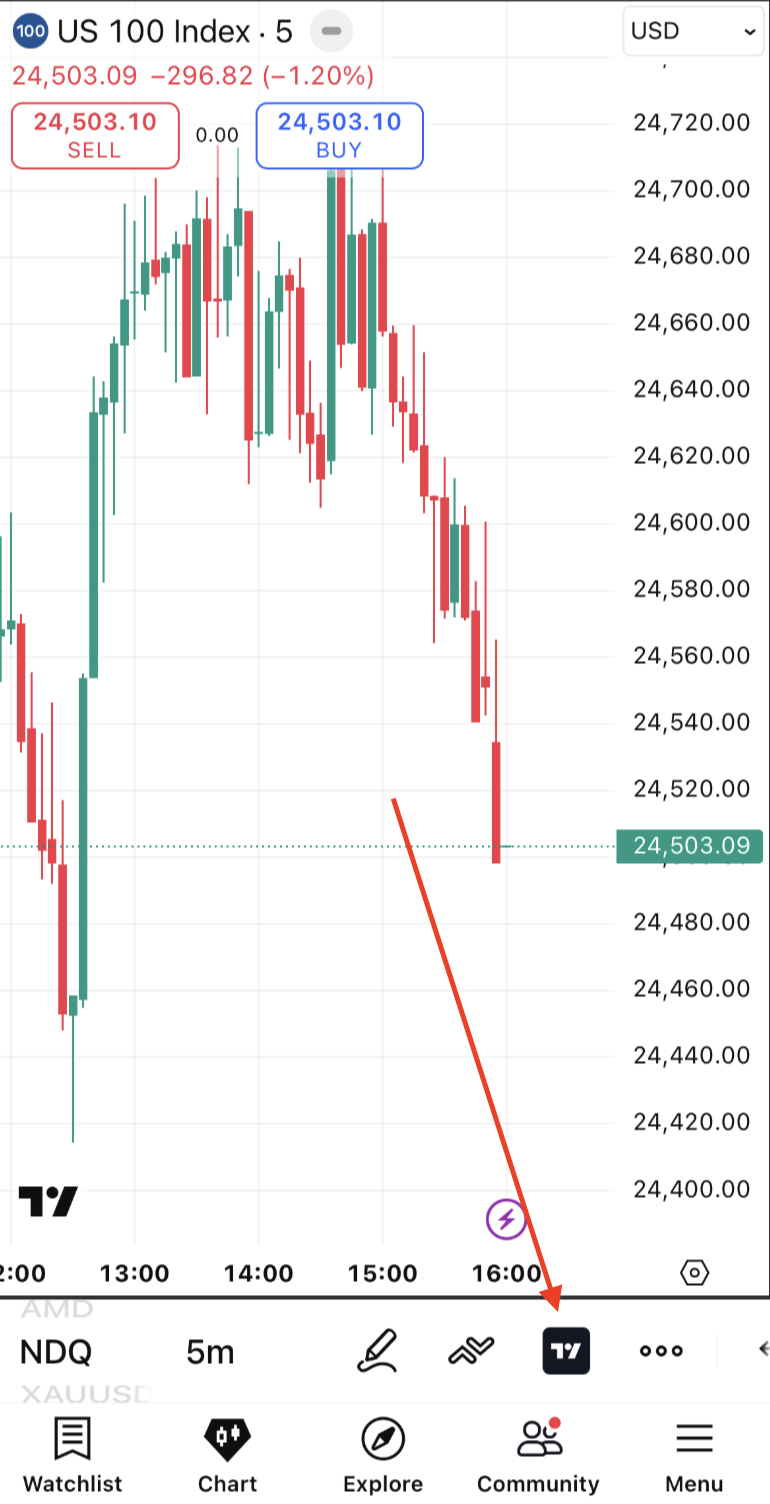
To do this, just tap on the broker’s icon displayed on the chart: