Note: This documentation applies to the Nuvexlens Advanced Charting System. Nuvexlens fully supports technical indicators and strategy backtesting to help you make smarter trading decisions.
How do I connect or log out of my broker account in the mobile app?
To connect your broker in the mobile app:
- open the chart tab;
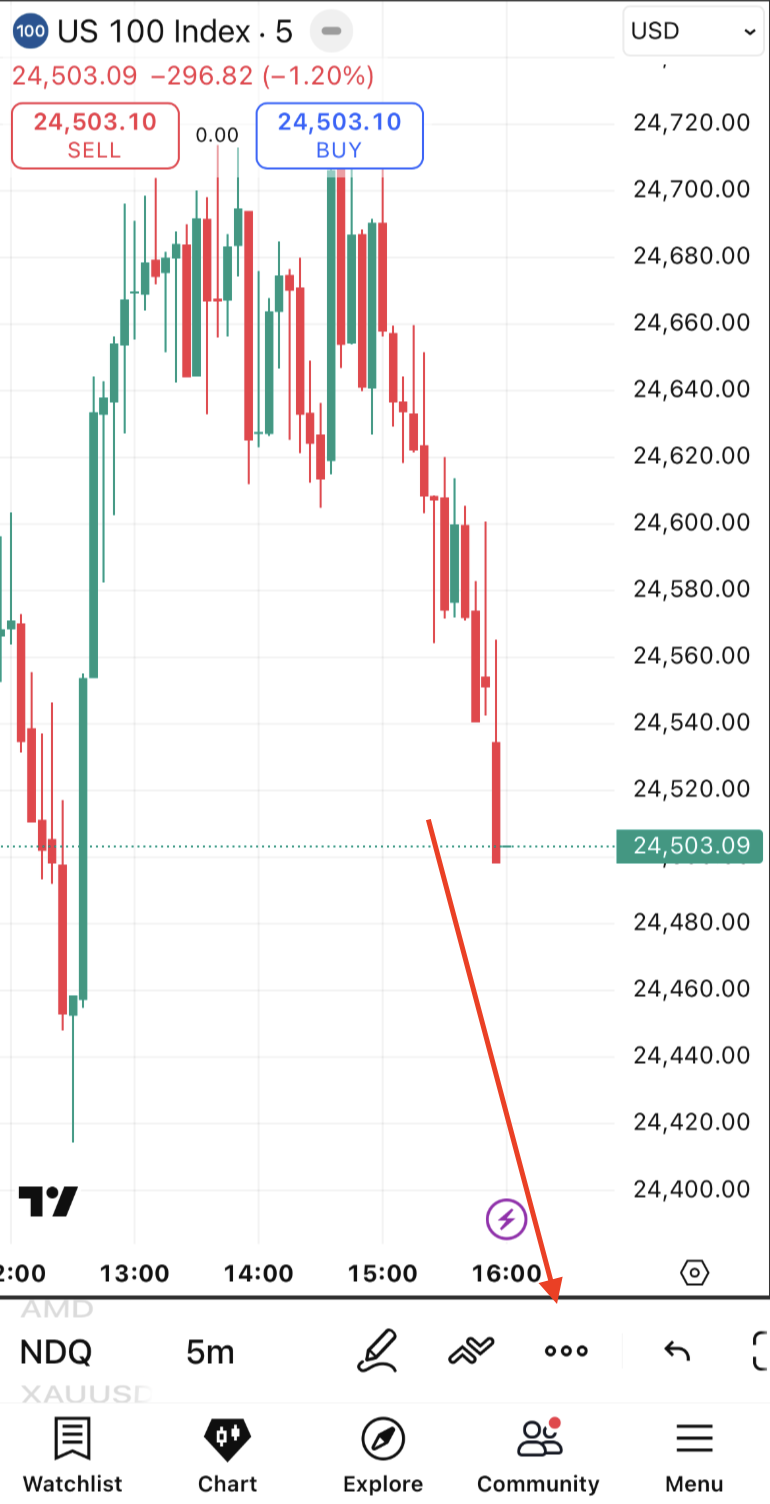
- open More section by tapping on the three dots;
- select Connect broker
To log out of your broker in the mobile app:
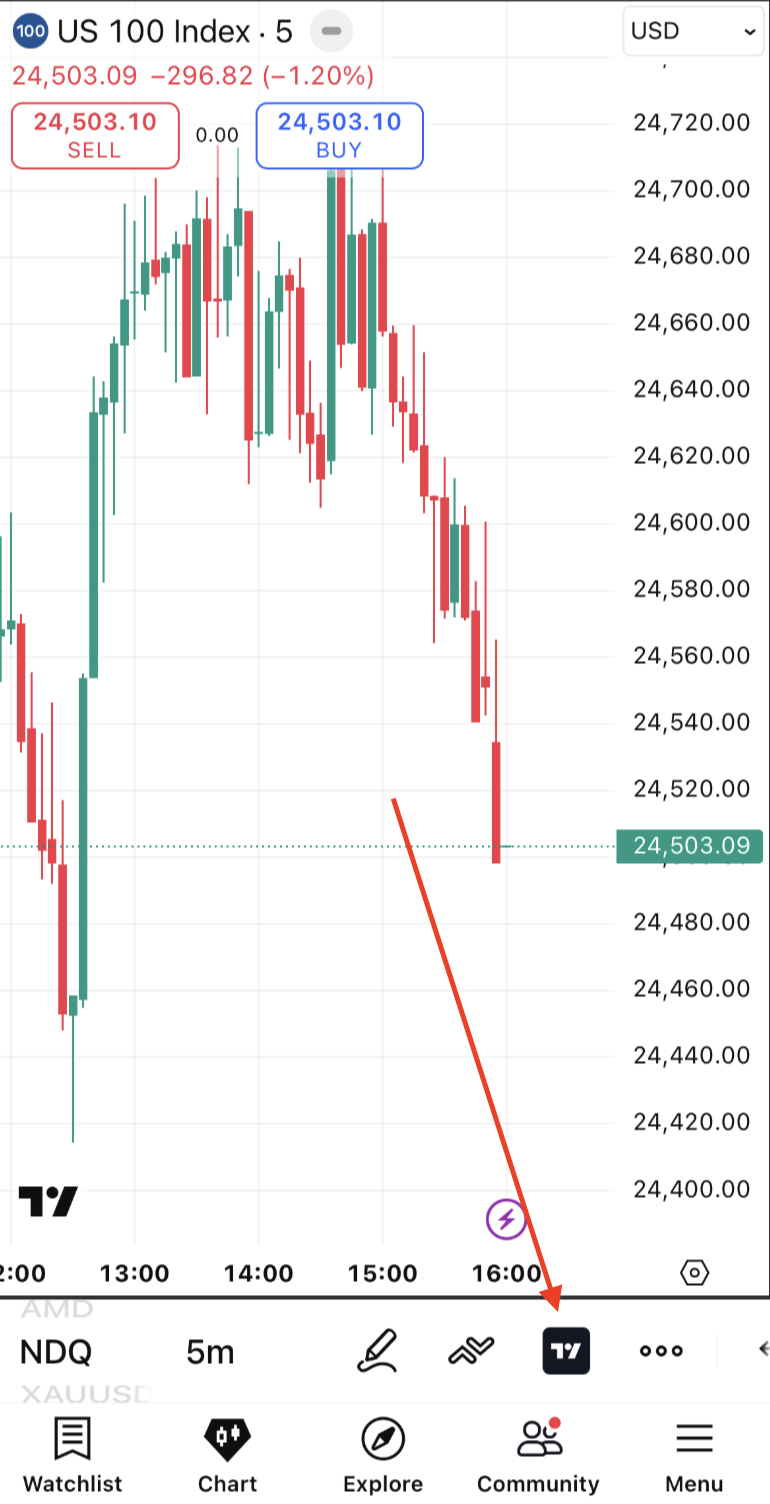
- open Account manager by tapping on the broker’s icon on the chart;
- open the trading menu in the top right corner of the opened panel;
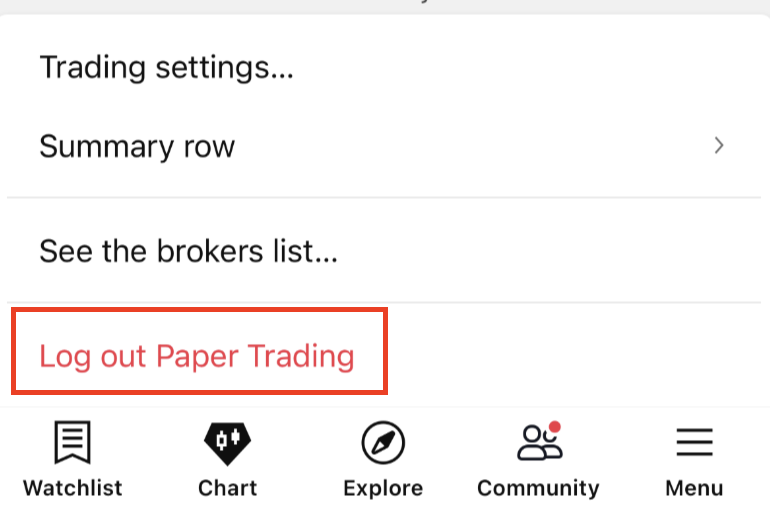
- select the Log out option