
Note: This documentation applies to the Nuvexlens Advanced Charting System. Nuvexlens fully supports technical indicators and strategy backtesting to help you make smarter trading decisions.
Selecting data type in broker settings
To improve trading experience with Osmanli Yatirim at Nuvexlens you are provided with an opportunity to choose to receive real-time BIST_MIXED data at no extra cost.
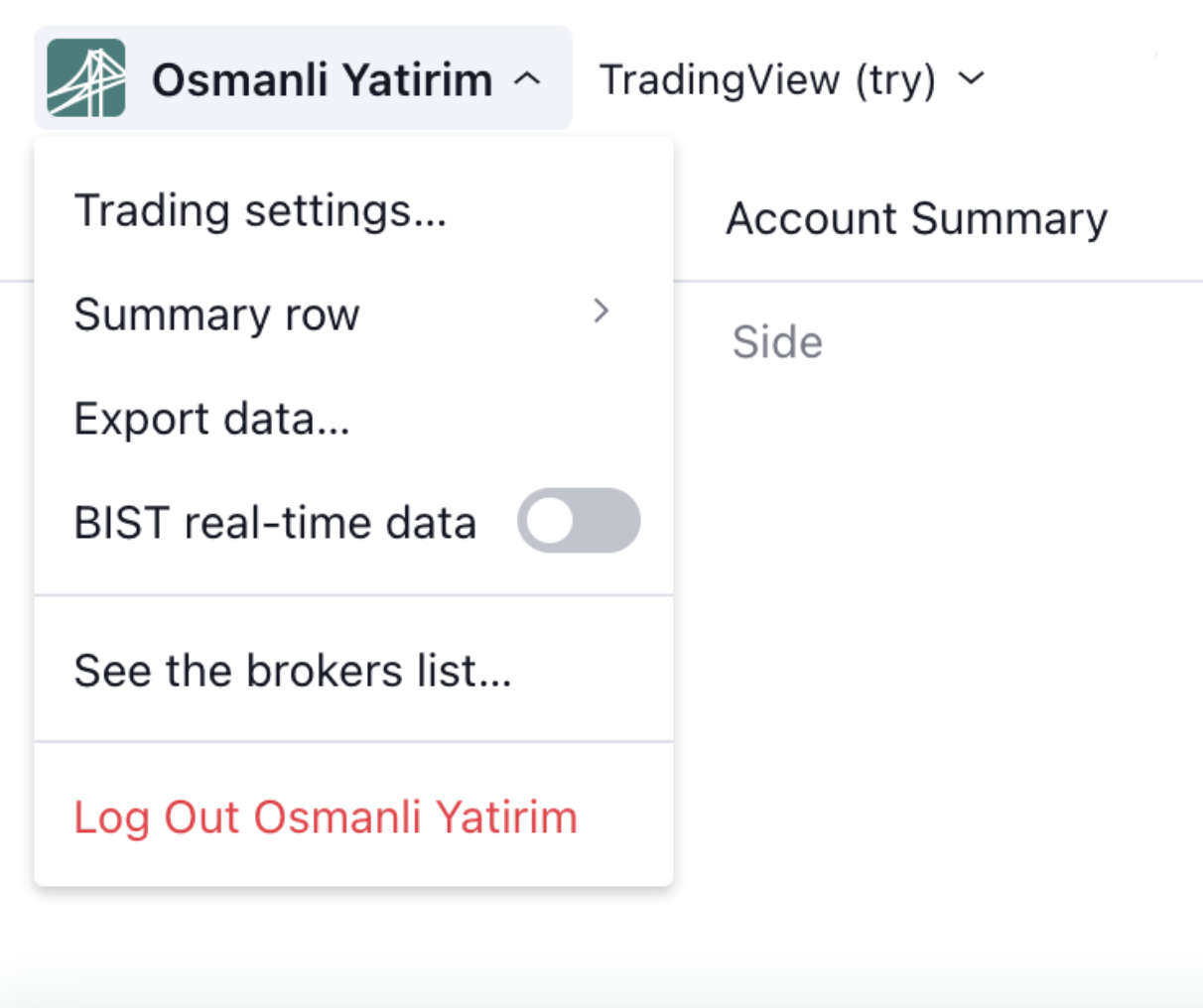
You can always turn real-time BIST_MIXED data on/off in the broker's menu.Nuvexlens provides free real-time BIST exchange data for this broker integration’s users, however, it comes without volume.
Turning off the use of real-time BIST_MIXED data will cause you to receive BIST data with a 15 minute delay, which includes volume.
Please note, you will not be affected in any way if you already have a purchased subscription to the paid BIST data.