
Note: This documentation applies to the Nuvexlens Advanced Charting System. Nuvexlens fully supports technical indicators and strategy backtesting to help you make smarter trading decisions.
What should I do before I start trading through OKX on Nuvexlens?
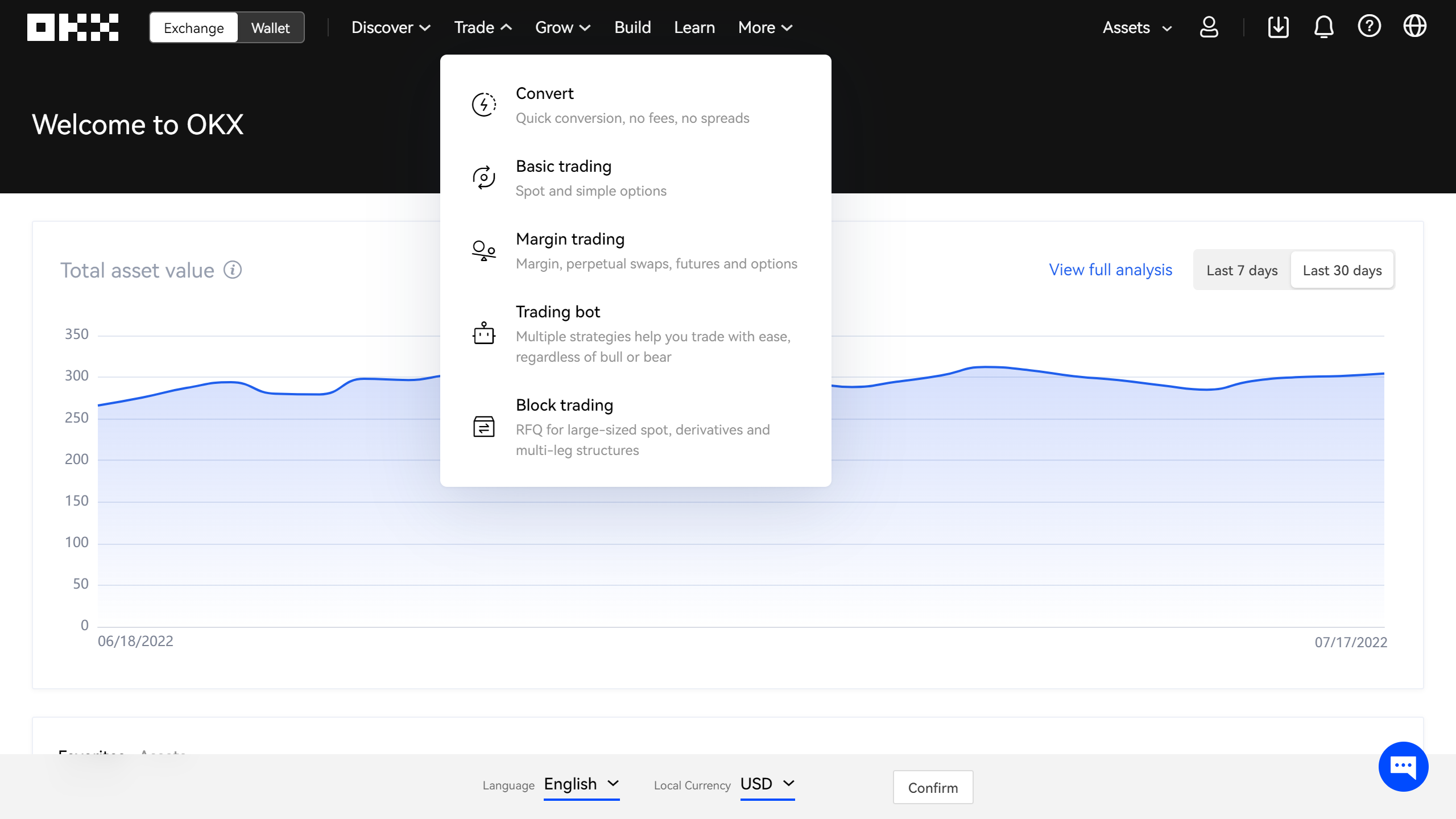
Step 1. Once you have an OKX account, navigate to the Trade panel in the top left corner and choose either Basic trading or Margin trading.
Step 2. Now click on the gear in the top right corner of the screen to get to the settings menu
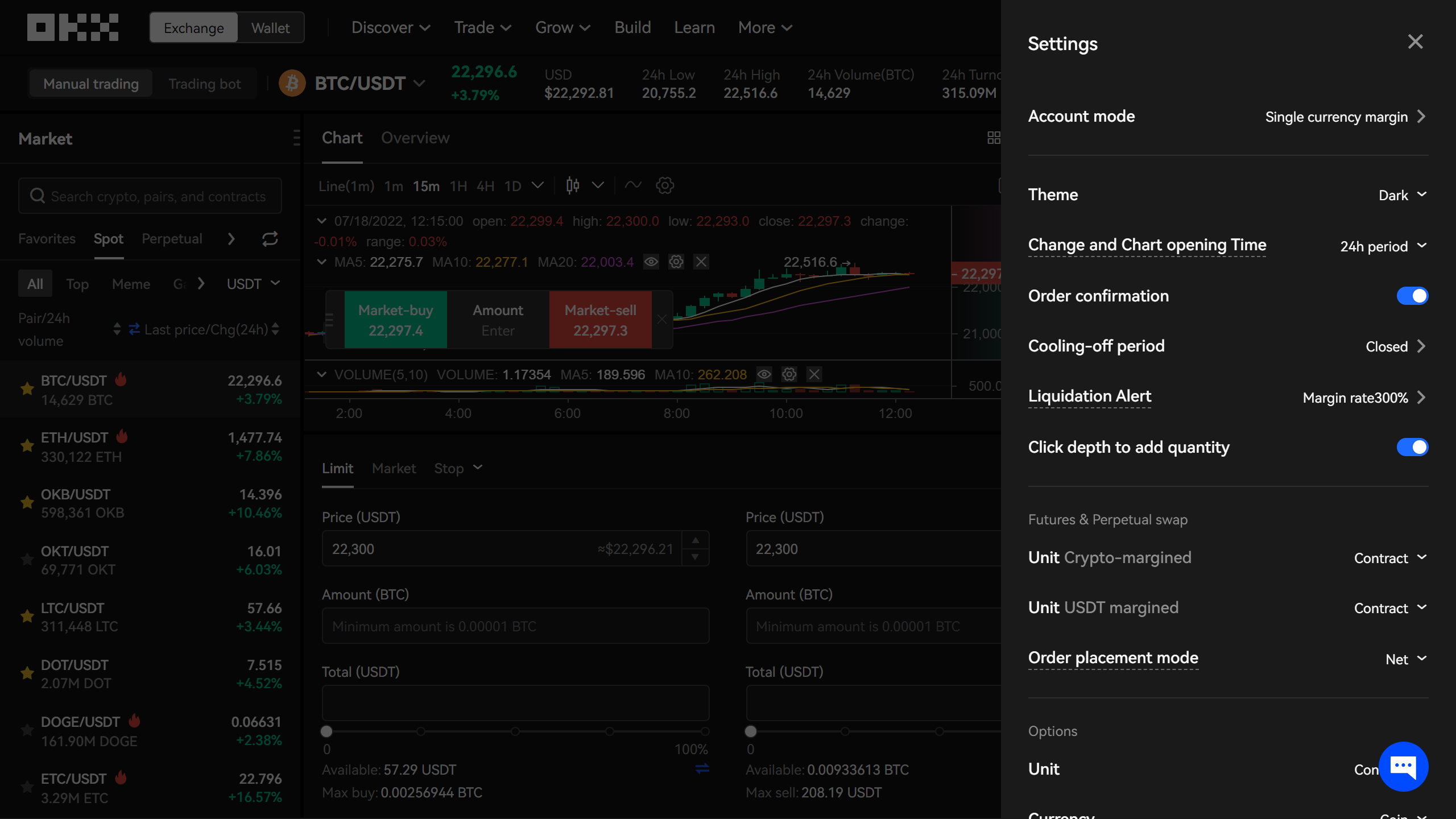
Step 3. Click on the Account mode button and select any mode except for Portfolio Margin
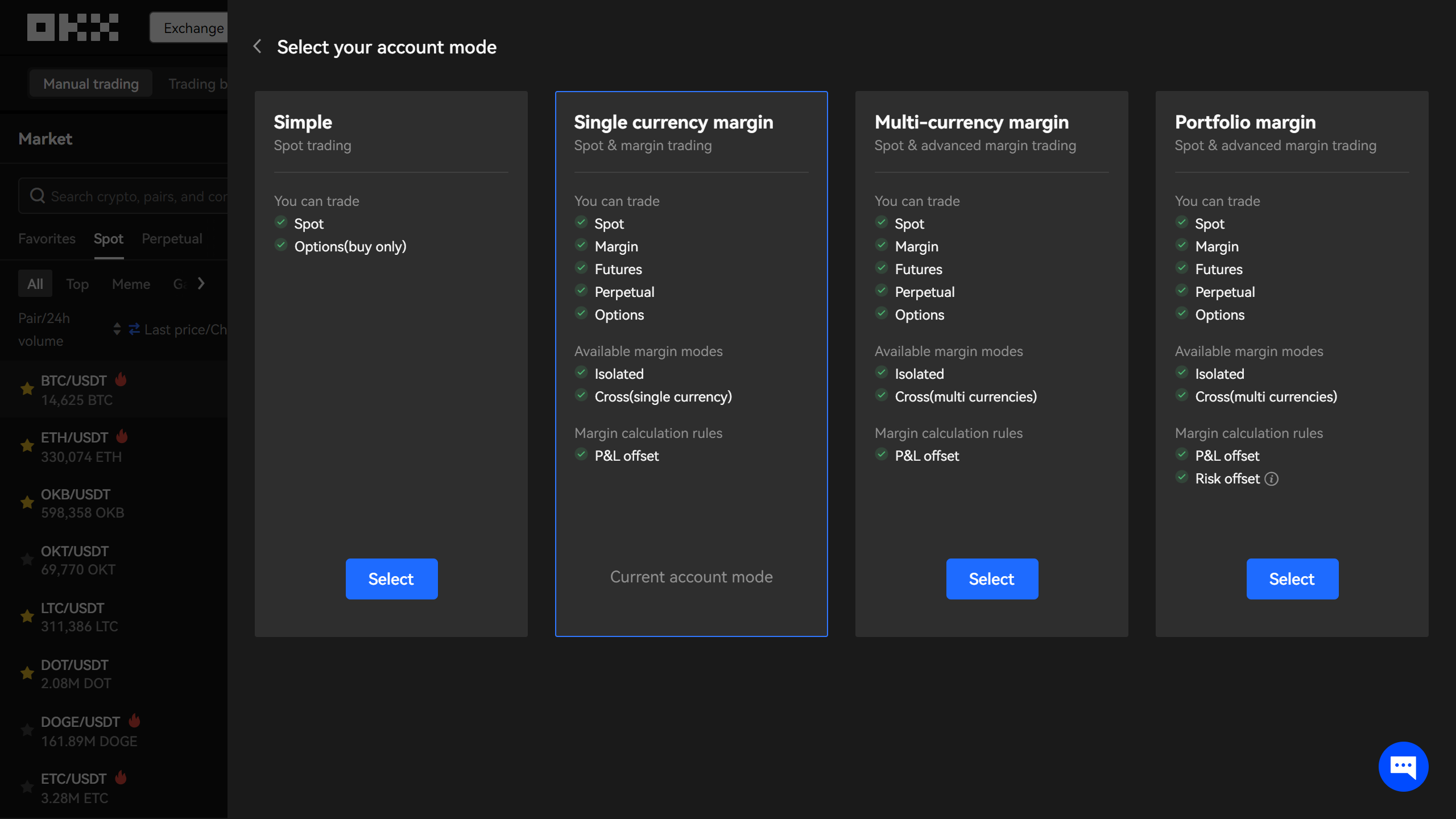
Congratulations! Now your account is ready to be used in Nuvexlens!