Note: This documentation applies to the Nuvexlens Advanced Charting System. Nuvexlens fully supports technical indicators and strategy backtesting to help you make smarter trading decisions.
Can I add Stop Loss/Take profit levels on the chart?
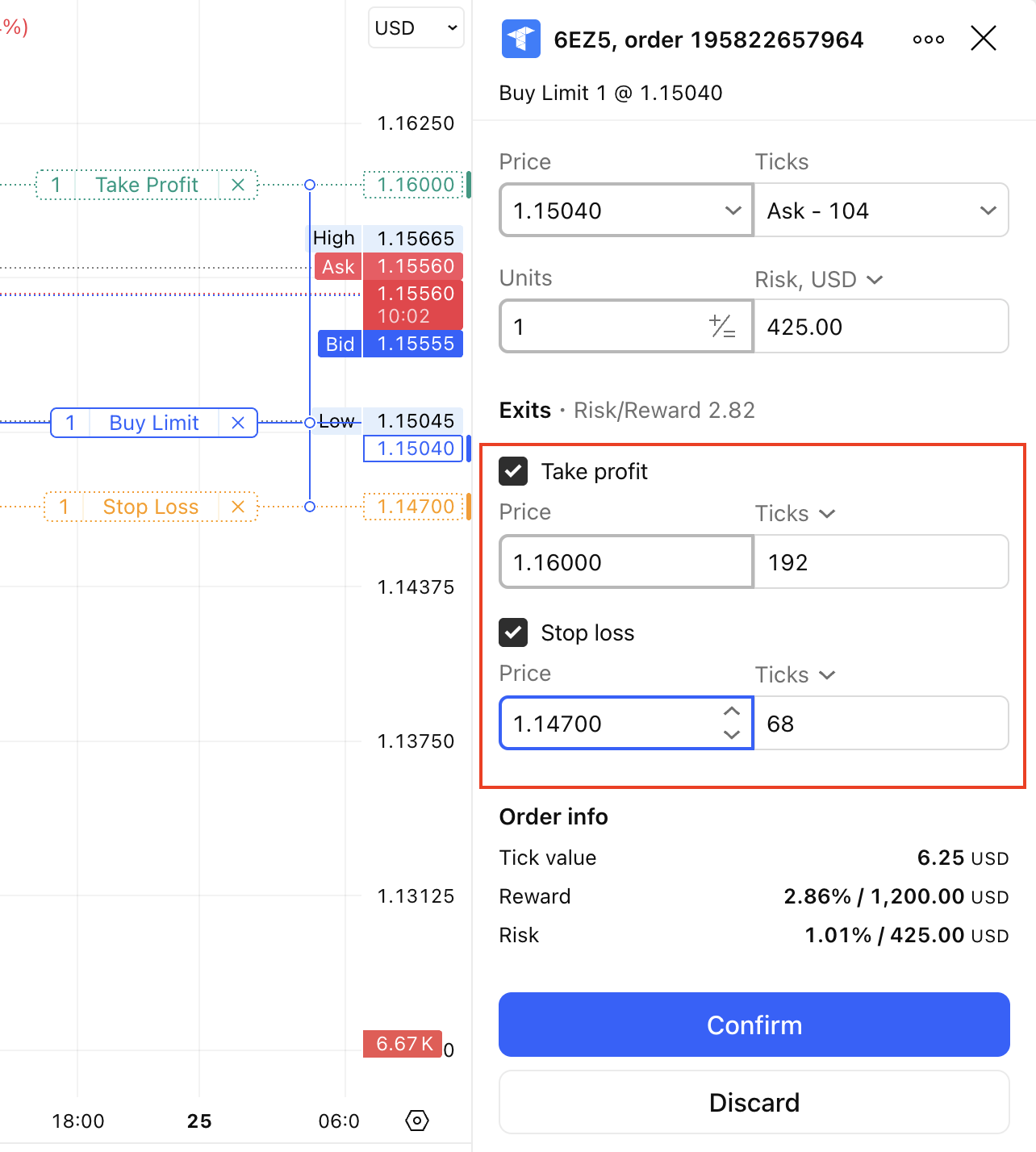
Tradovate allows adding Stop Loss and Take Profit levels to the order only when placing the order in the order panel, it is not possible to add S/L and T/P levels once the order has been already placed or to an already running position.
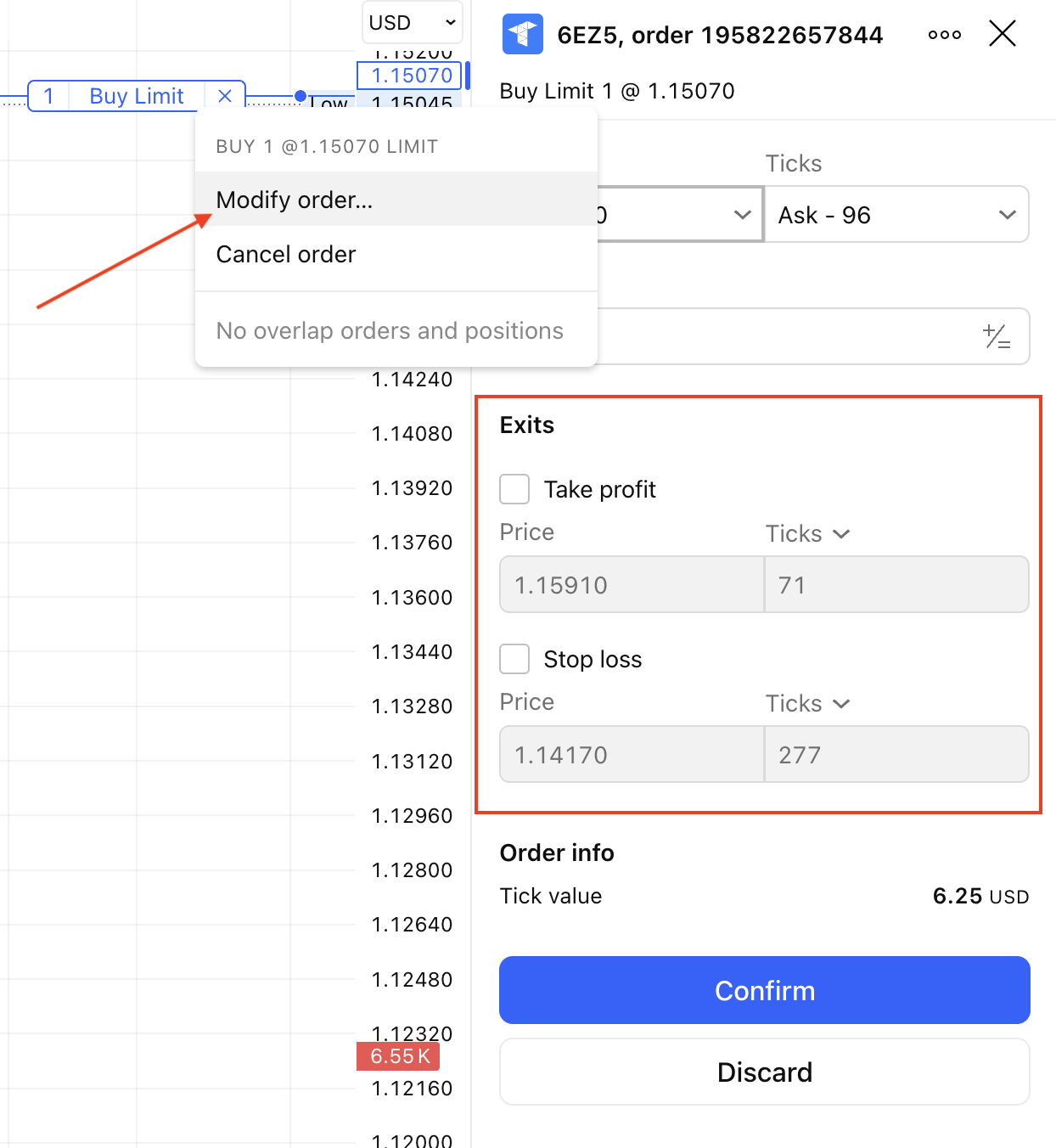
If you right-click and select the option “Modify Order”, both Stop Loss and Take Profit options will be grayed out.
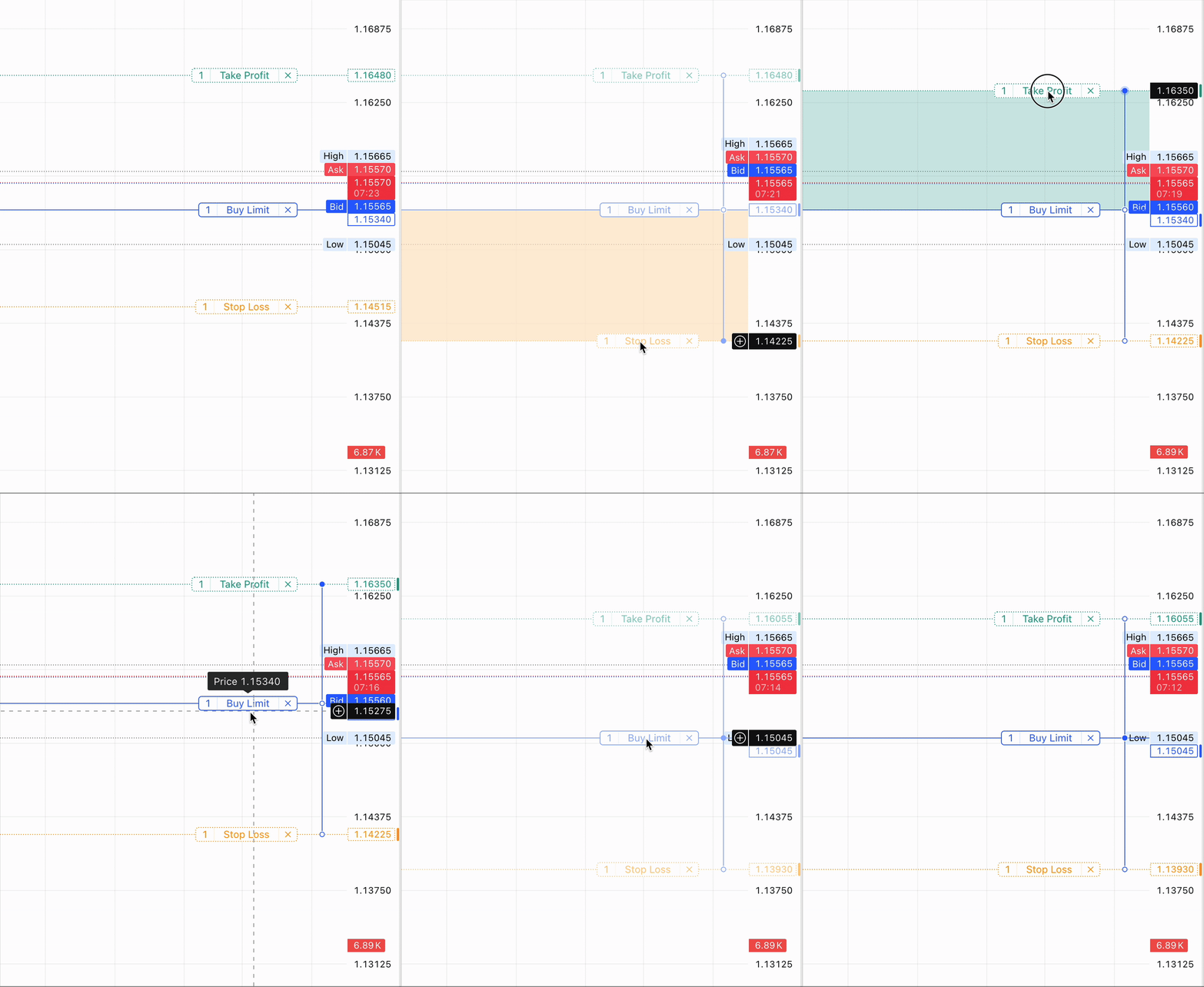
However, modifying the Stop Loss and Take Profit levels on the chart (if they have already been placed along with the Parent Order via the Order Panel) is possible, as Tradovate supports orders/levels modification.