Note: This documentation applies to the Nuvexlens Advanced Charting System. Nuvexlens fully supports technical indicators and strategy backtesting to help you make smarter trading decisions.
How are levels displayed in the Trading Panel?
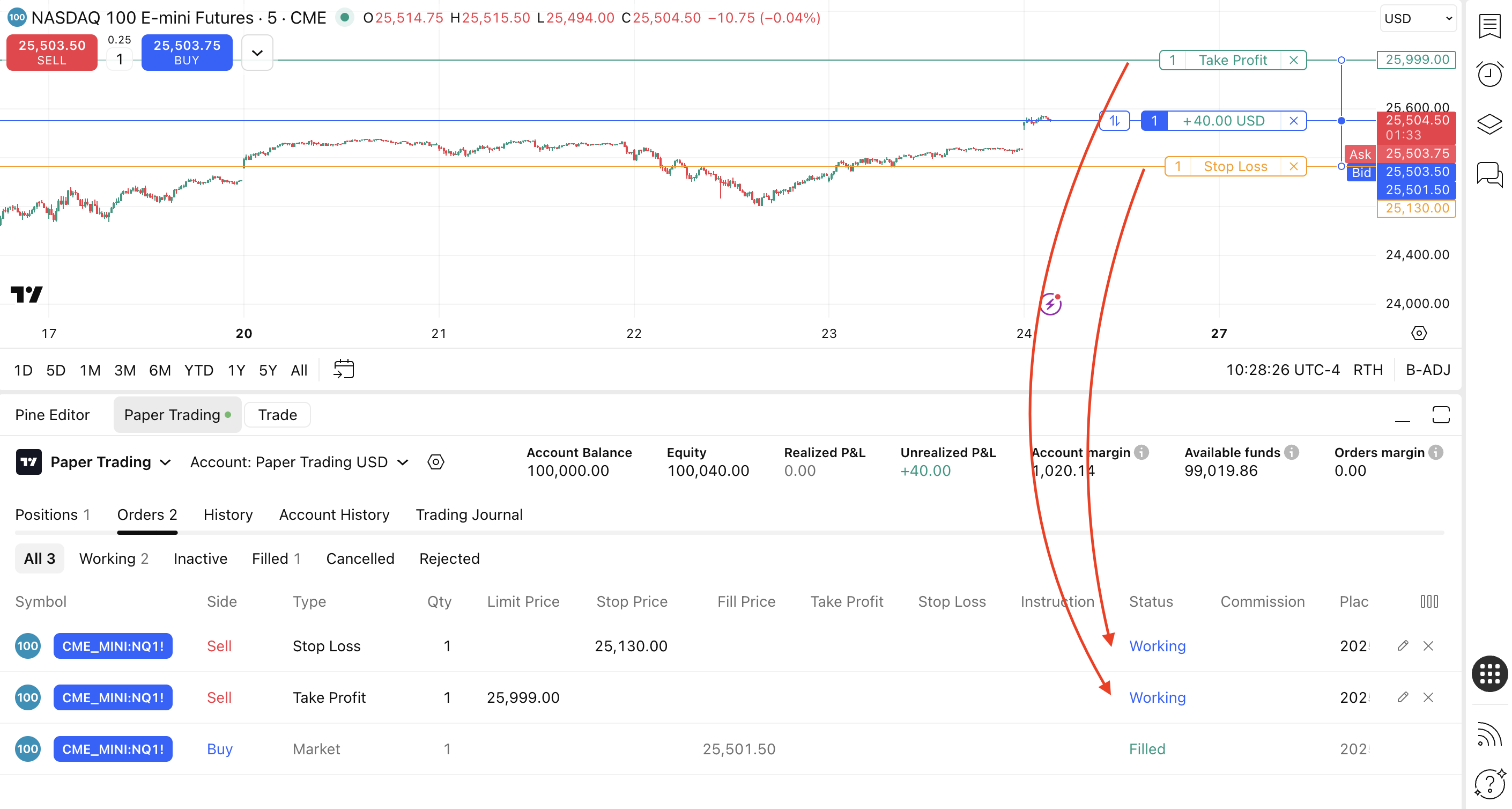
The Take Profit level is shown as a Limit Order whereas the Stop Loss is a Stop Order.
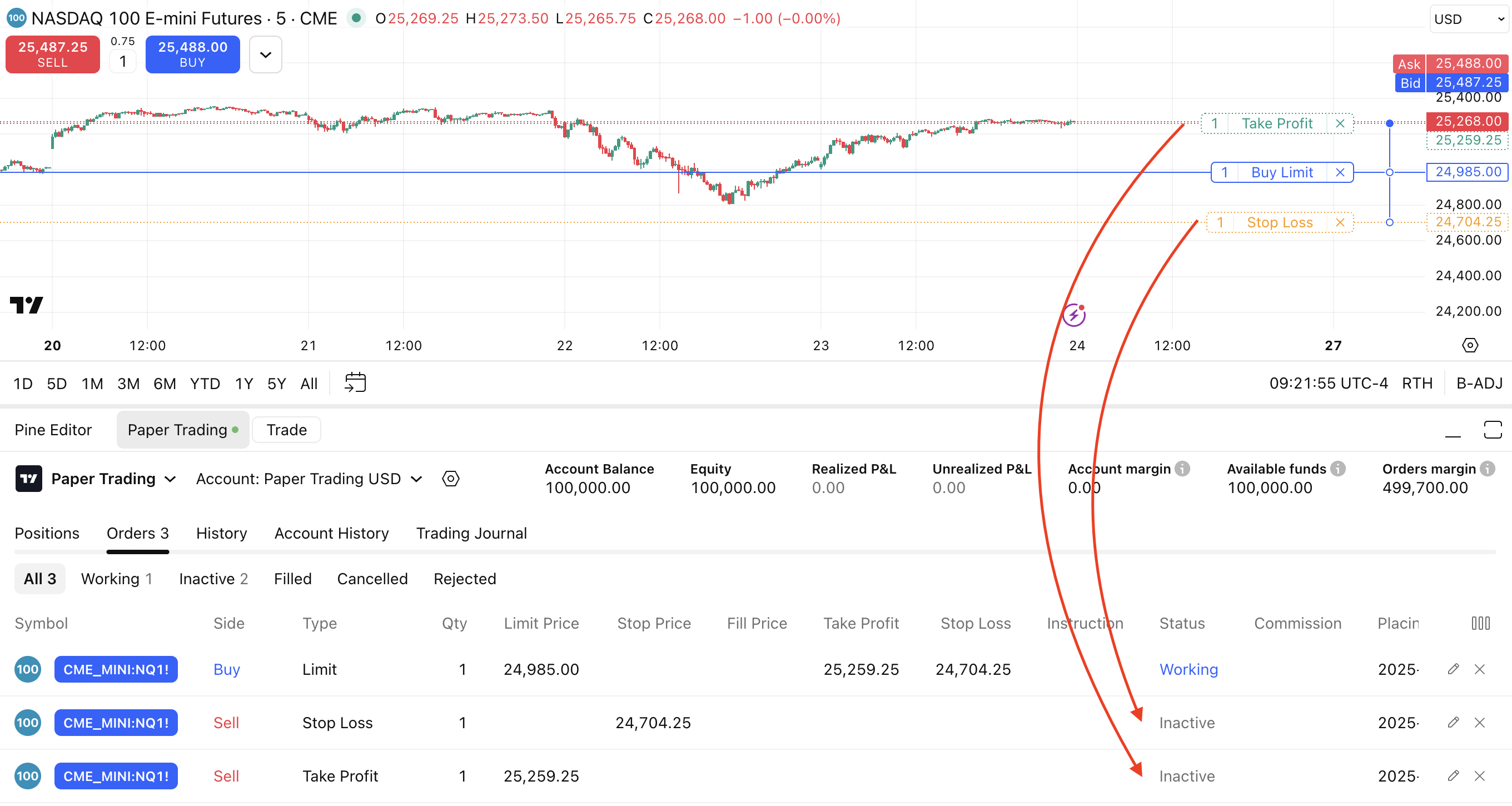
Until the Parent Order has not been executed its status is “Working” while the Levels are “Inactive”.
Inactive status does not mean they are deactivated, it means that they have not been activated yet.
Once an Order turns into a position its status is “Filled” and its Levels are indicated as “Working”.