
Note: This documentation applies to the Nuvexlens Advanced Charting System. Nuvexlens fully supports technical indicators and strategy backtesting to help you make smarter trading decisions.
I'd like to place orders without having to confirm them every time
You can enable “One-click trading” (“One-tap trading” for mobile devices) in your Trading settings:
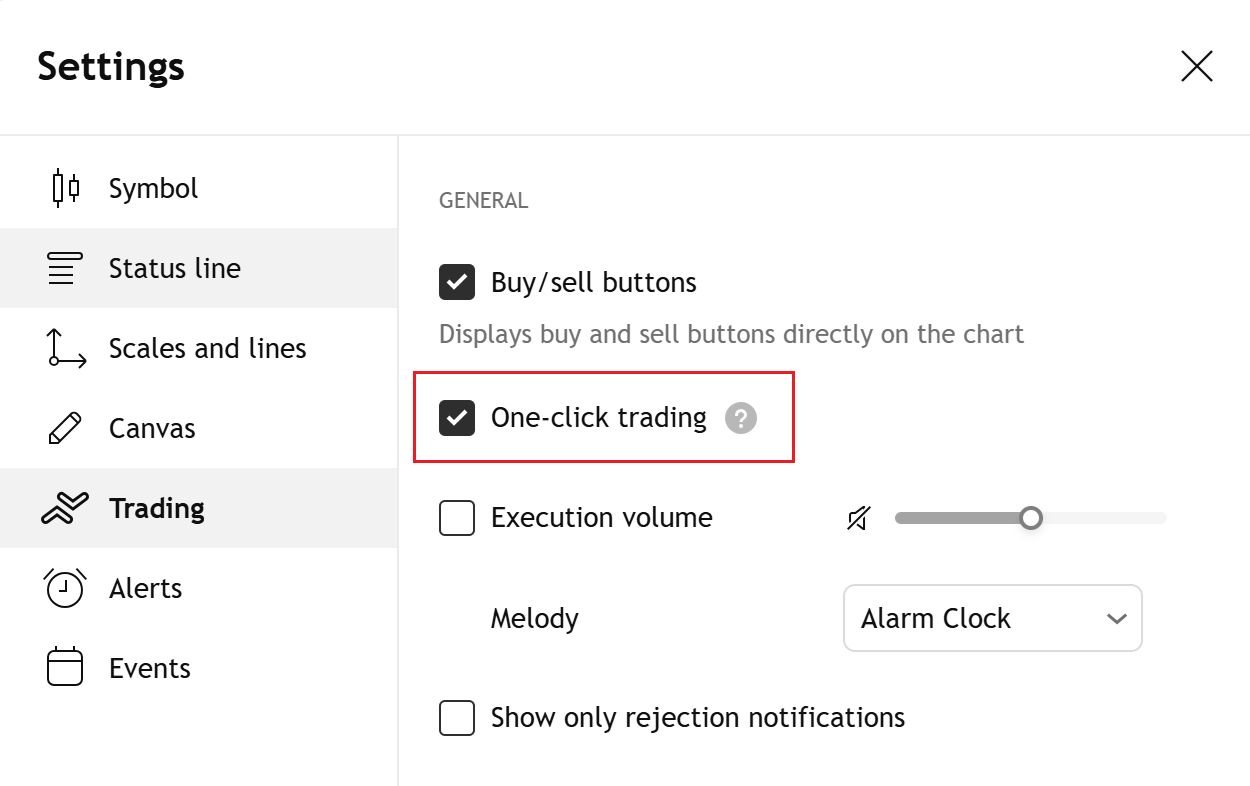
When it’s active, all order-related actions — placing, modifying, canceling orders, or closing positions — are performed immediately, without confirmation windows or the Order Ticket.
One-click / One-tap orders can be placed via:
- The Buy/Sell buttons
- The “+” menu on the price scale
- The context menu (right-click on the chart)
- Built-in keyboard shortcuts
- Order presets, which automatically apply predefined order parameters like quantity, order type, and stop/limit levels
Note: With “One-click trading” enabled, all actions are sent immediately after clicking. Double-check that each click reflects your intended strategy.