
Note: This documentation applies to the Nuvexlens Advanced Charting System. Nuvexlens fully supports technical indicators and strategy backtesting to help you make smarter trading decisions.
How to enable status line on all charts in layout
To display the indicator parameters (Indicator status line) simultaneously on all charts in the window, you need to enable crosshair synchronization in the drop-down menu of your workspace.
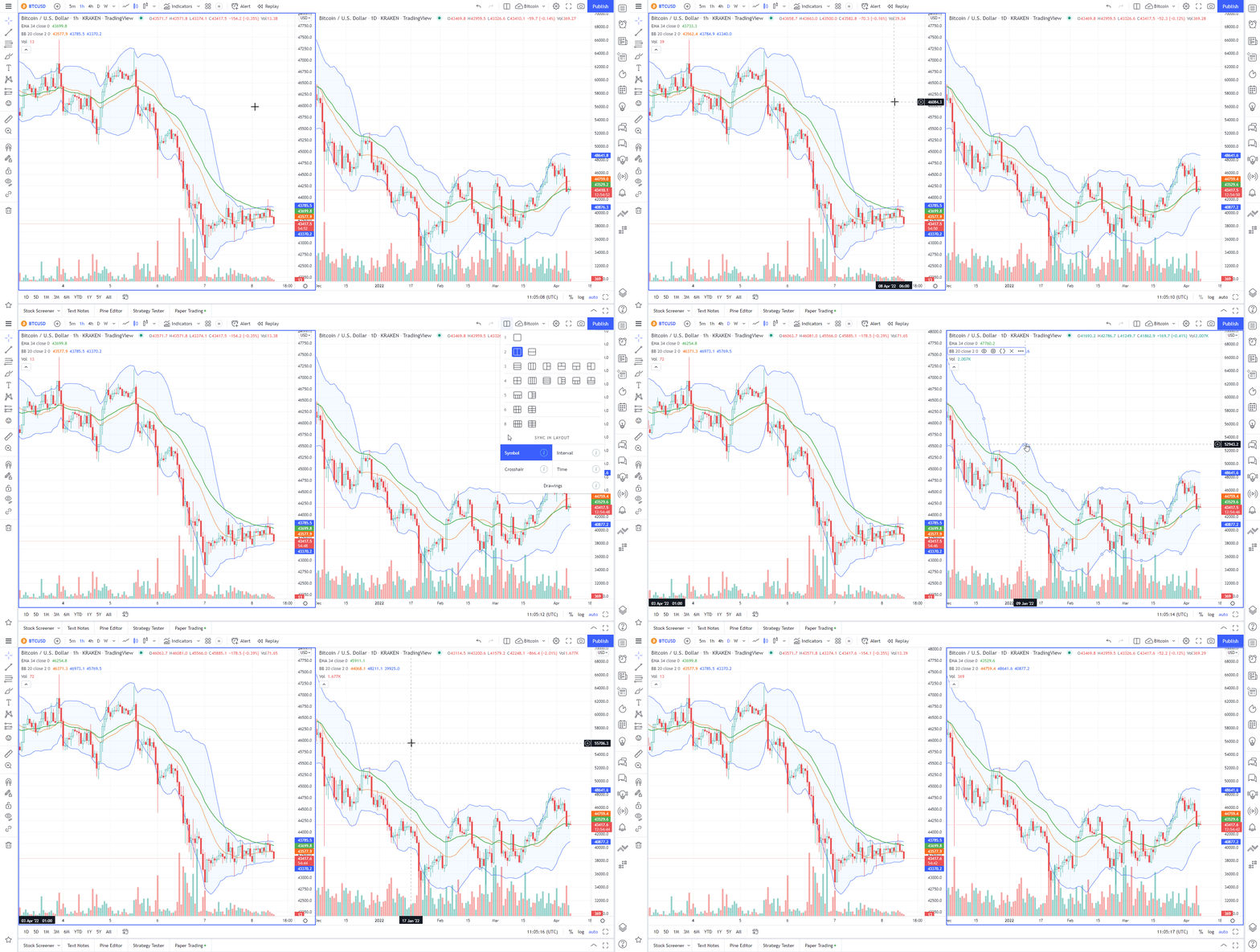
To do this, go to the Select Layout menu located on the top toolbar and activate Crosshair synchronization.