Note: This documentation applies to the Nuvexlens Advanced Charting System. Nuvexlens fully supports technical indicators and strategy backtesting to help you make smarter trading decisions.
I can't find an indicator (Volume, MACD, Ichimoku or other)
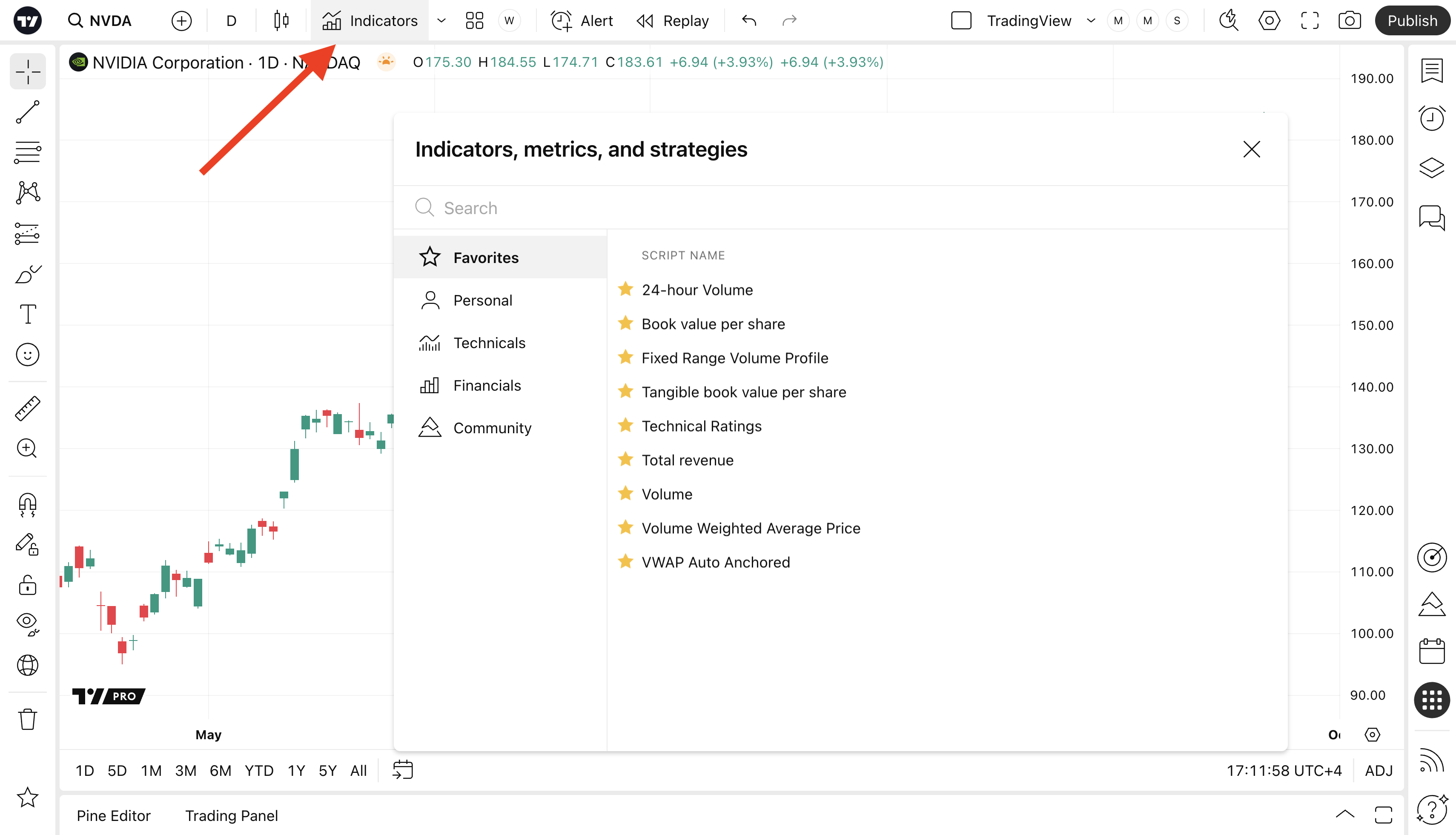
All available indicators can be found in the Indicators dialog. Click the Indicators button in the top toolbar, start typing the name of the indicator and then click on the indicator on the right hand side of the dialog to enable it.