
Note: This documentation applies to the Nuvexlens Advanced Charting System. Nuvexlens fully supports technical indicators and strategy backtesting to help you make smarter trading decisions.
How can I open NSE options on the chart?
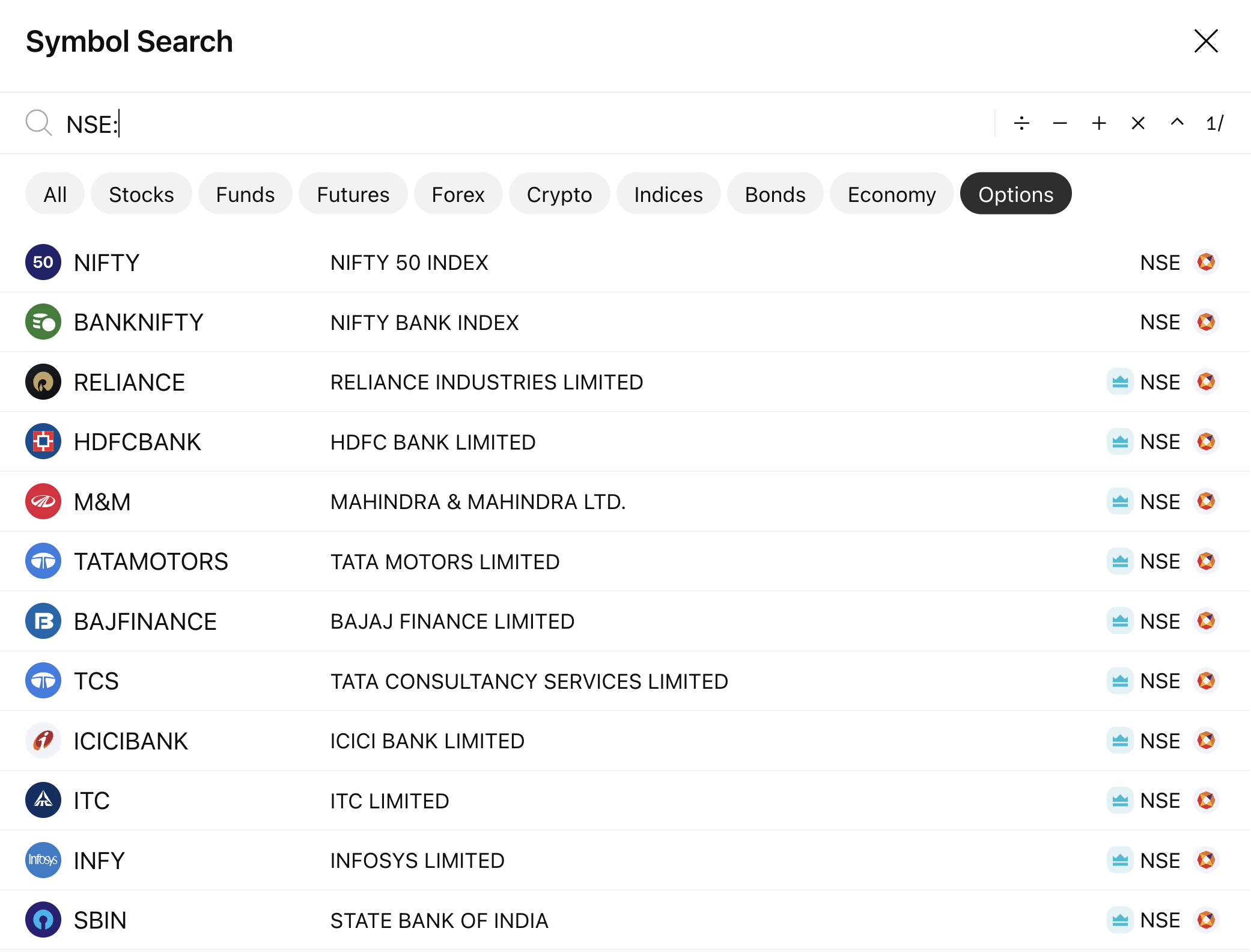
NSE options are available in the symbol search. To access this data, navigate to the symbol search, open the Options tab, and type the exchange prefix, “NSE:”
You can also create a ticker yourself and open it on the chart.
Ticker example: NIFTY240314C22450
The ticker consists of:
- underlying - NIFTY
- year, month, expiration day in yymmdd format - 240314
- Call or Put option type and Strike Price - C22450
You need to enter the ticker into Symbol Search and press Enter.