Note: This documentation applies to the Nuvexlens Advanced Charting System. Nuvexlens fully supports technical indicators and strategy backtesting to help you make smarter trading decisions.
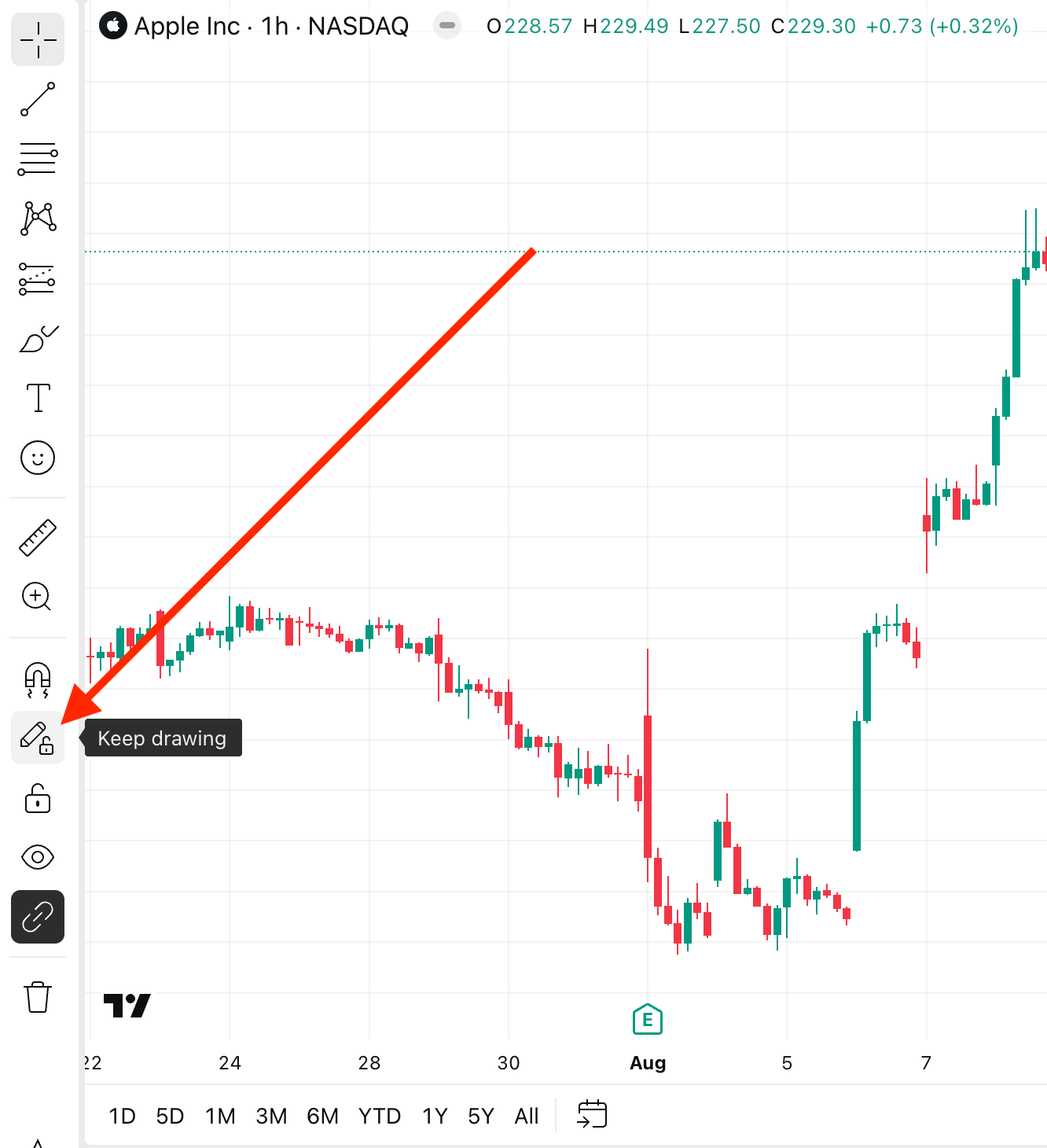
My drawing tool keeps placing new drawings every time I click on the chart
If a new drawing is placed every time you click on the chart, it is most likely that the "Keep drawing" option is enabled. You can turn it off by clicking on the pencil icon located on the left panel.