
Note: This documentation applies to the Nuvexlens Advanced Charting System. Nuvexlens fully supports technical indicators and strategy backtesting to help you make smarter trading decisions.
How to change the time frame quickly
The timeframe buttons at the top represent favorite timeframes. You can add an interval to your favorites by clicking on the star icon next to it and quickly change the time frame by selecting it from the top panel.
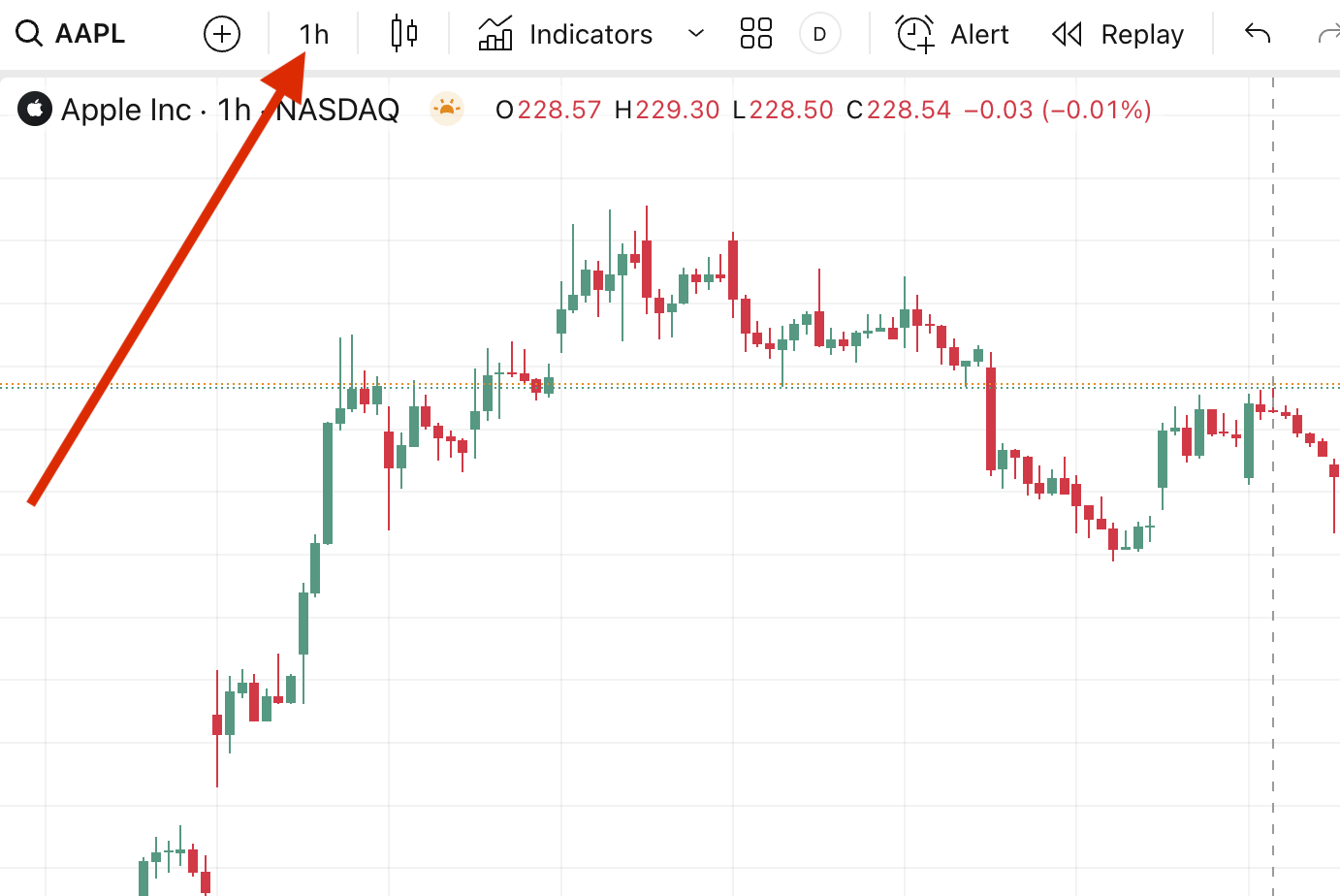
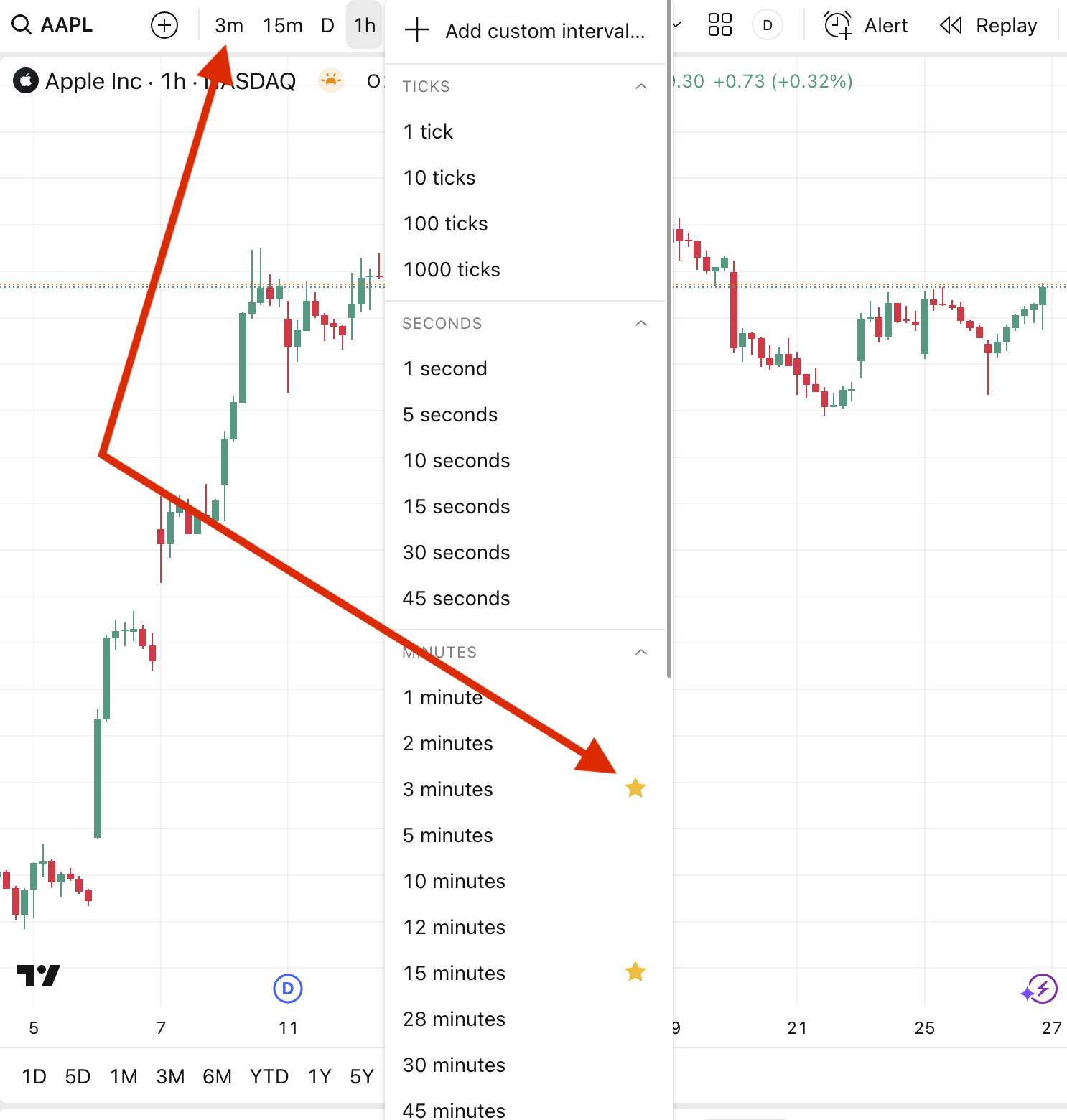
Alternatively, it is possible to change the interval by using your keyboard: just start typing the number. For example, if you want to set a 125-minute interval, type "125" on your keyboard and press the Enter key.
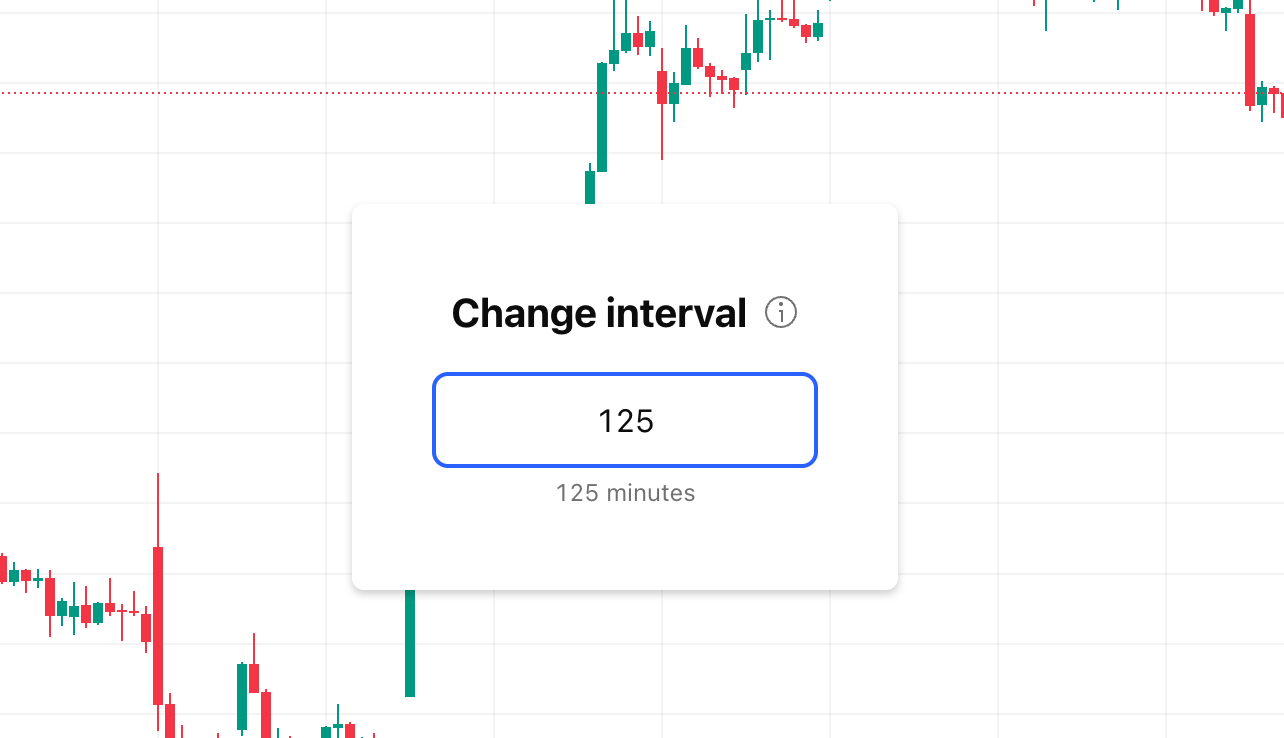
Letters for defining the time period: 2 - 2 minutes, 12D - 12 days, 1W - 1 week, 3M - 3 months (numbers are provided just as an example).