
Note: This documentation applies to the Nuvexlens Advanced Charting System. Nuvexlens fully supports technical indicators and strategy backtesting to help you make smarter trading decisions.
The changes I make are not saved in my layout
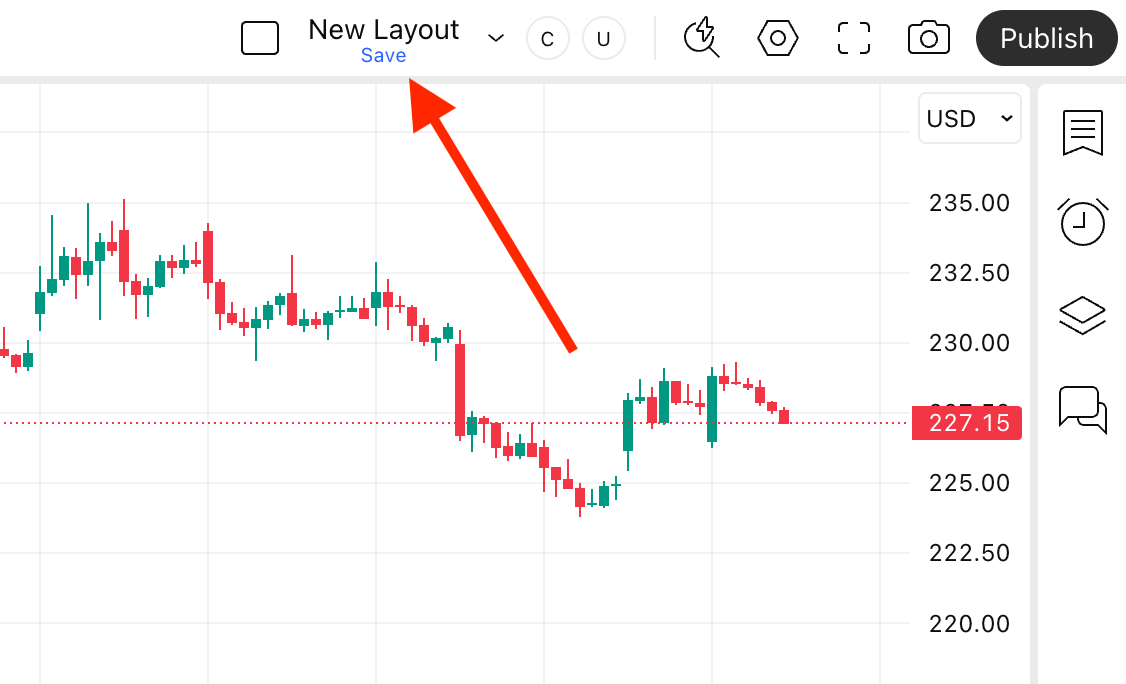
If a layout has unsaved changes, a blue "Save" sign appears under the layout’s name. If you see this message, save your layout before closing the page to avoid losing your latest changes.
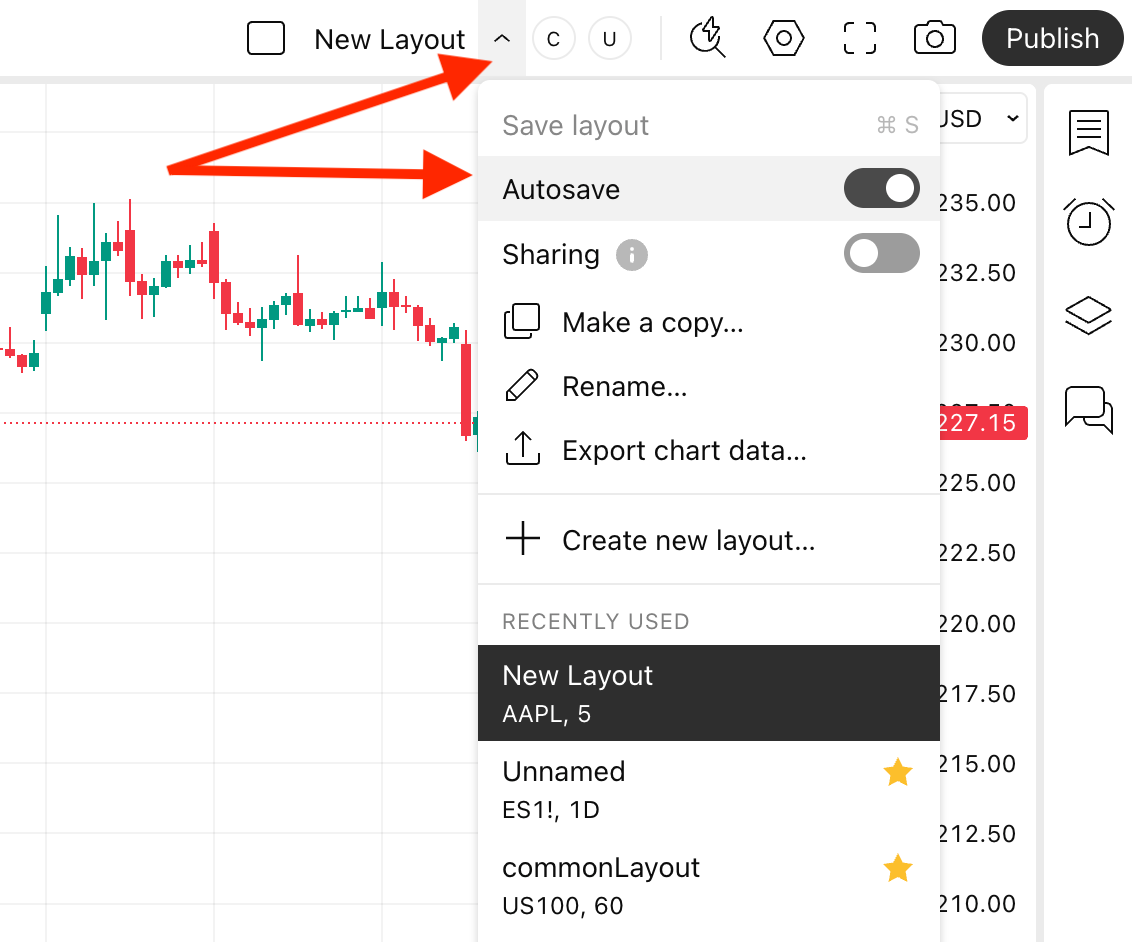
You can also enable the autosave option. When autosave is enabled, created drawing objects and their changes are saved instantly.
In case you work with the same layout in multiple tabs, we strongly recommend manually saving the layout in every tab after any changes.