Note: This documentation applies to the Nuvexlens Advanced Charting System. Nuvexlens fully supports technical indicators and strategy backtesting to help you make smarter trading decisions.
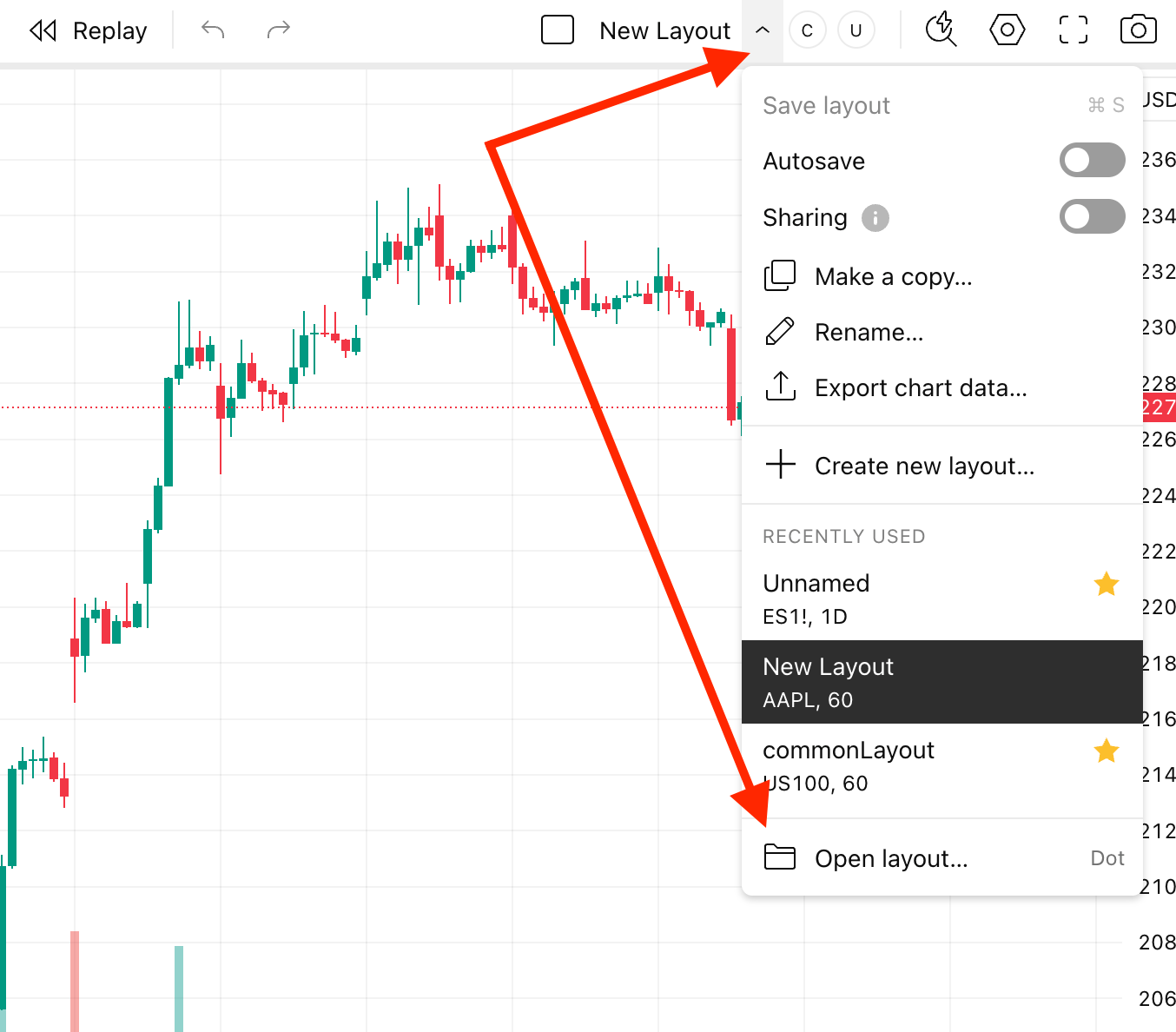
How to view all saved layouts?
To view all your saved layouts, open the layouts drop-down menu and click on the "Open layout" button. Alternatively, you can use the Dot shortcut.