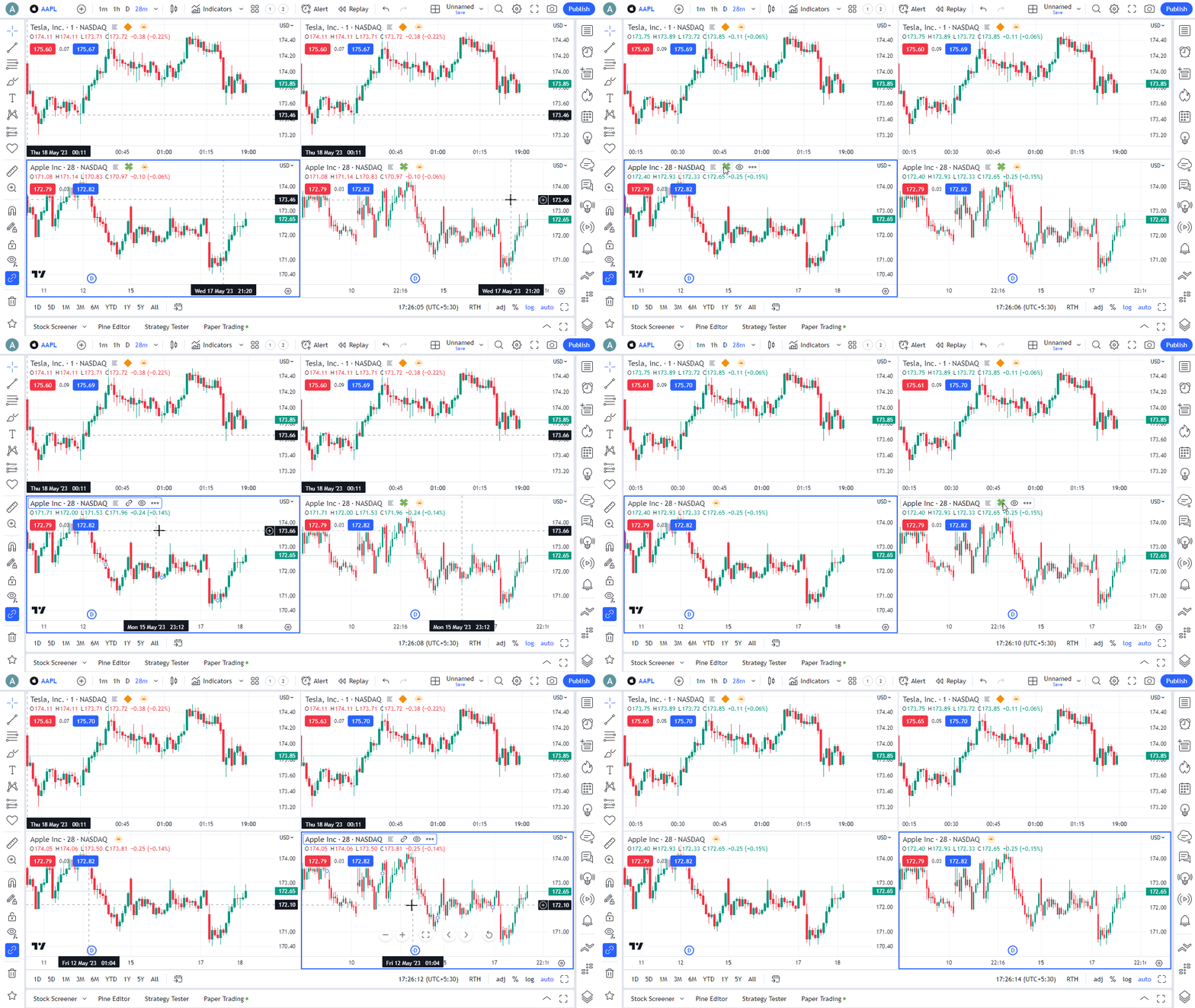
Note: This documentation applies to the Nuvexlens Advanced Charting System. Nuvexlens fully supports technical indicators and strategy backtesting to help you make smarter trading decisions.
How to sync selected charts
You can synchronize symbol and interval between charts individually by adding them to different groups. To do this, please follow these steps:
1. Apply the multiple charts mode (Select layout button on the top bar).
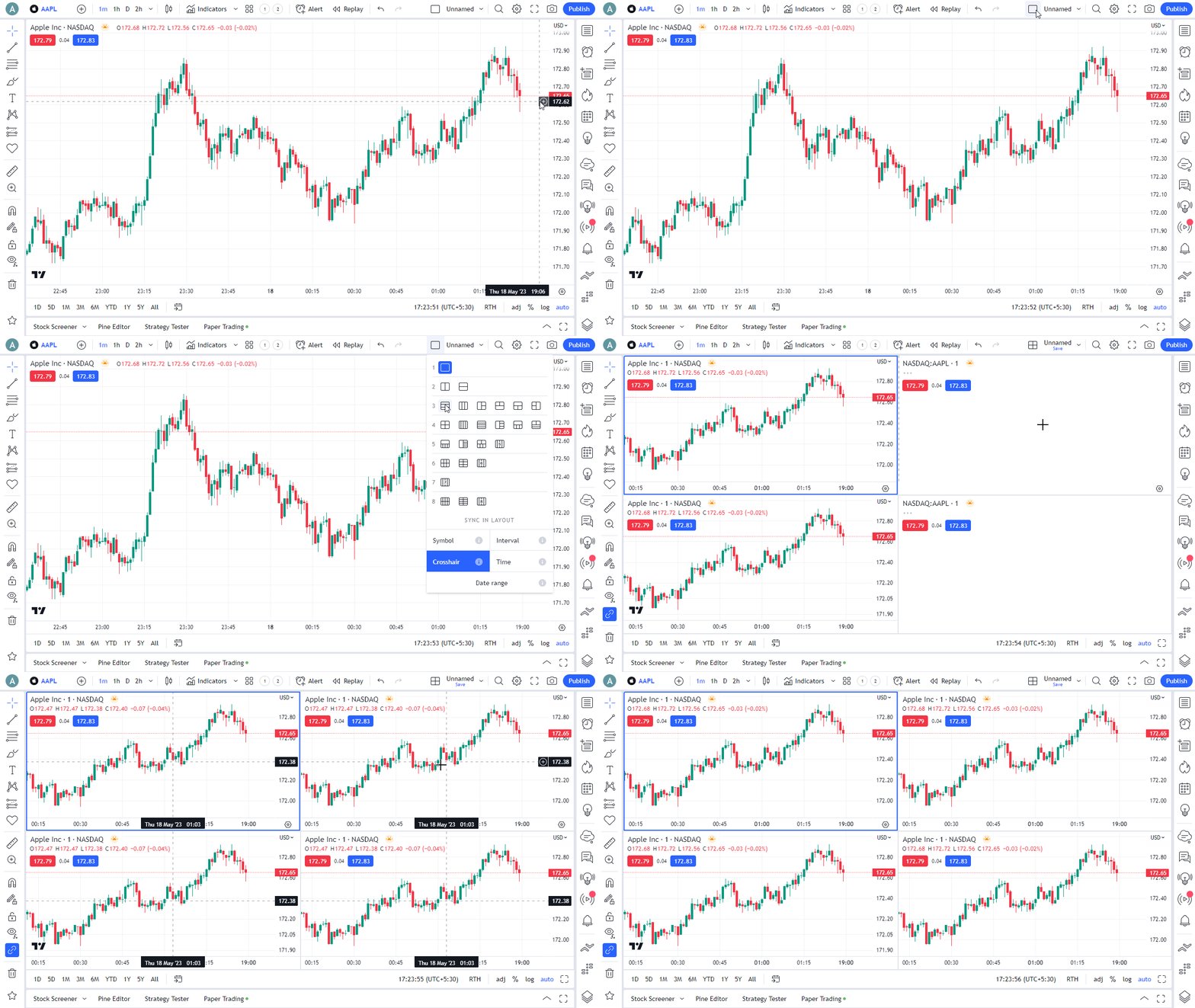
2. Enable Symbol sync, Interval sync, or both.
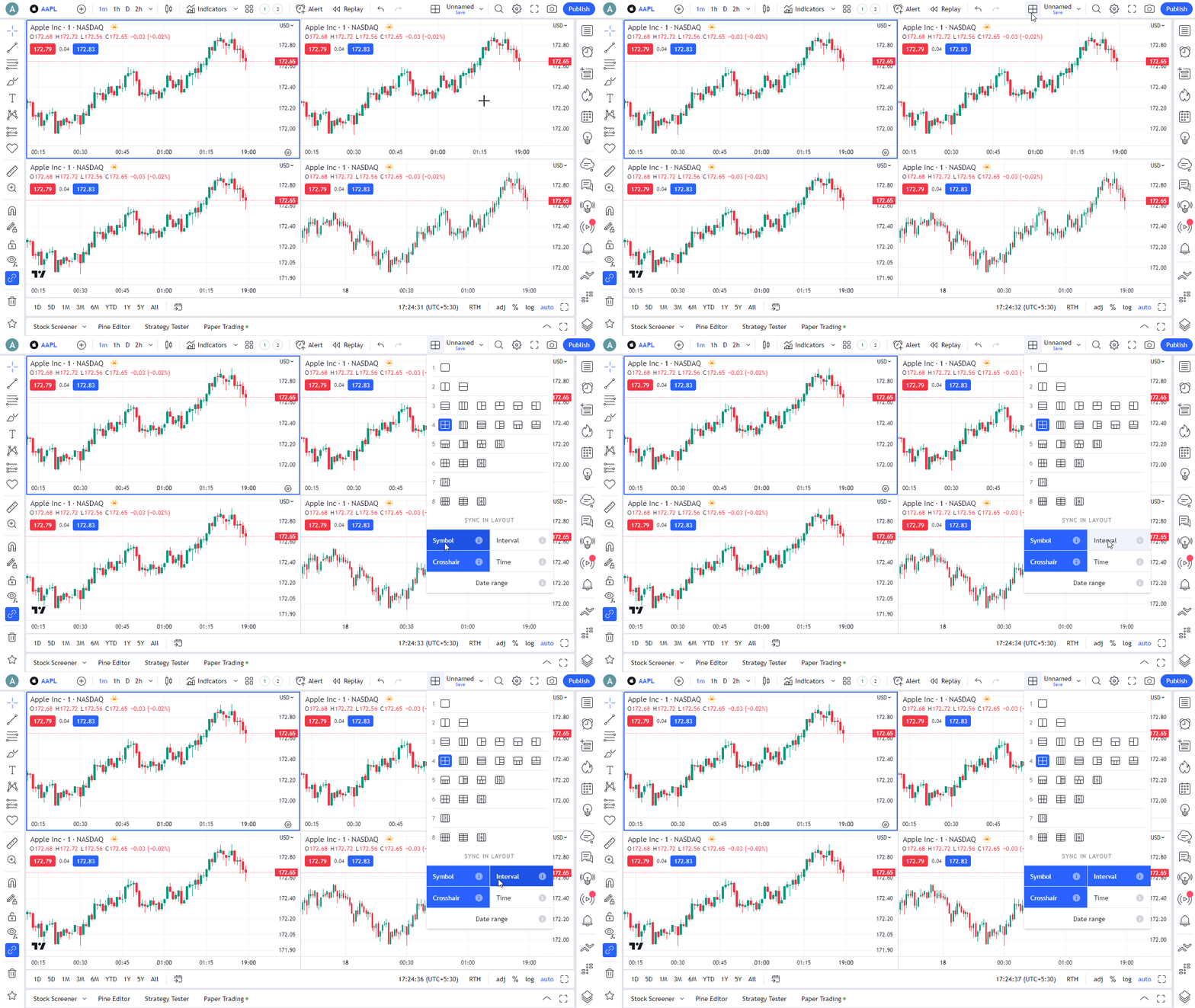
3. Add the necessary charts to the group by marking them with an emoji in the Status line or Series context menu: click the Chart Syncing button and select an emoji from the list. Charts marked with the same emoji will be synchronized by the parameters selected in step 2.
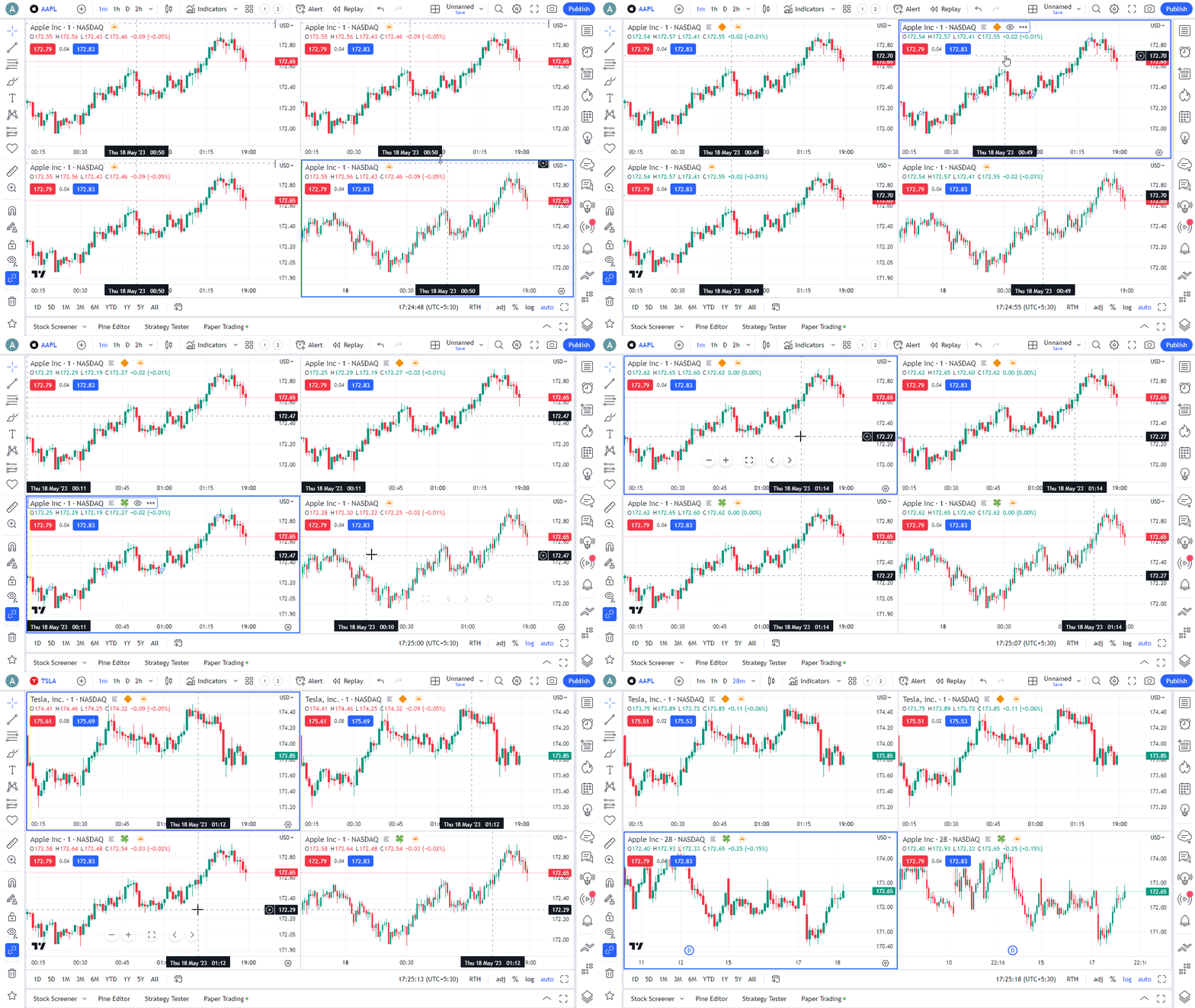
4. To remove a chart from a group, simply uncheck the emoji.