Note: This documentation applies to the Nuvexlens Advanced Charting System. Nuvexlens fully supports technical indicators and strategy backtesting to help you make smarter trading decisions.
How to enable/disable floating data tooltip?
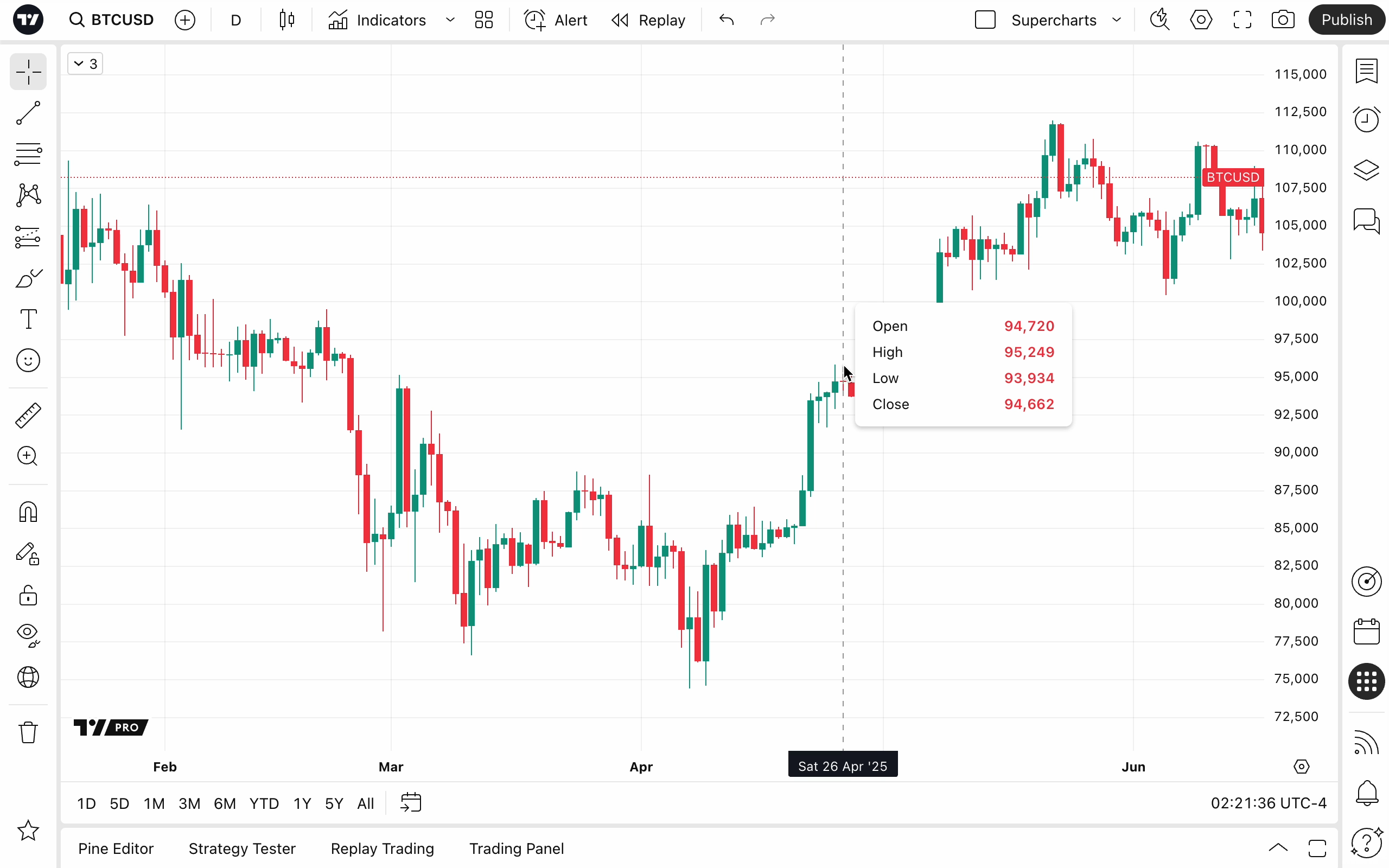
You can access in-depth information about the symbol and indicators on your chart by simply clicking and holding the left mouse button anywhere on the chart:
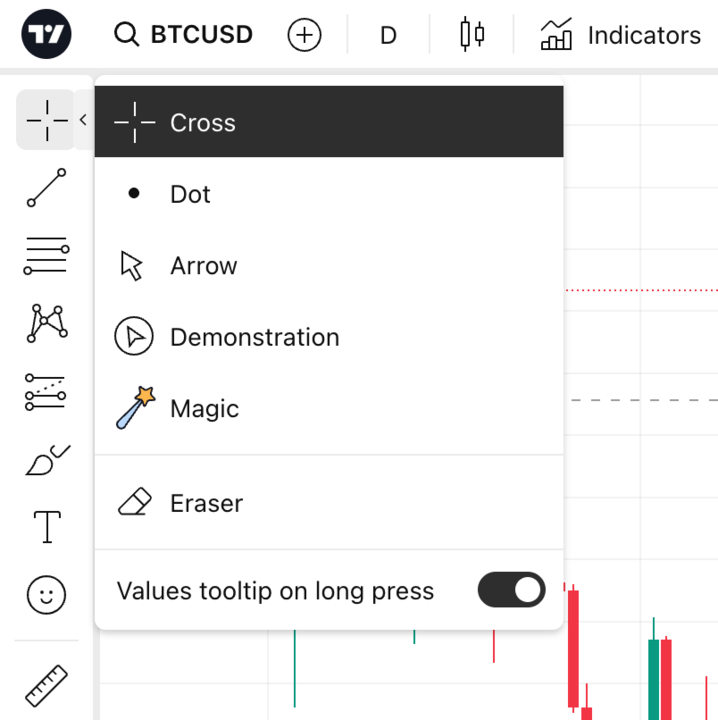
To disable this feature, you can toggle it off anytime from the cursor type menu located in the left toolbar: