Note: This documentation applies to the Nuvexlens Advanced Charting System. Nuvexlens fully supports technical indicators and strategy backtesting to help you make smarter trading decisions.
How can I highlight electronic session on futures?
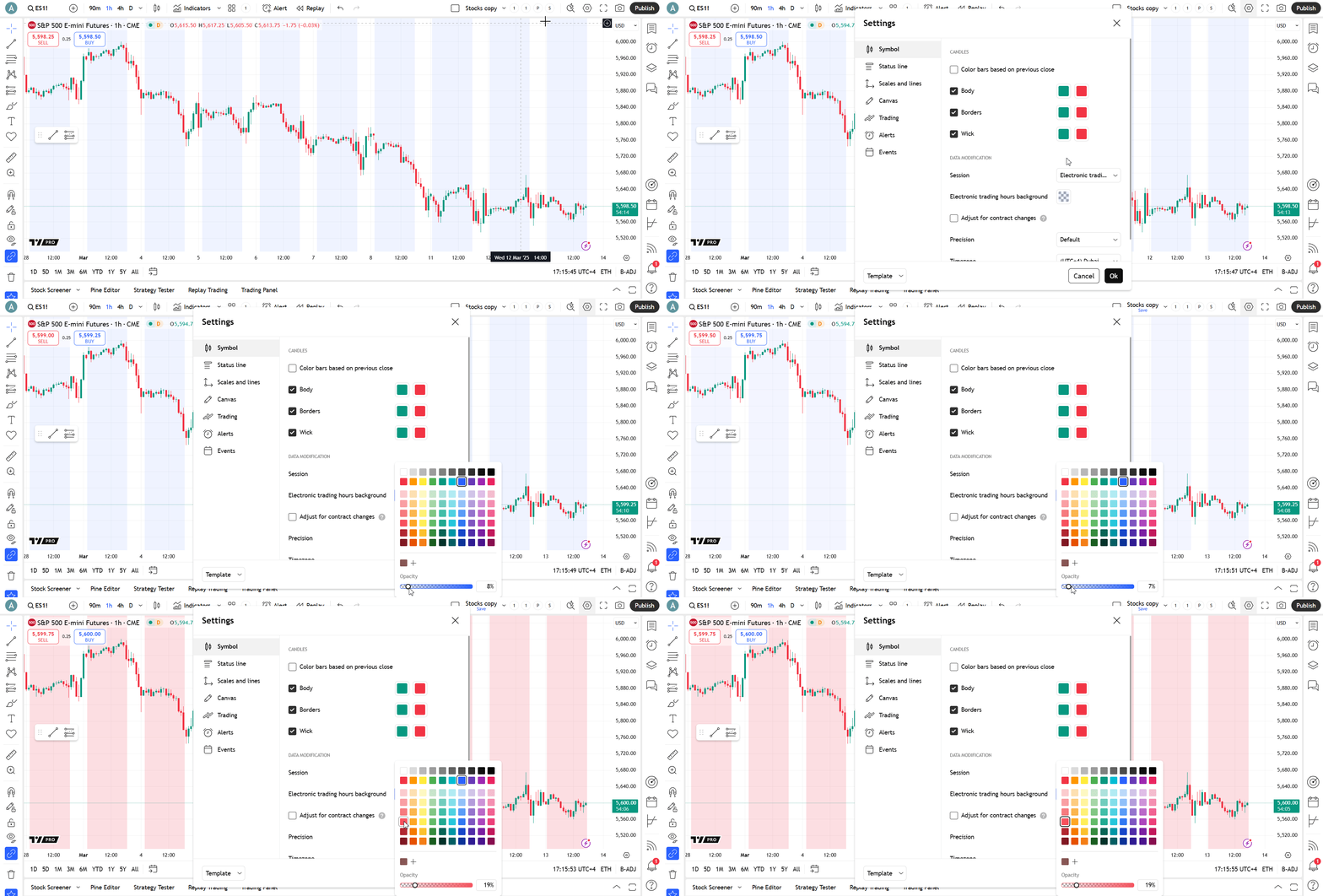
By default, electronic session is enabled on futures symbols. You can see the highlighted area on intraday intervals, it marks electronic trading hours. To disable this highlighting or change its color, open Chart settings -> Symbol tab and choose the color and/or opacity for Electronic trading hours background setting.