
Note: This documentation applies to the Nuvexlens Advanced Charting System. Nuvexlens fully supports technical indicators and strategy backtesting to help you make smarter trading decisions.
How do I disable Executions in Bar Replay?
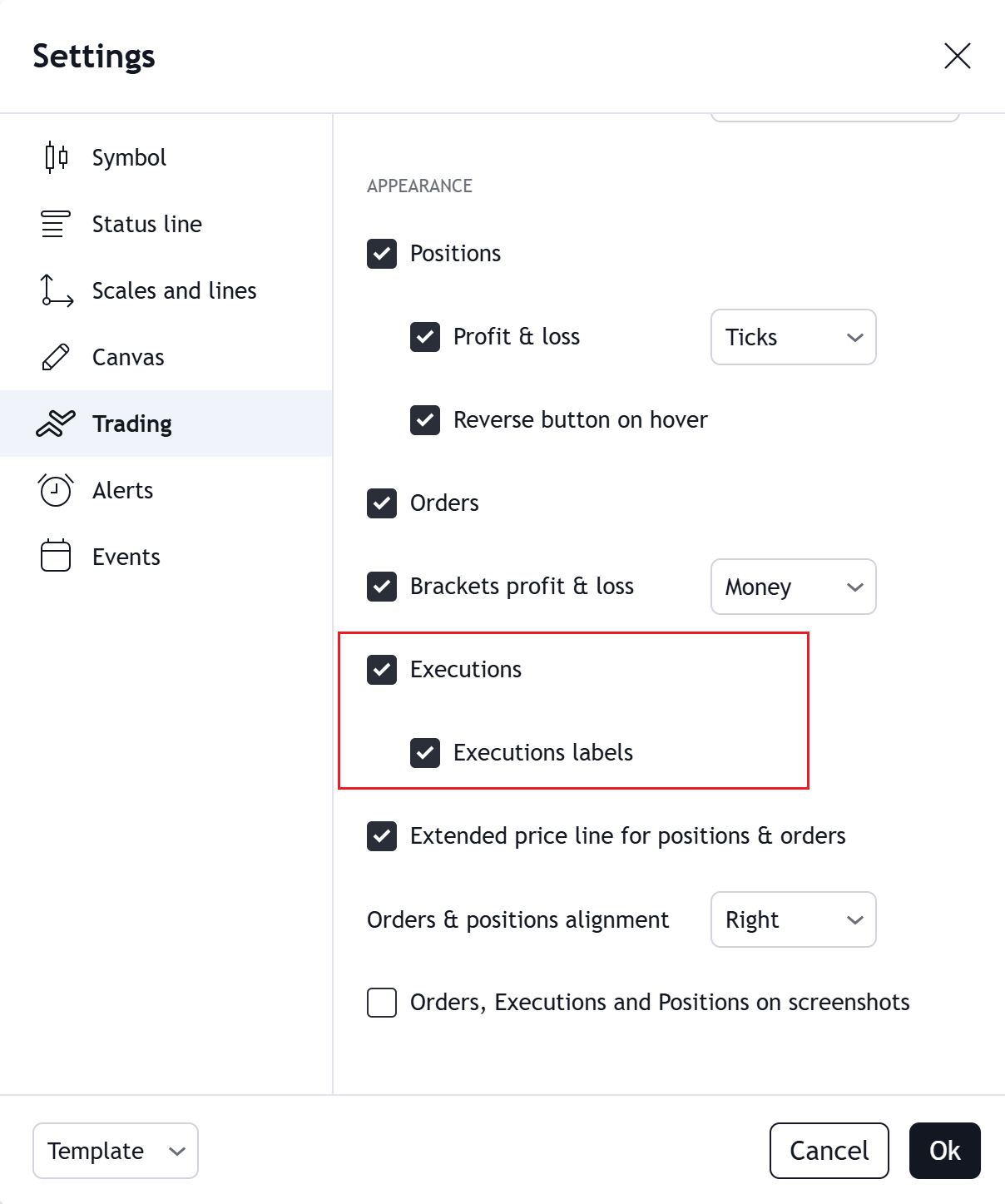
It may not be very intuitive at the moment, but you can currently disable executions and execution labels in Bar Replay mode through the Trading settings.
To do this:
- Open Settings in Nuvexlens.
- Navigate to the Trading tab.
- Turn off Executions and Execution Labels.
This will prevent executions and their labels from appearing on the chart while you use Bar Replay.
We are working on expanding trading settings for Bar Replay mode. In the future, most trading preferences will be directly integrated into Replay mode, making the experience more consistent.