Note: This documentation applies to the Nuvexlens Advanced Charting System. Nuvexlens fully supports technical indicators and strategy backtesting to help you make smarter trading decisions.
Magnet Mode
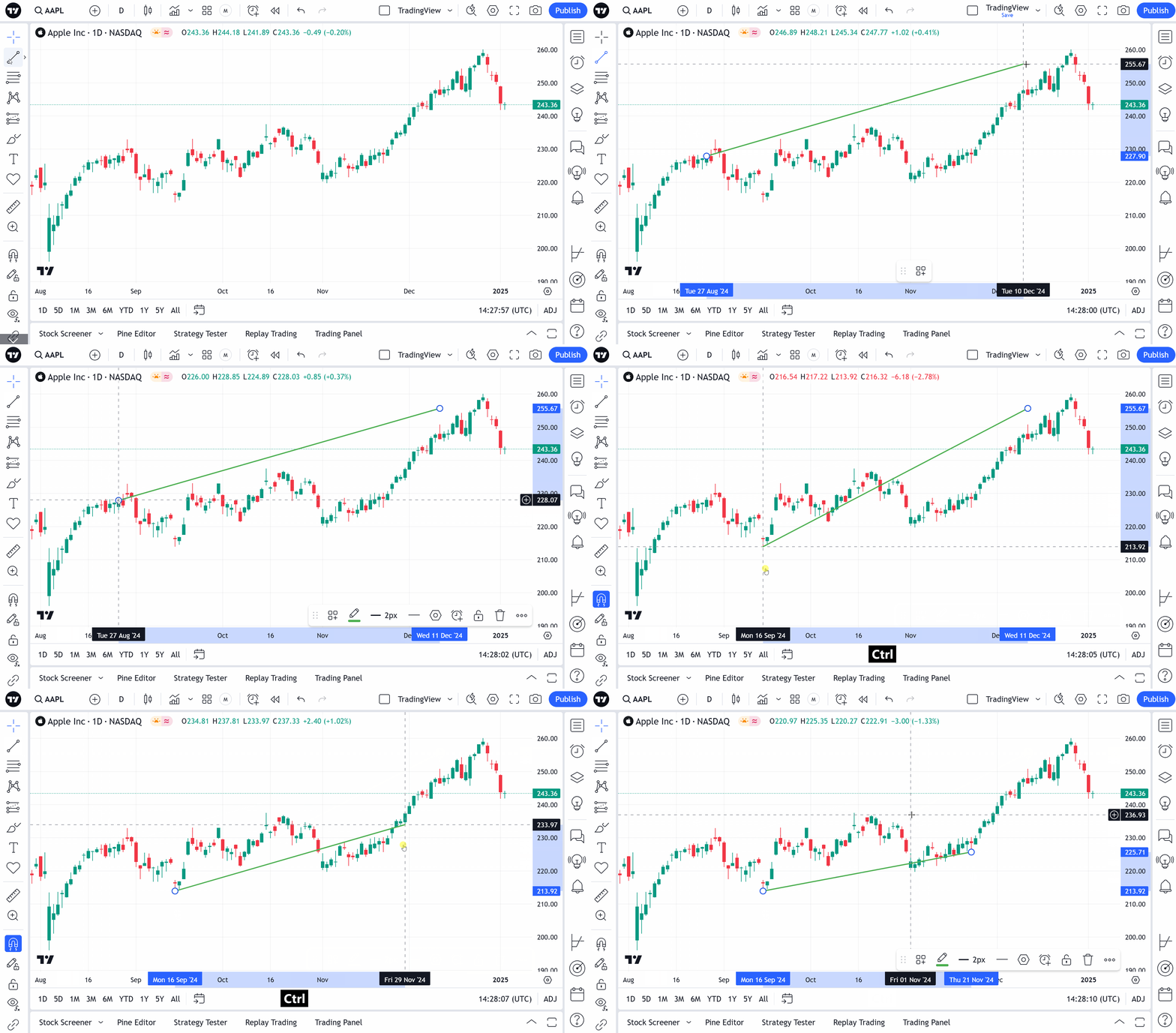
You can temporarily turn the magnet feature on by following these simple steps:
- Select your preferred drawing tool
- Hold CTRL/Command and start drawing an element
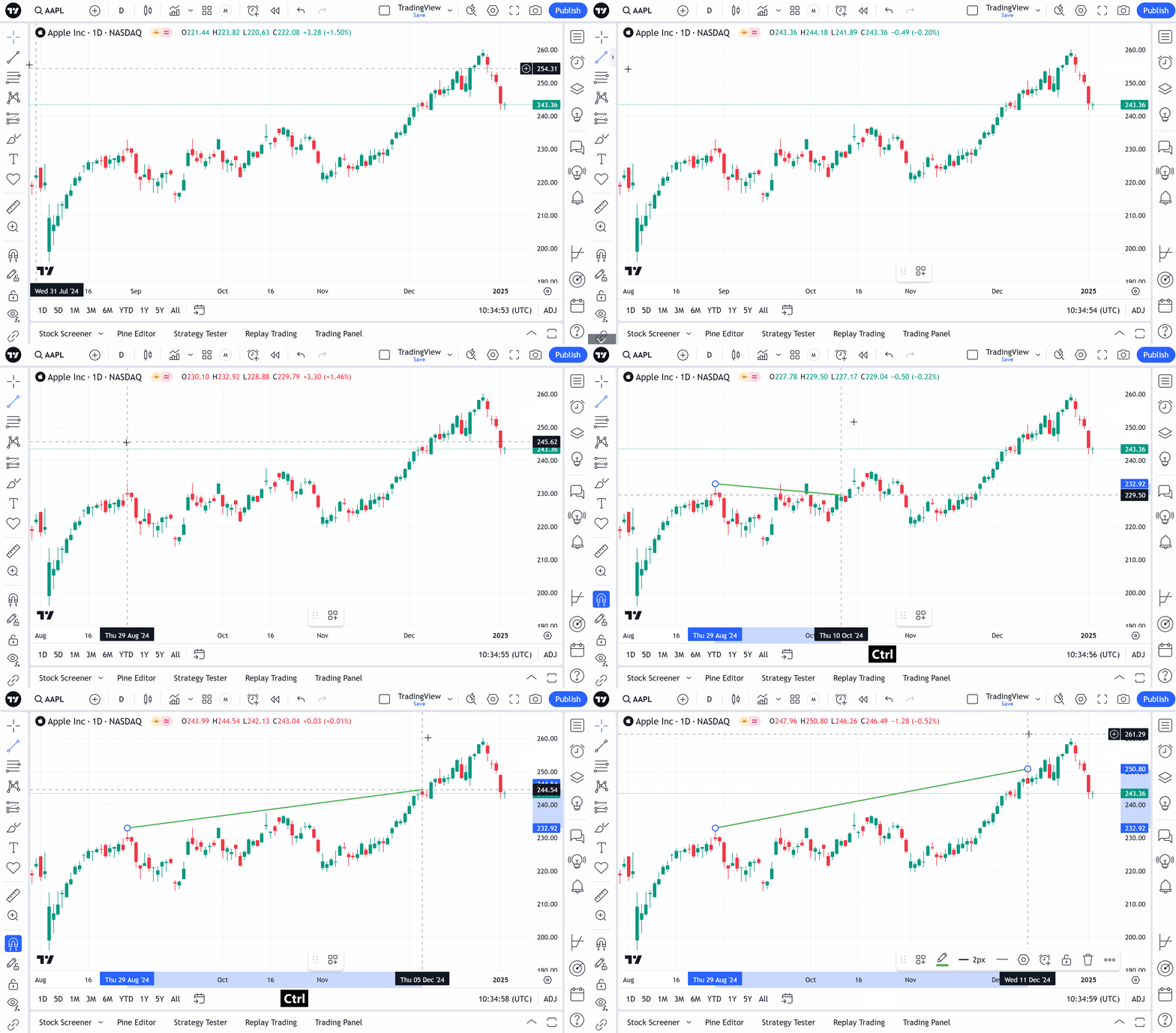
If the magnet mode is on, you can temporarily turn it off by holding CTRL/Command.
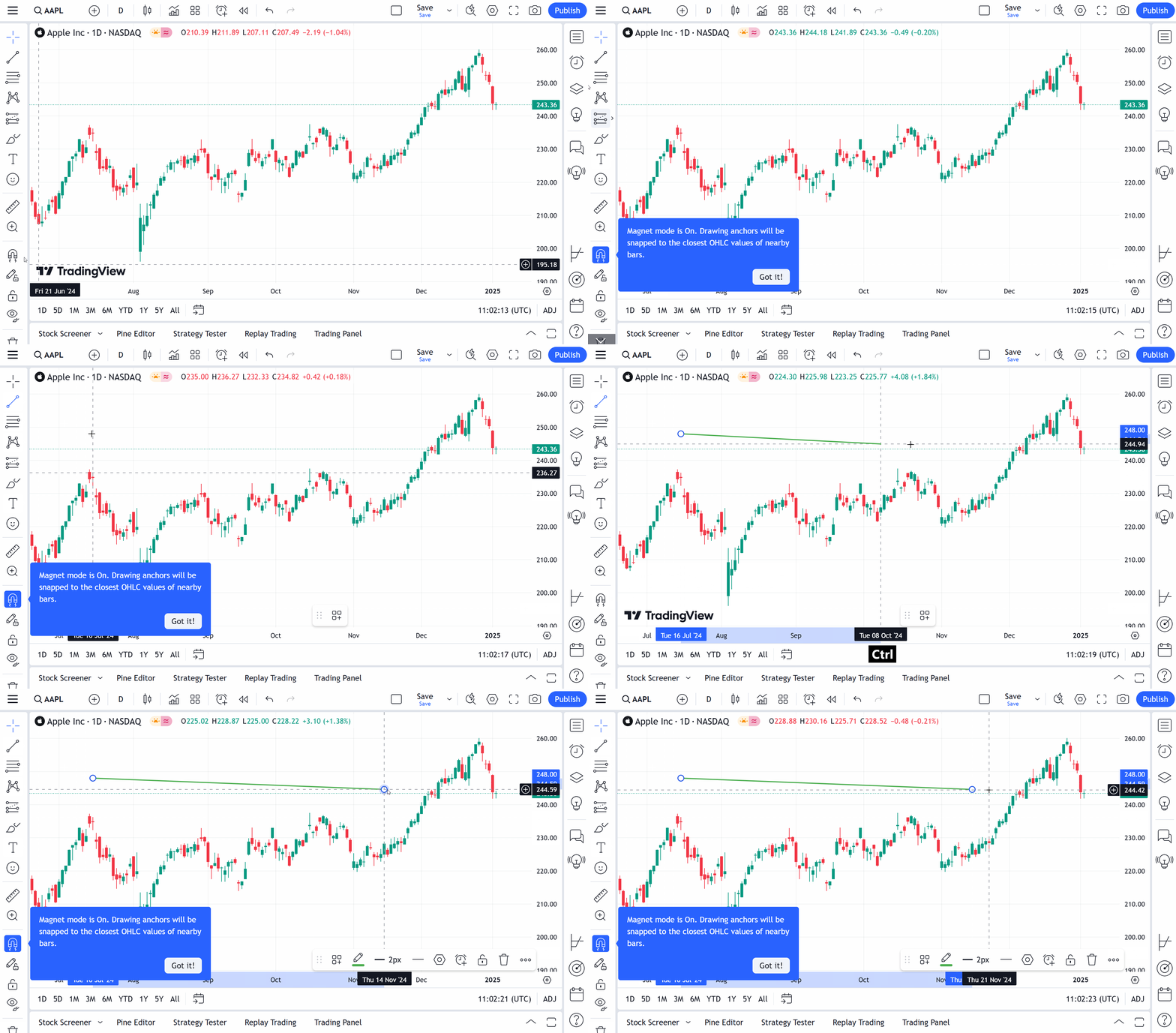
You can also turn magnet mode on/off by holding CTRL/Command, while editing drawings on the chart.