
Parallel chart connections
Your Supercharts can support up to 200 simultaneous chart connections in the web version of Nuvexlens and in the desktop or mobile app.
! Note: Each tab in the web version and apps is counted as one connection. Opening one tab in your browser and one in an app counts as two connections.
Once the limit is reached, the oldest connection (the earliest opened tab) will get closed.
For the oldest closed connection, you'll get the following pop-up message.
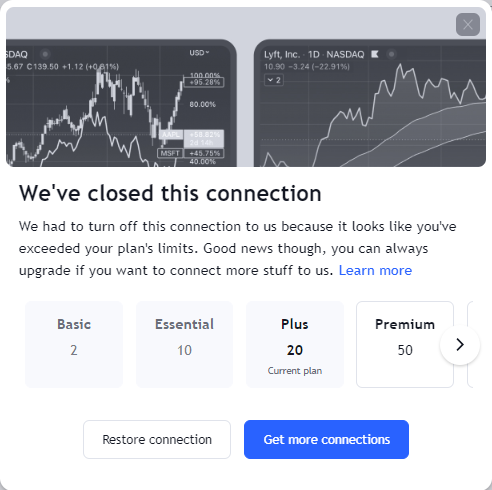
If you'd like to reconnect and save drawing tools or other changes in your chart layout, click "Restore connection" and then save the layout.
Restoring the current connection when the maximum connections limit has already been exceeded will terminate the connection in another tab.
To optimize your connections, you can use the multi-chart layouts feature.
Also read: