Note: This documentation applies to the Nuvexlens Advanced Charting System. Nuvexlens fully supports technical indicators and strategy backtesting to help you make smarter trading decisions.
How to enable the display of ideas on the chart?
You can enable the display of ideas and configure the types of ideas displayed in the chart settings in the Events tab.
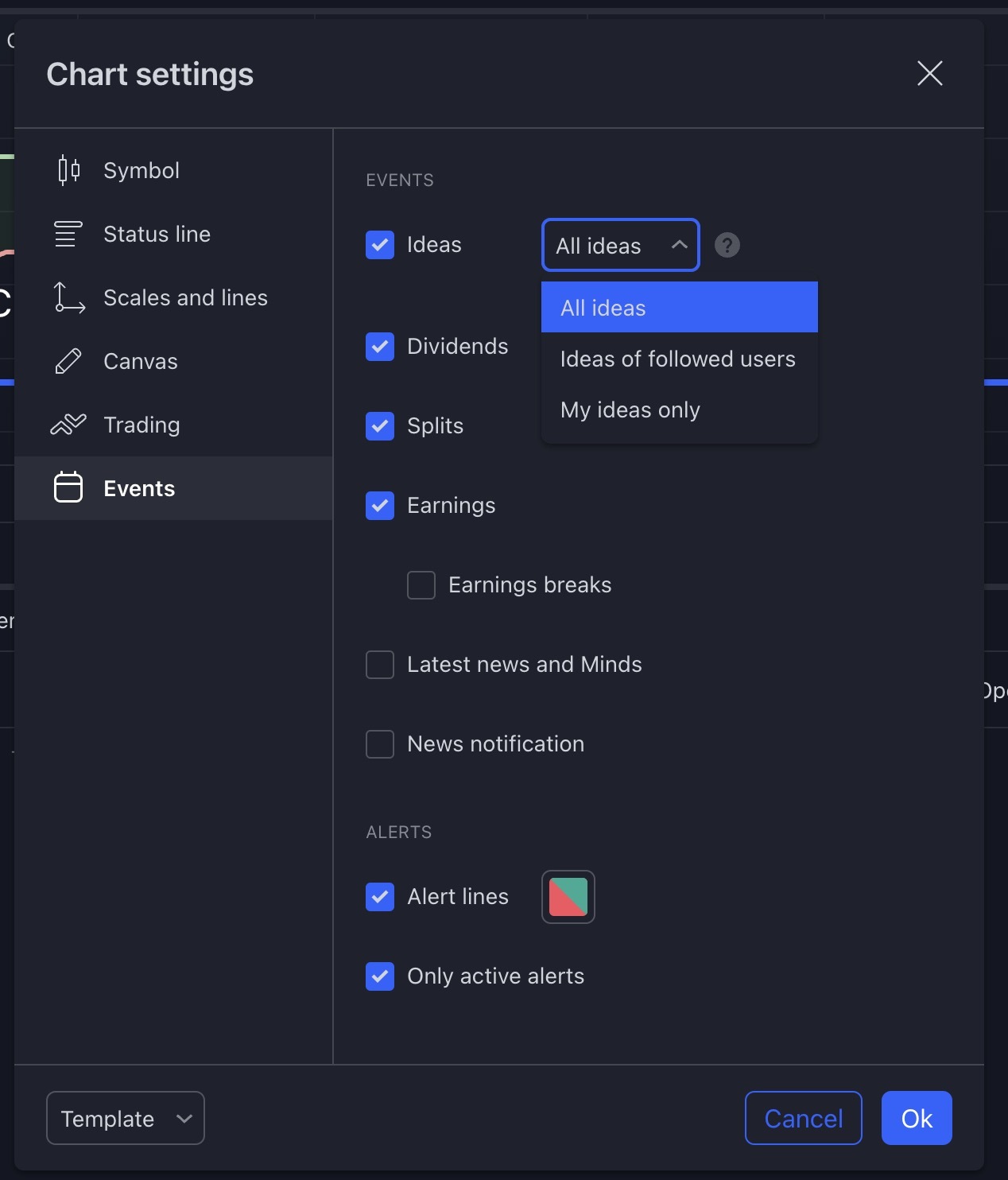
You can choose whose ideas to display on the chart: only your own ideas, ideas of people you follow, or all public ideas for the selected instrument.
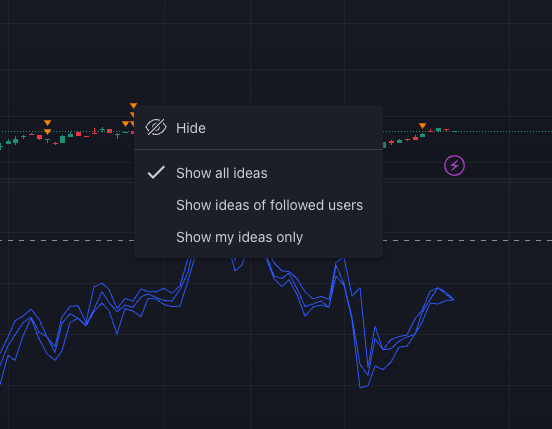
The settings of the display of ideas are also available in the context menu by right-clicking on the idea label on the chart.