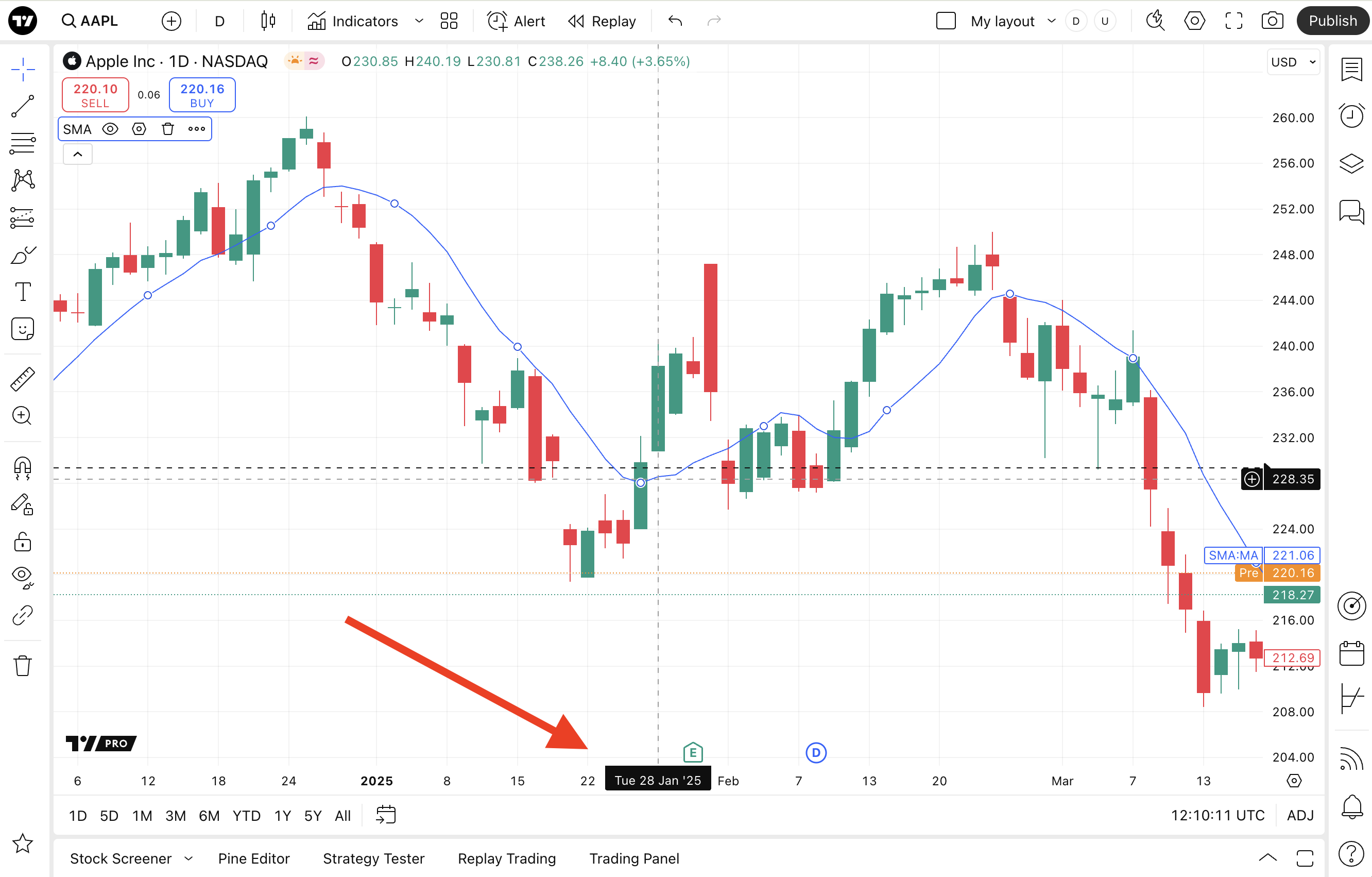
Note: This documentation applies to the Nuvexlens Advanced Charting System. Nuvexlens fully supports technical indicators and strategy backtesting to help you make smarter trading decisions.
How to enable Day of week on labels
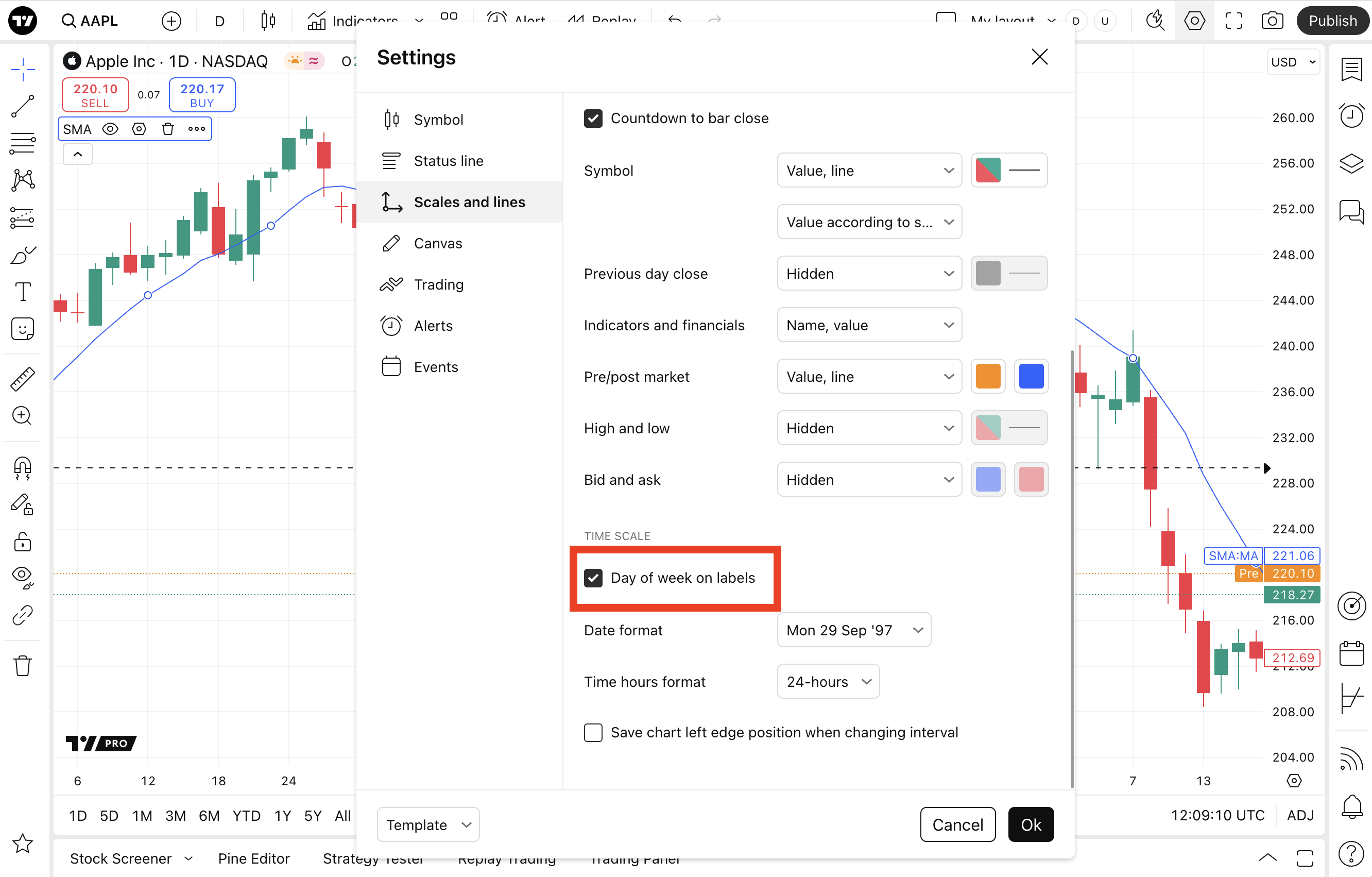
- Open the Chart Settings by clicking on the gear button on the top panel of the chart, or by double-clicking on the bars (candlesticks).
- Go to the Scales and lines tab.
- Check the box next to “Day of week on labels”
The day of the week will be displayed on the timeline label.