Note: This documentation applies to the Nuvexlens Advanced Charting System. Nuvexlens fully supports technical indicators and strategy backtesting to help you make smarter trading decisions.
Expiration date of futures contracts on the chart
For your convenience when working with futures contracts, we have added an icon on the expiration date of the futures contract.
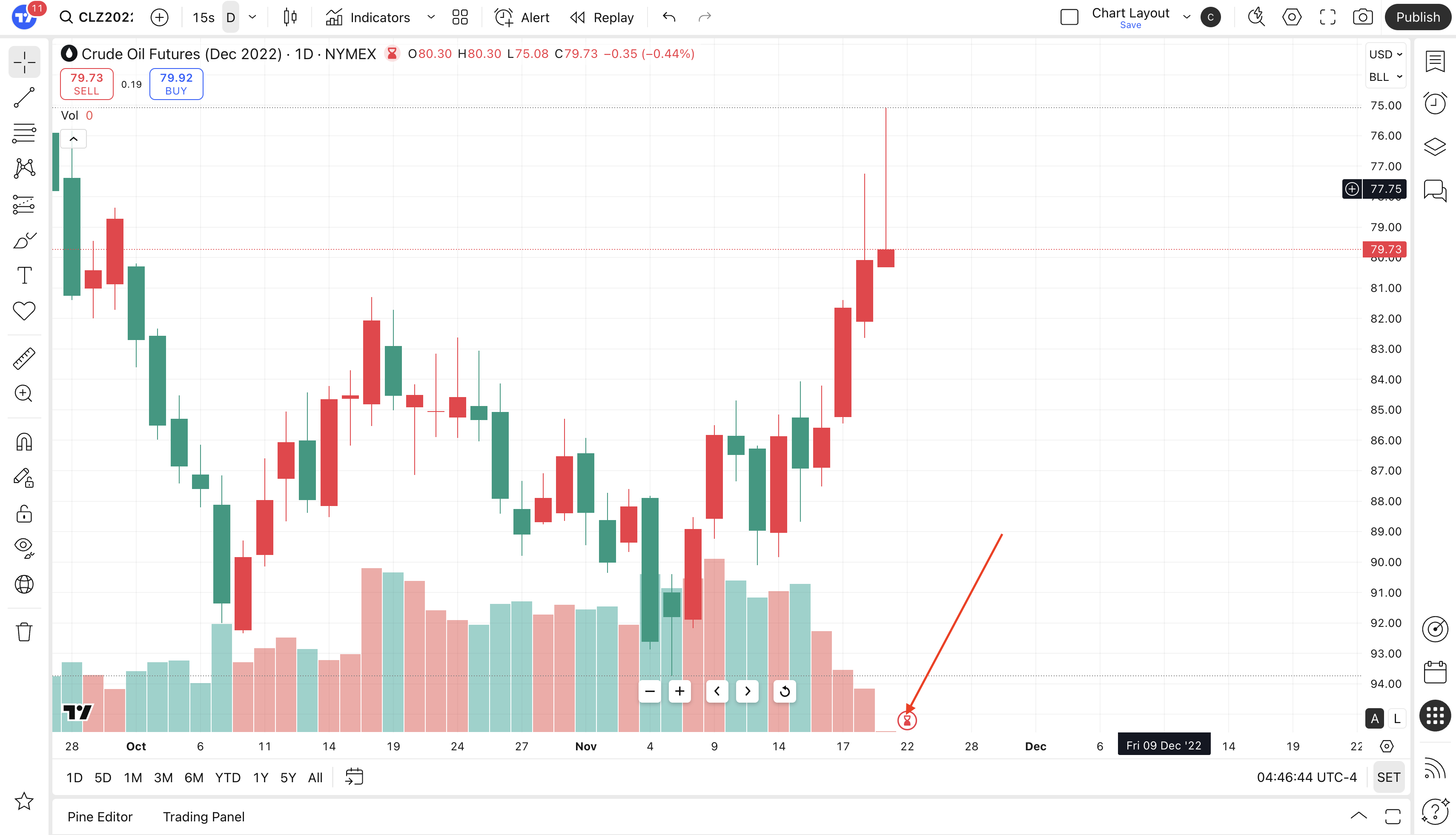
The icon is red if the contract has already expired, and gray if it hasn't.
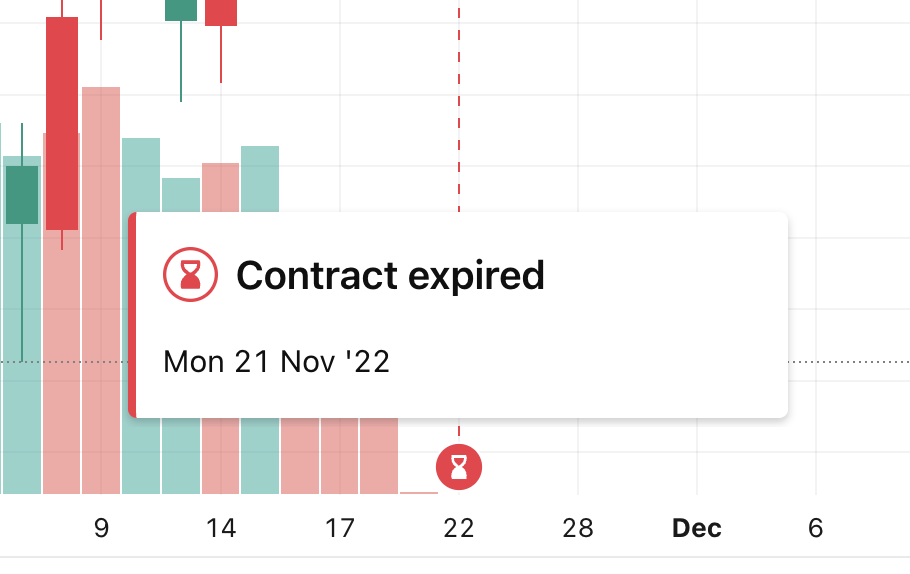
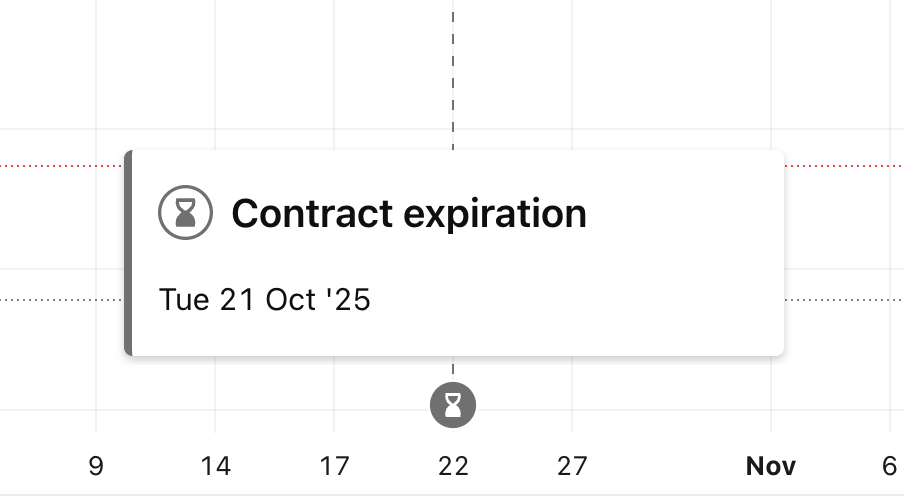
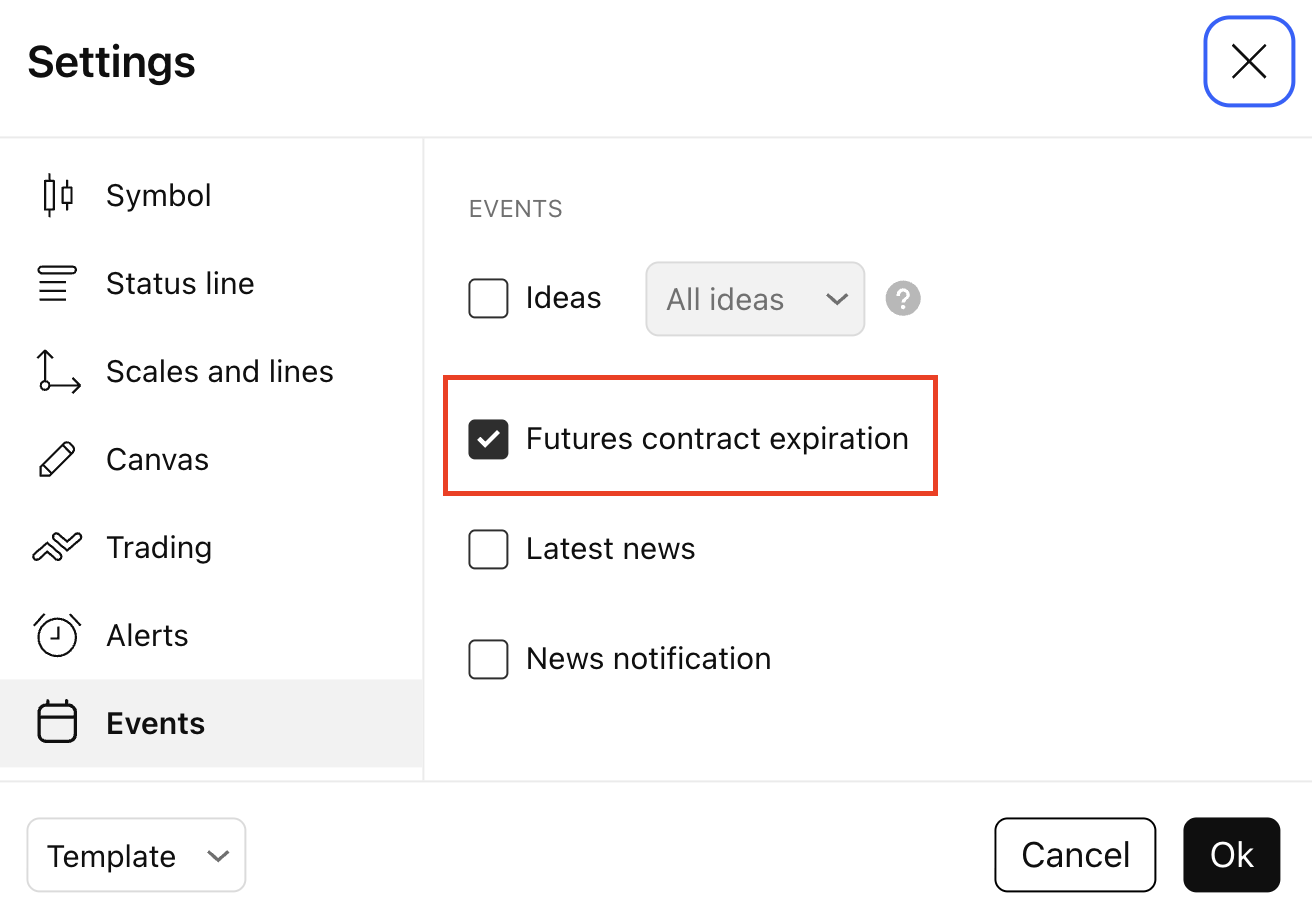
You can enable/disable the display of the expiration icon in the Chart Settings, on the Events tab.
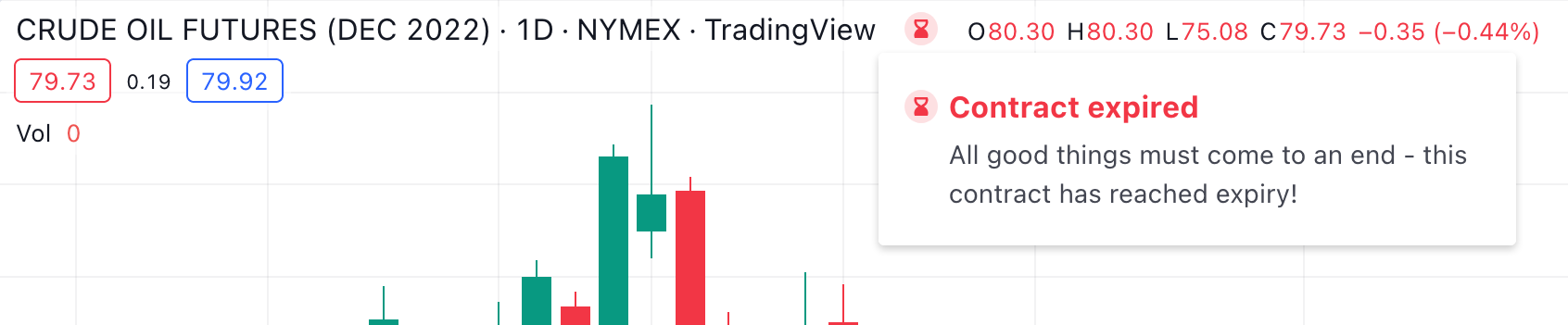
For expired contracts, we also display a special status that will tell you at a glance that the contract has expired.