Note: This documentation applies to the Nuvexlens Advanced Charting System. Nuvexlens fully supports technical indicators and strategy backtesting to help you make smarter trading decisions.
How to enable/disable the Alert Line on the chart
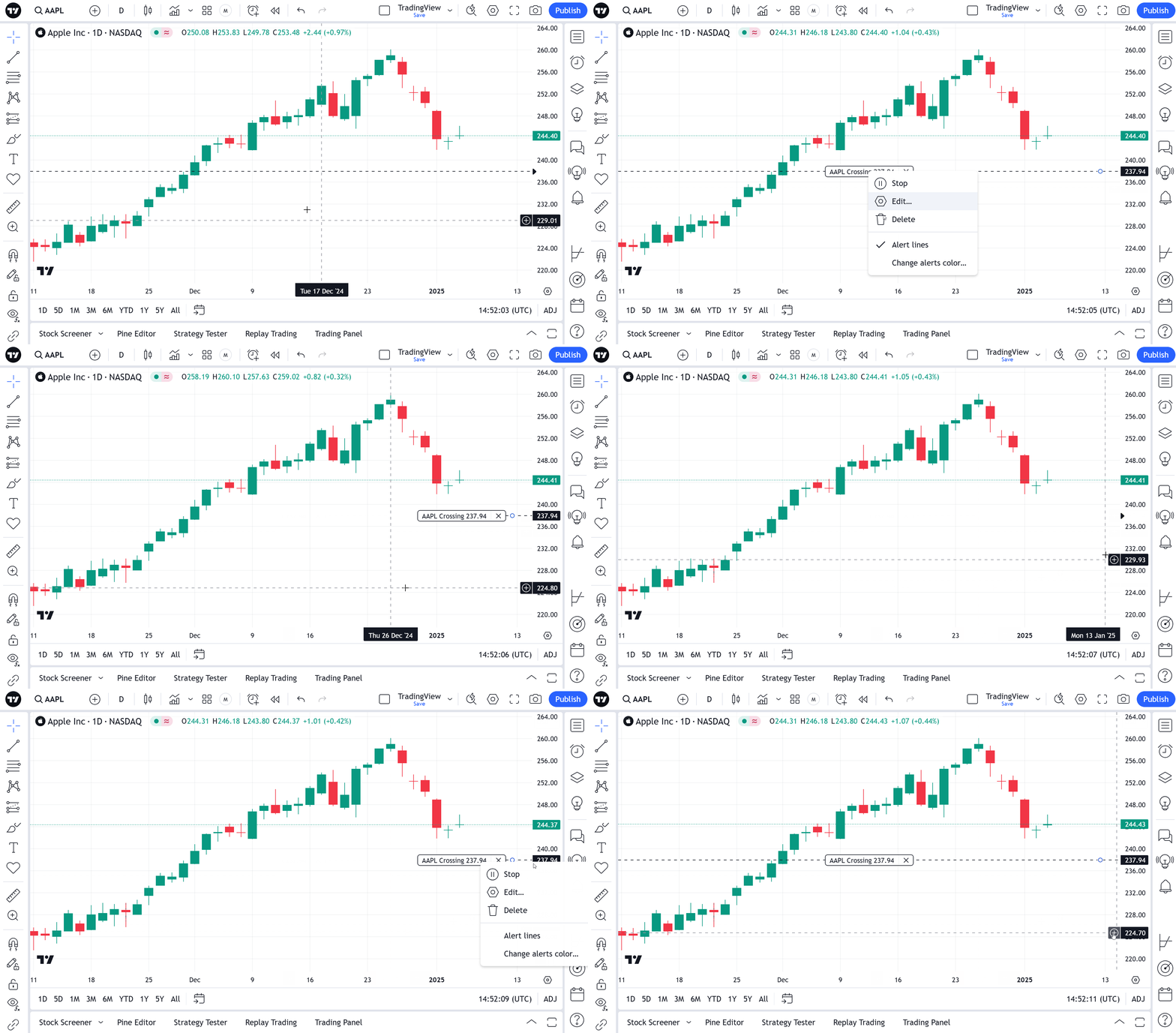
You can enable or disable the Alert Line by right-clicking the line itself or the alert label on the scale and then selecting "Alert lines" in the drop-down menu.
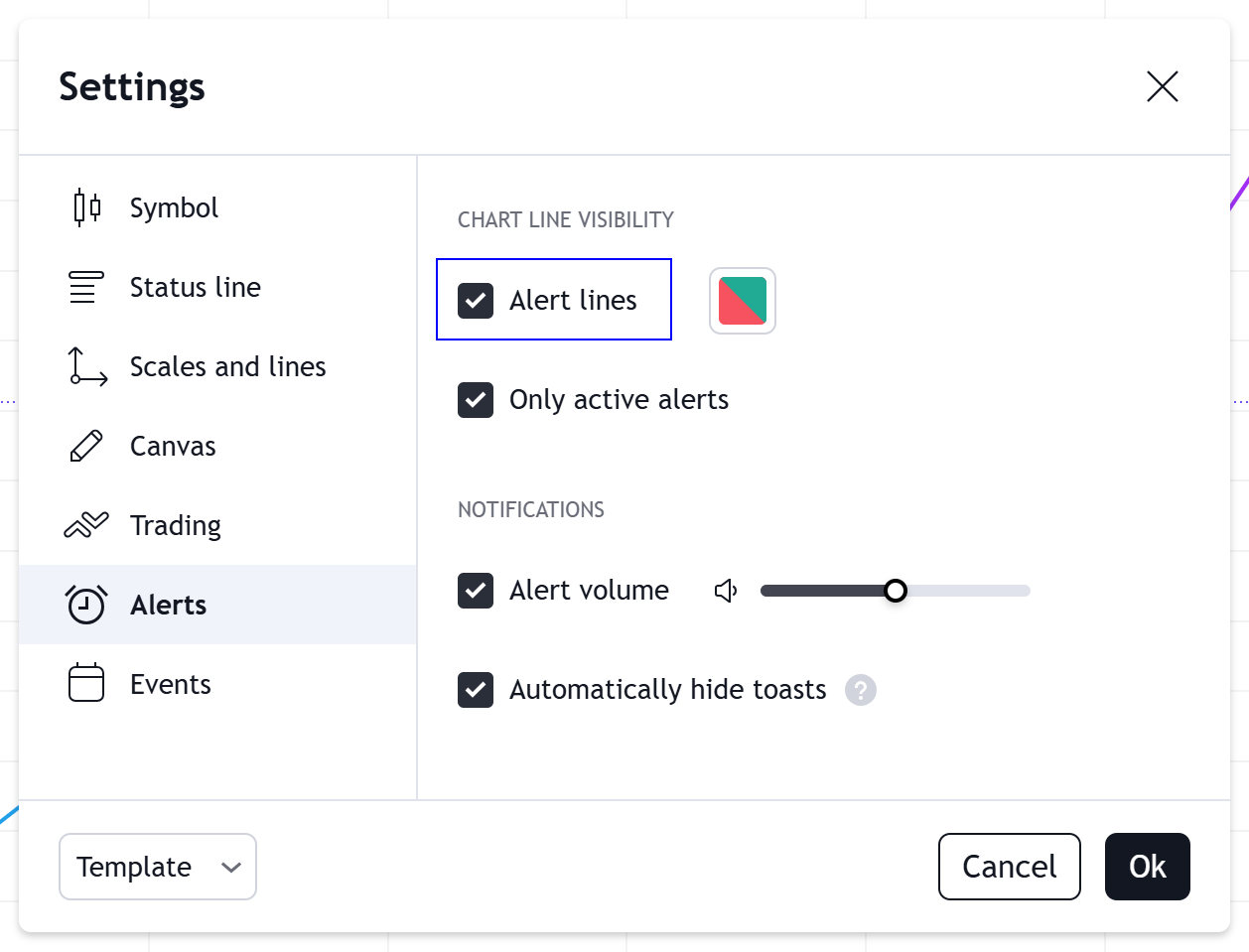
This setting is also available in the chart settings on the "Alerts" tab.