Note: This documentation applies to the Nuvexlens Advanced Charting System. Nuvexlens fully supports technical indicators and strategy backtesting to help you make smarter trading decisions.
How to show Hide, Settings and Remove options of an indicator or ticker symbol
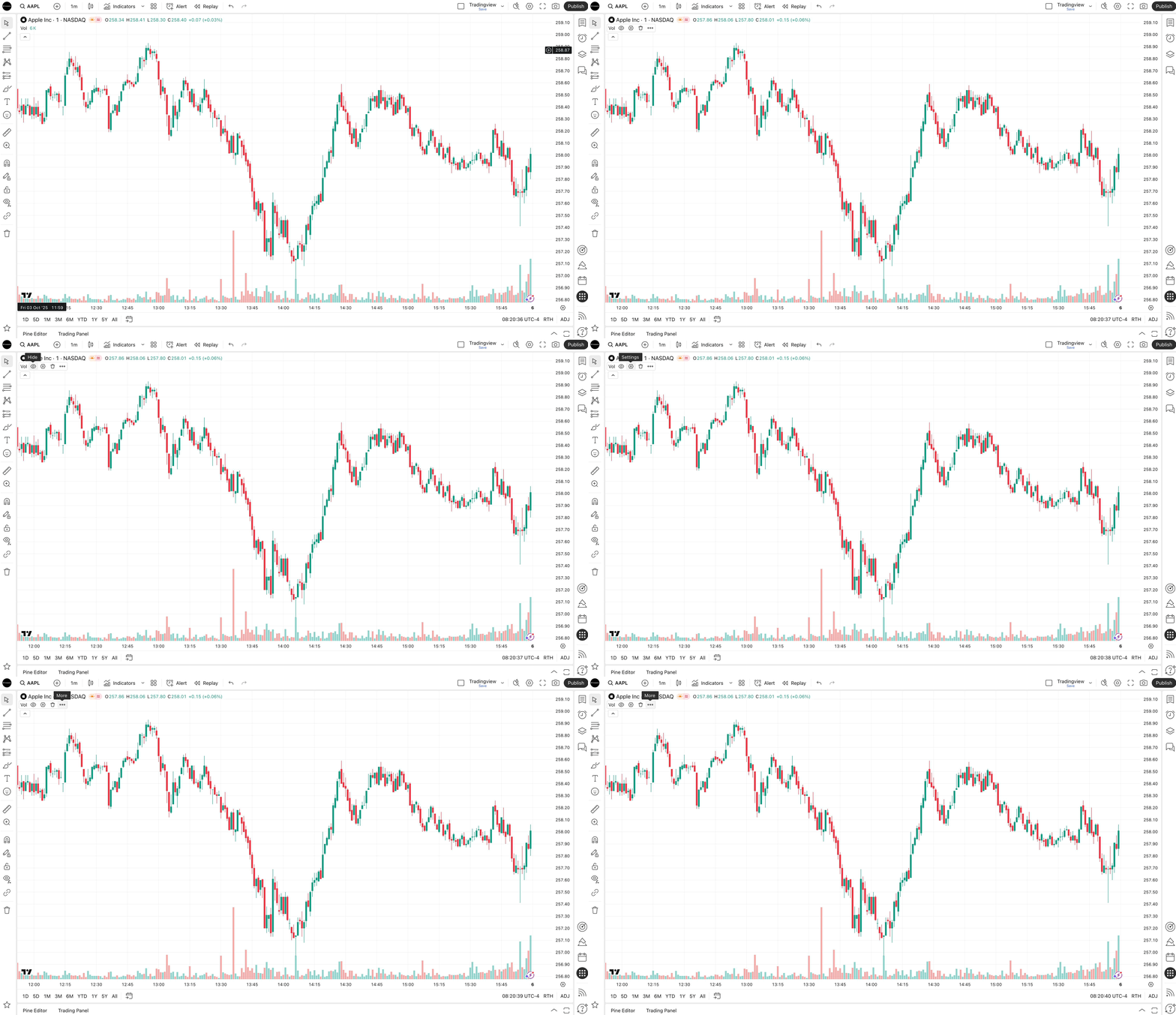
Simply move your cursor over the title bar in the top left corner of the chart and buttons will appear automatically.