
Note: This documentation applies to the Nuvexlens Advanced Charting System. Nuvexlens fully supports technical indicators and strategy backtesting to help you make smarter trading decisions.
How to drag drawings horizontally/vertically
Holding Shift while dragging drawings allows you to move items strictly horizontally/vertically from their start point:
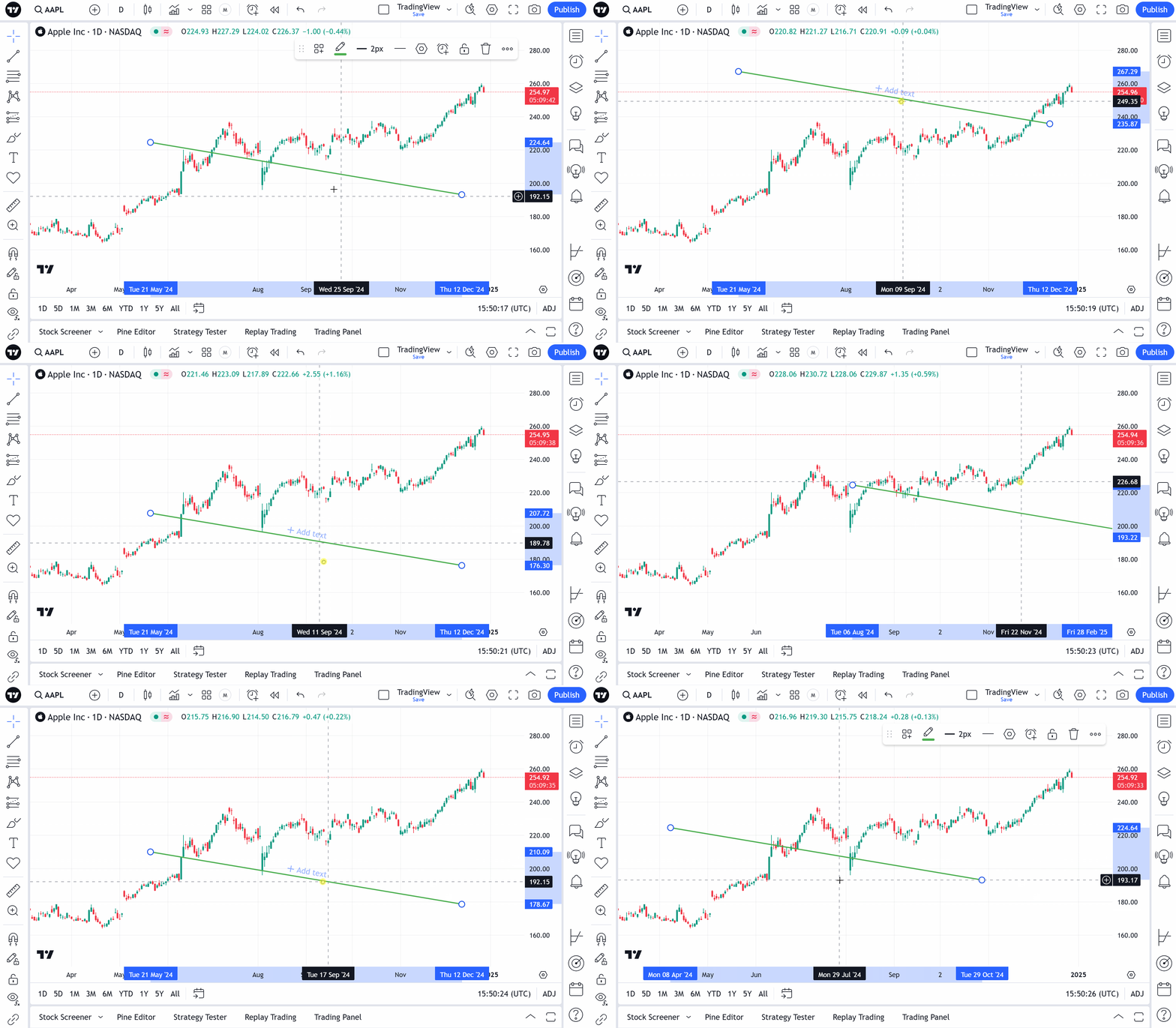
To place the selected drawing tool more precisely, you can use the arrows on the keyboard. The step of movement along the time scale (left-right) = 1 bar, the step of movement along the price scale (up-down) = 1 mintick.