Note: This documentation applies to the Nuvexlens Advanced Charting System. Nuvexlens fully supports technical indicators and strategy backtesting to help you make smarter trading decisions.
How to clone drawings
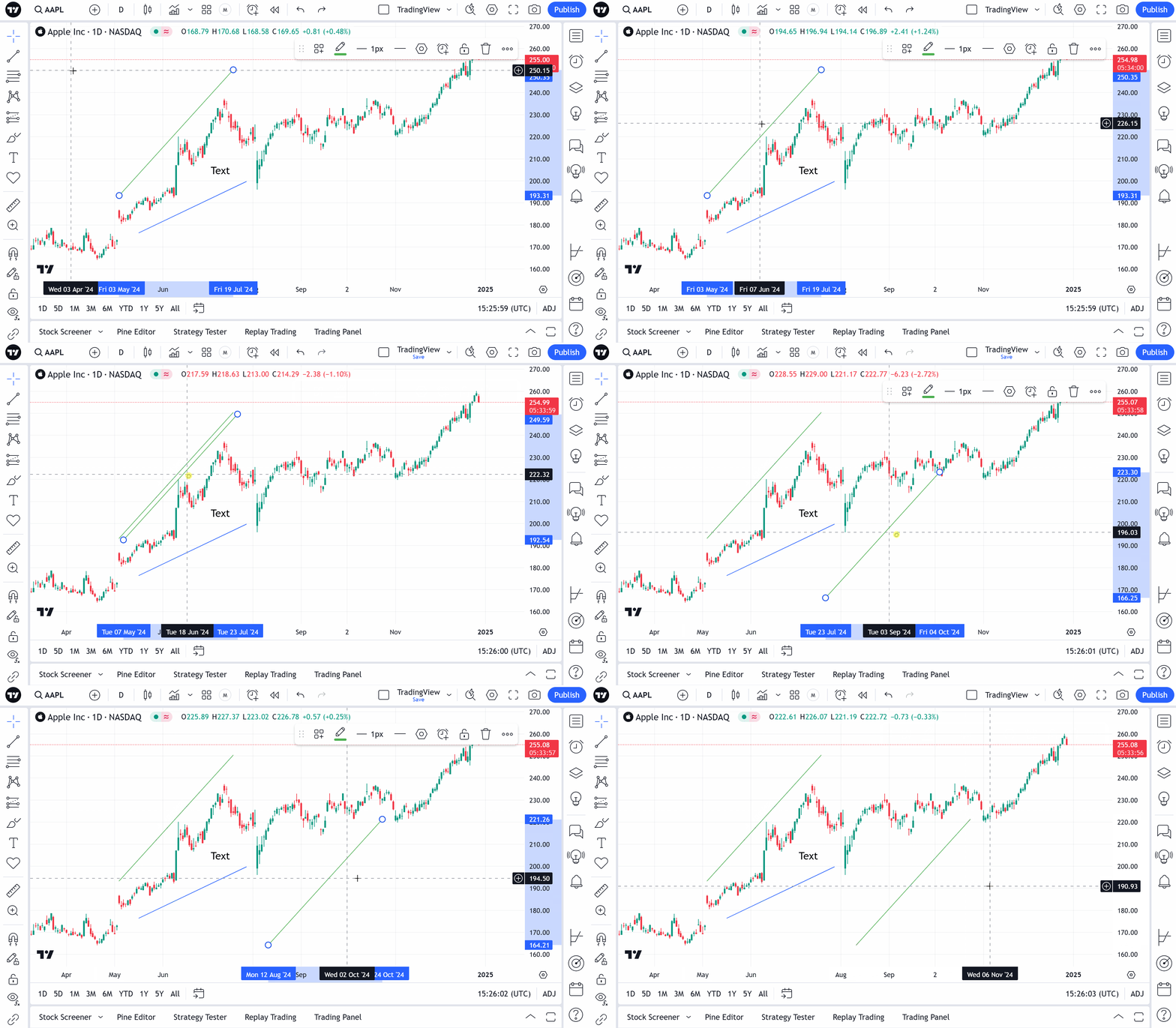
To make a copy of drawing, select the item that should be cloned, hold Ctrl/Command and then drag the figure to the place you need. Multiselected drawings can be copied as well: