Note: This documentation applies to the Nuvexlens Advanced Charting System. Nuvexlens fully supports technical indicators and strategy backtesting to help you make smarter trading decisions.
How to select several objects
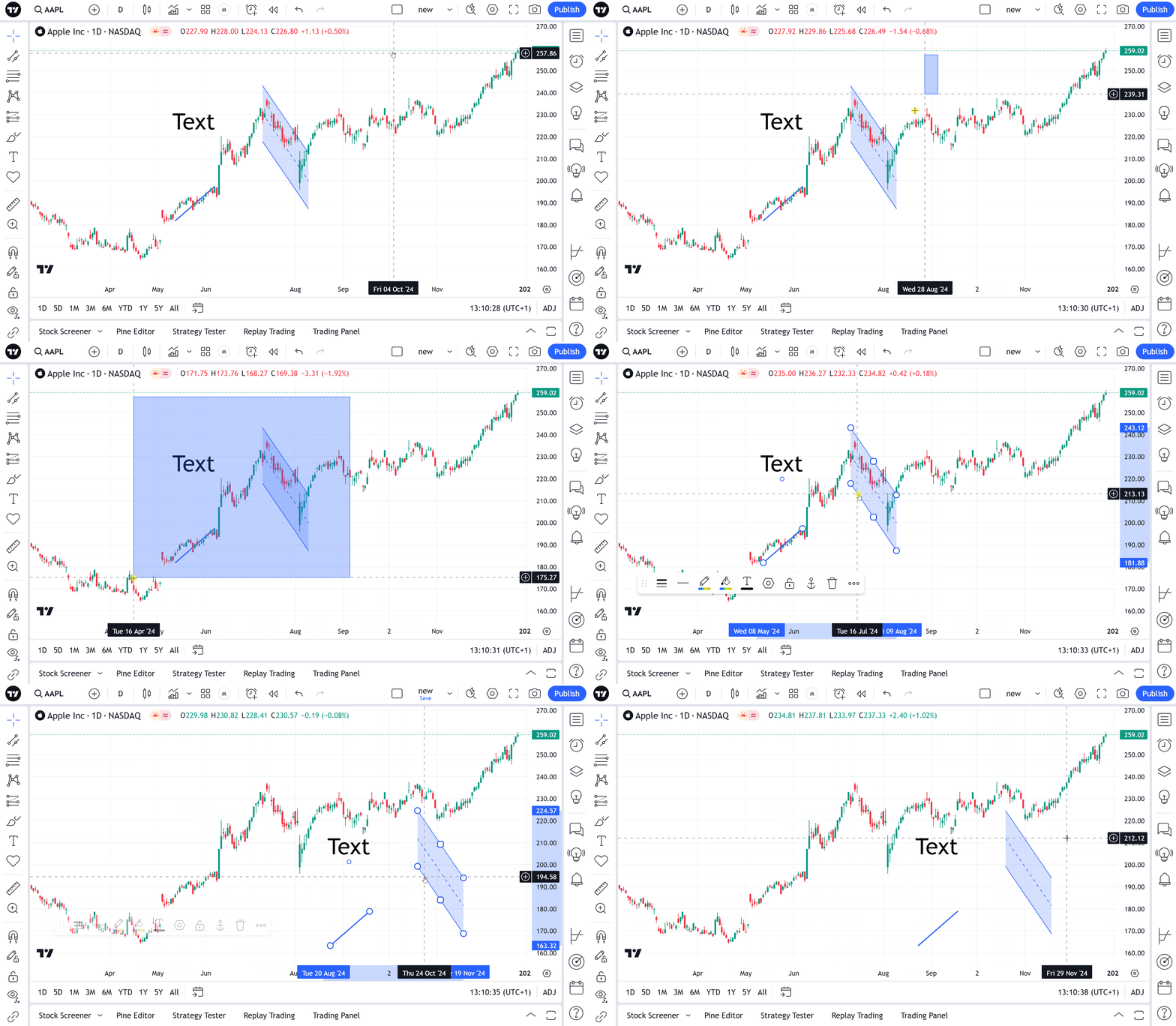
Here is the shortcut that allows you to select several drawings and then move, delete or copy all the chosen items simultaneously.
To use Multiselect, hold Ctrl/Command key and click on the drawing or choose required area on the chart: