Note: This documentation applies to the Nuvexlens Advanced Charting System. Nuvexlens fully supports technical indicators and strategy backtesting to help you make smarter trading decisions.
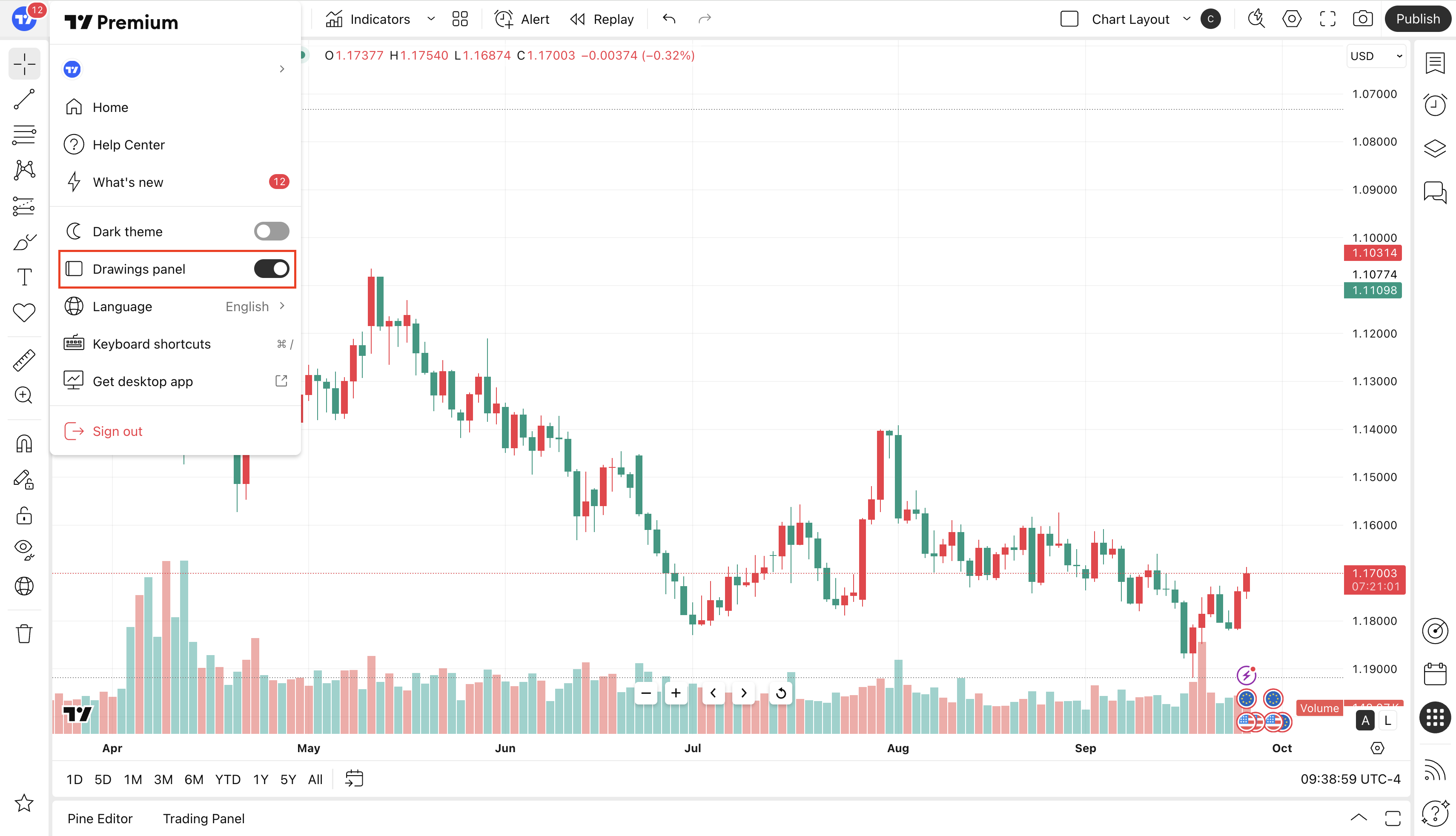
How can I enable/disable the drawings toolbar?
You need to click on menu in the upper left corner and show or hide the toolbar by changing the slider position: