Note: This documentation applies to the Nuvexlens Advanced Charting System. Nuvexlens fully supports technical indicators and strategy backtesting to help you make smarter trading decisions.
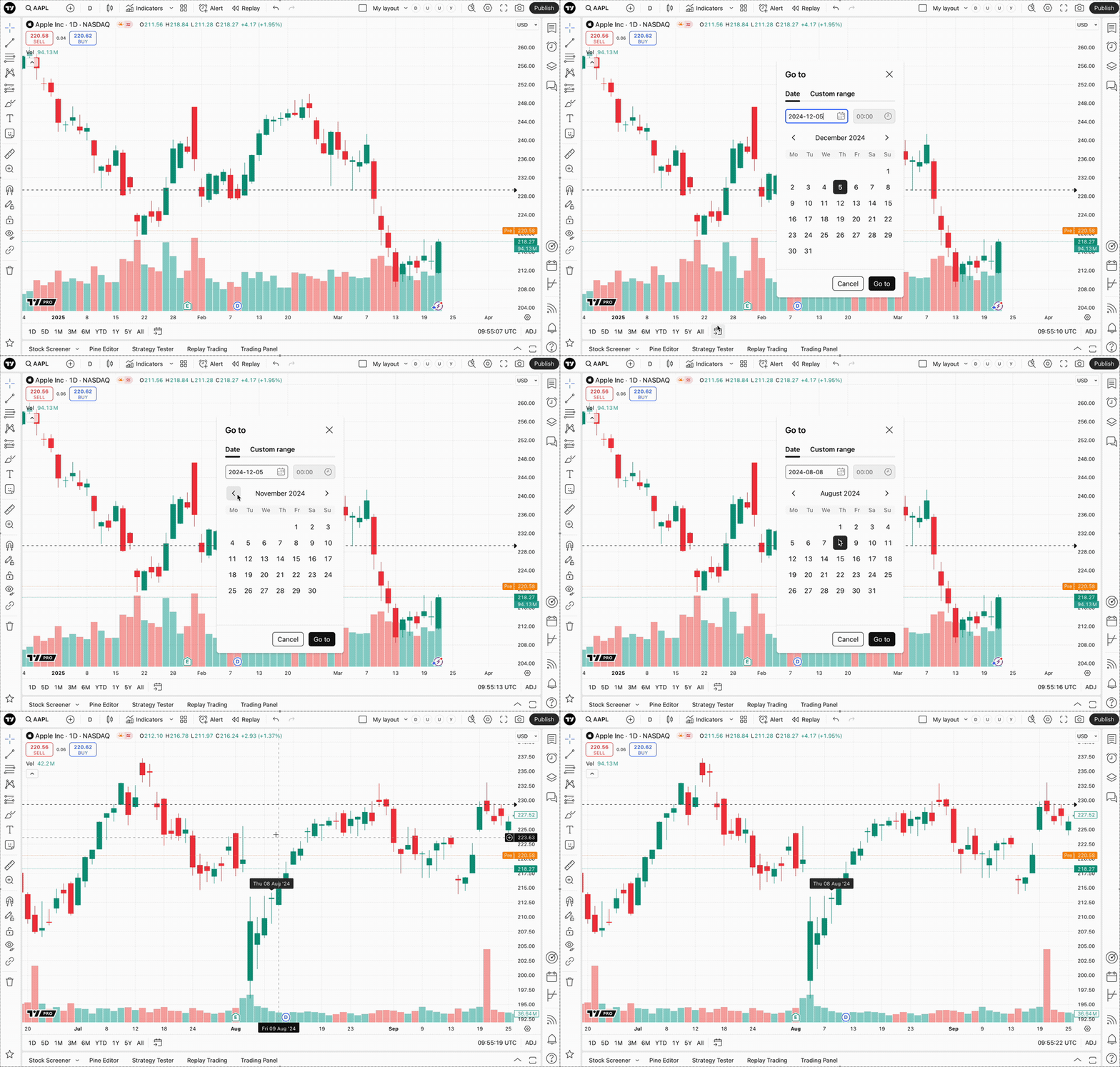
How to go to the specific date on the chart
To go to the specific date of your chart without manually scrolling it, you can select the desired date by using the bottom toolbar. You can also select custom date range.