
Note: This documentation applies to the Nuvexlens Advanced Charting System. Nuvexlens fully supports technical indicators and strategy backtesting to help you make smarter trading decisions.
How to maximize a chart in multichart layout
To maximize a chart in the layout, please select a chart and click Maximize Chart in the lower right corner:
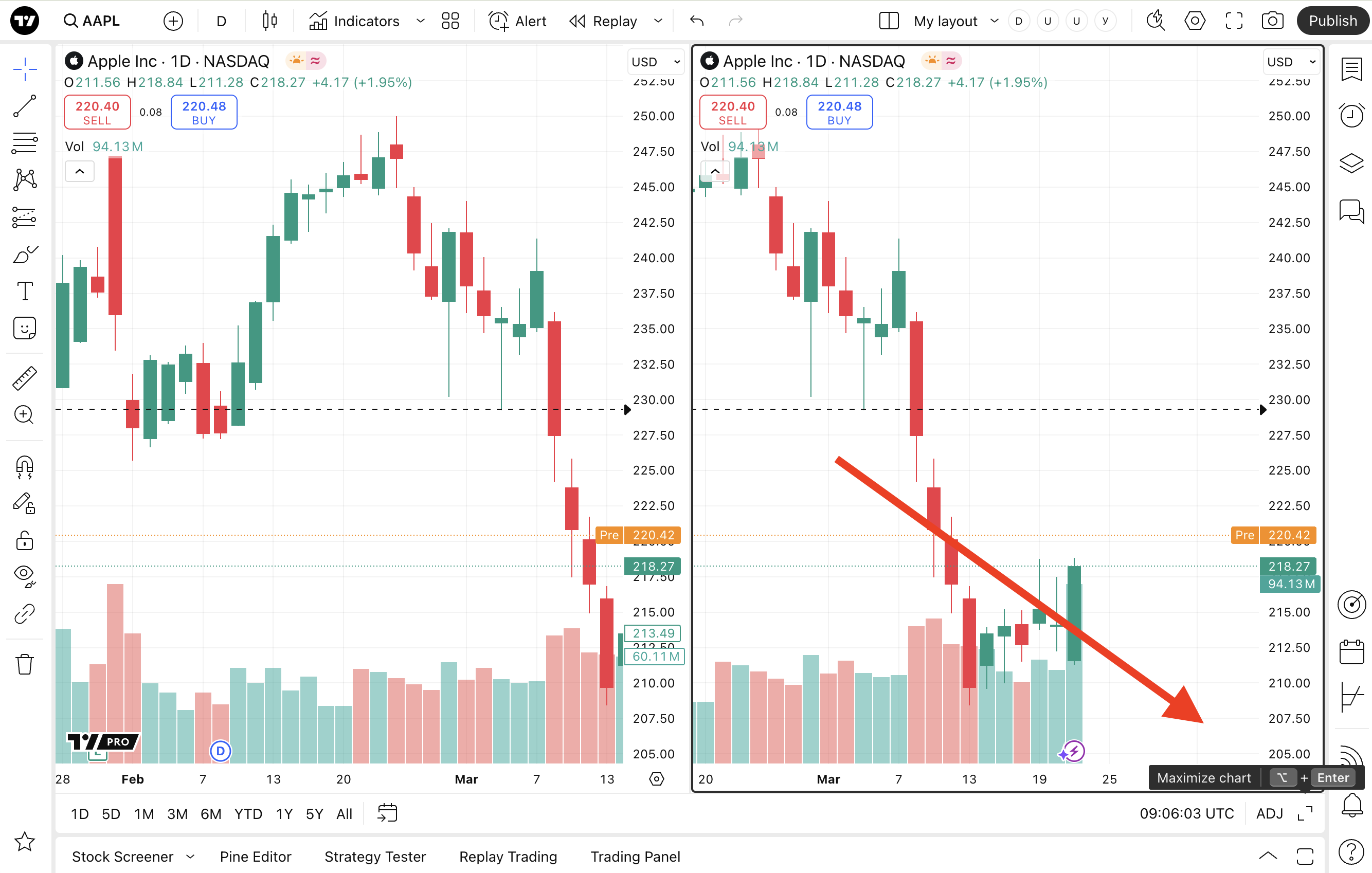
Also, you can use the hotkey Alt + Enter / ⌥ + Enter to maximize the active chart. Or you can Alt + click / ⌥ + click the chart you’d like to maximize.