Note: This documentation applies to the Nuvexlens Advanced Charting System. Nuvexlens fully supports technical indicators and strategy backtesting to help you make smarter trading decisions.
How to adjust the indicator settings
You can adjust settings of any indicator by clicking the Settings button next to the specific indicator's title.
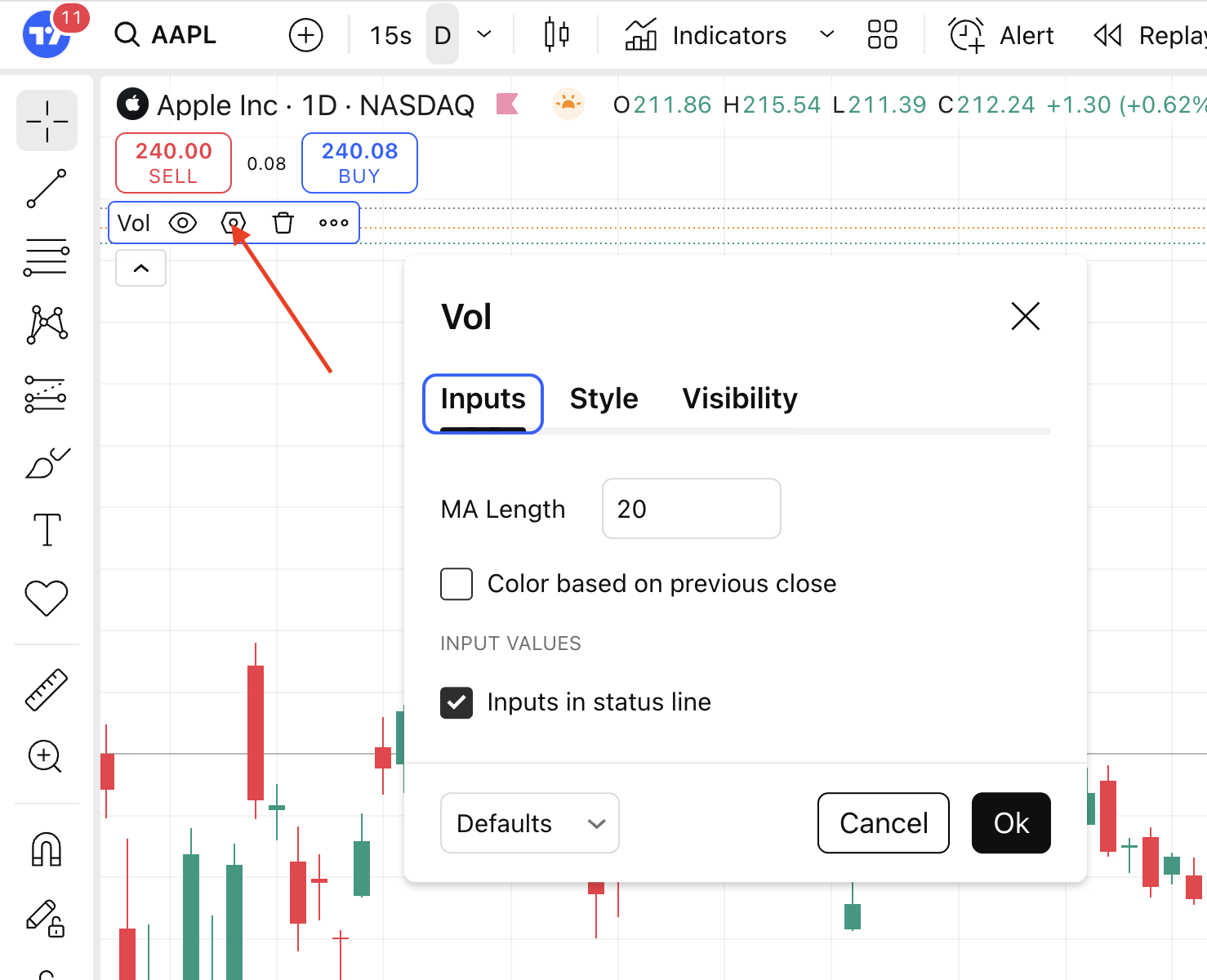
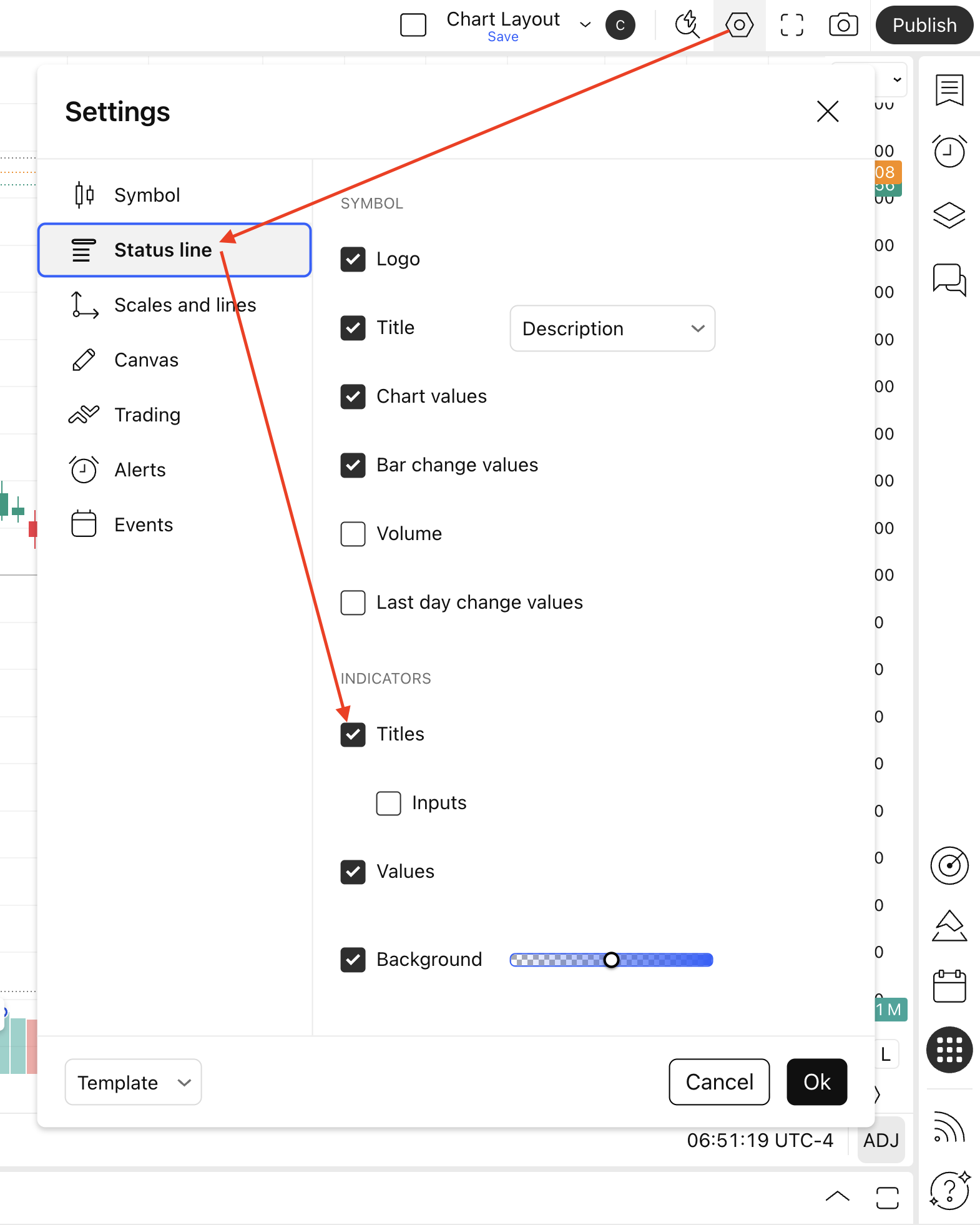
Make sure that the title is On, otherwise you will not be able to see the Settings button.