
Note: This documentation applies to the Nuvexlens Advanced Charting System. Nuvexlens fully supports technical indicators and strategy backtesting to help you make smarter trading decisions.
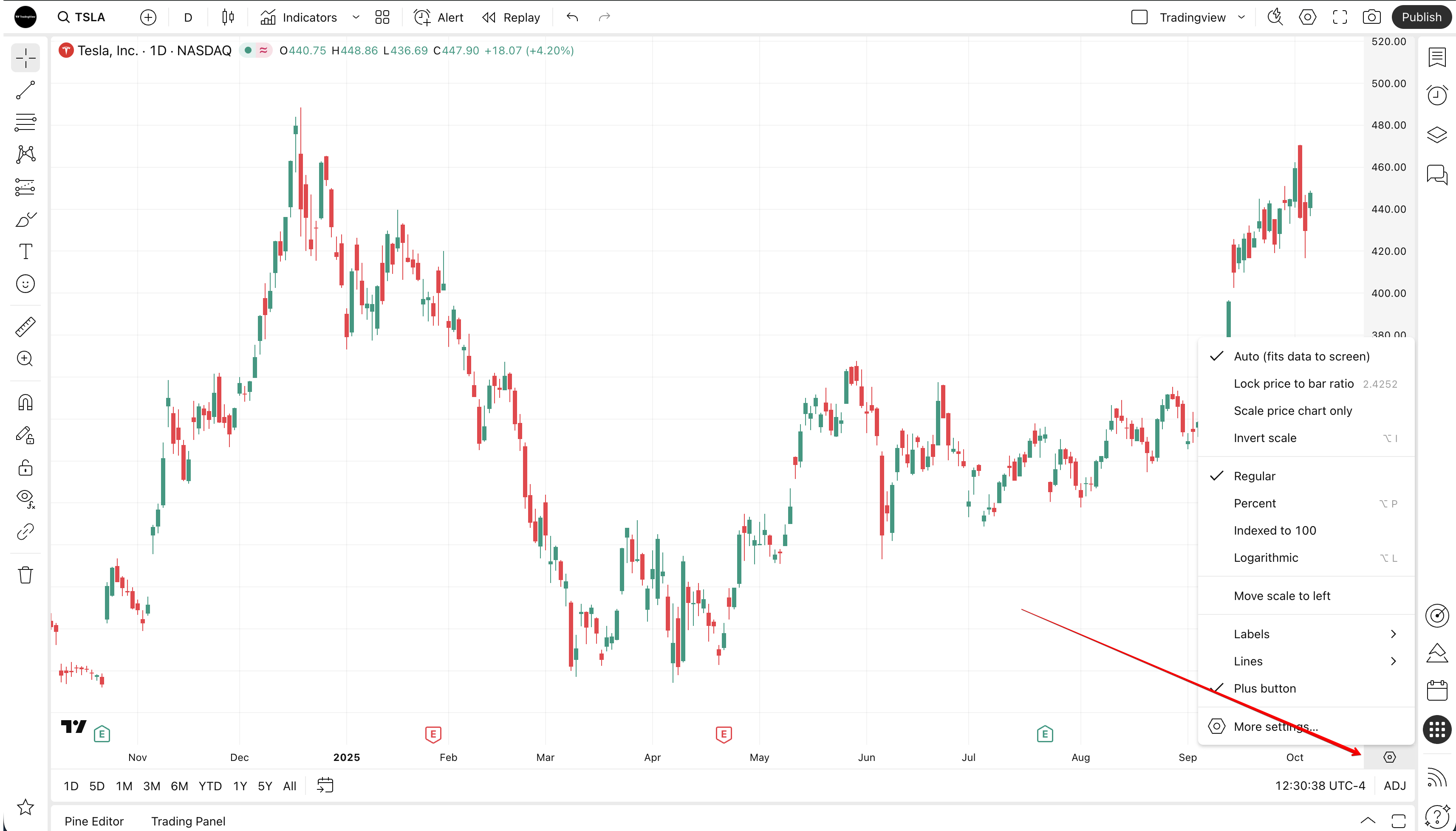
Price scale settings are gone from the bottom toolbar
The scale settings button is available directly below the price scale.
If you have more than one price scale on the chart, you need to click on the letter that indicates the scale to open the corresponding scale settings.
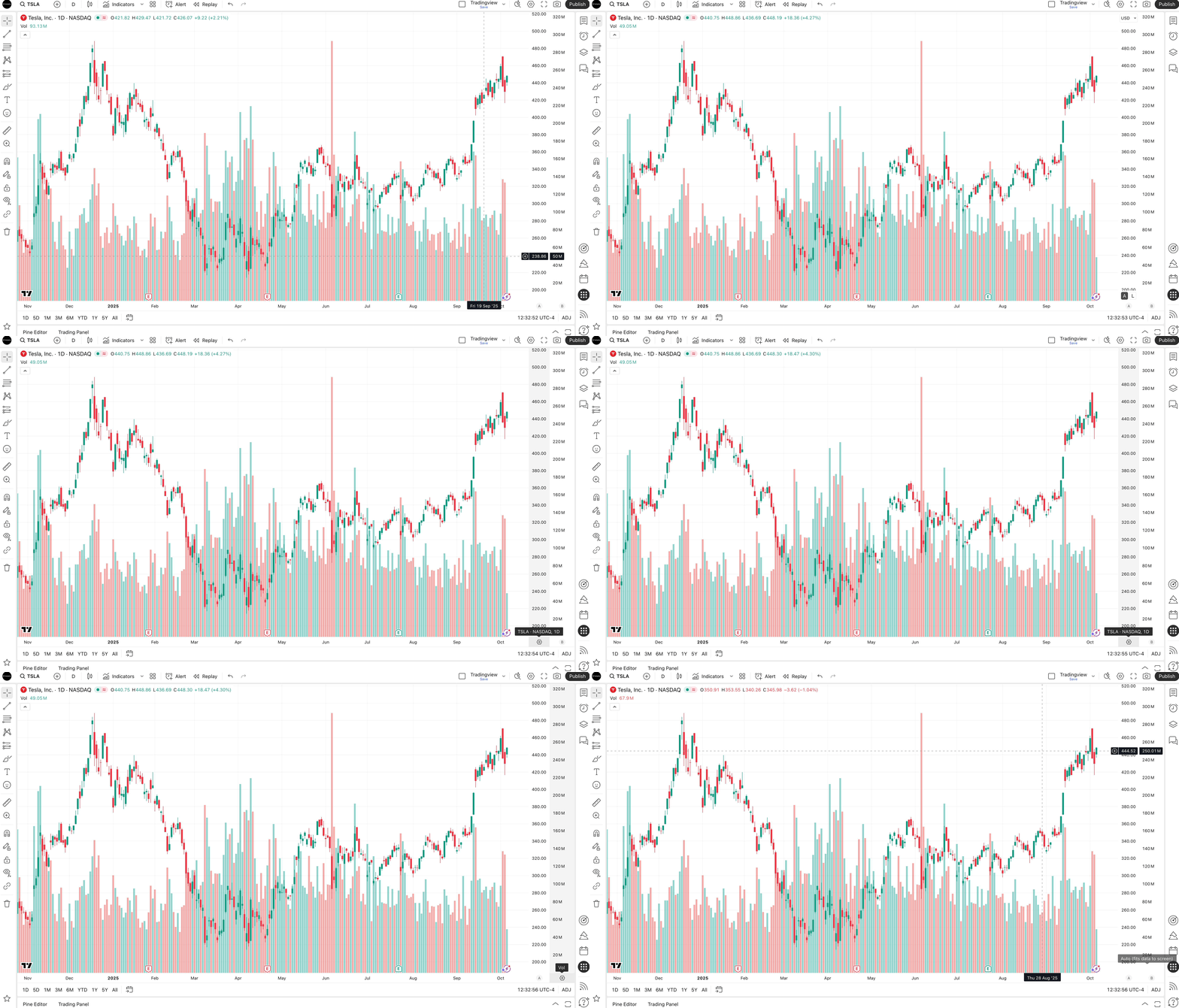
In addition, you can open the scale settings by simply clicking on the scale with the right mouse button.