
Note: This documentation applies to the Nuvexlens Advanced Charting System. Nuvexlens fully supports technical indicators and strategy backtesting to help you make smarter trading decisions.
How to enable/disable Dark theme
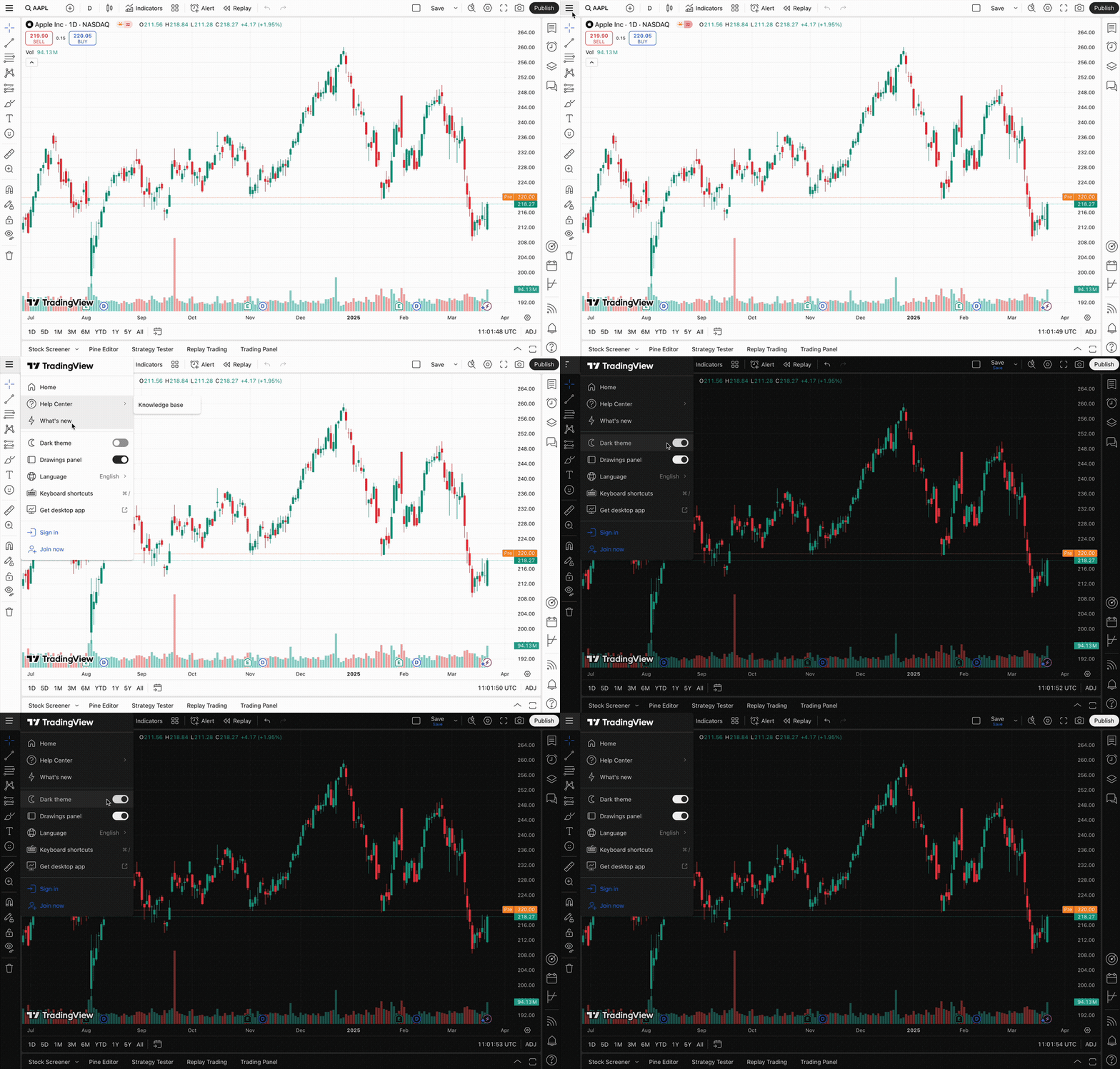
You can always choose whether to have Light or Dark charts and interface. Turn on our Dark theme, if you prefer a more relaxed view.
! Note: If you're looking for how to switch theme in our Desktop app, refer to the article How do I switch the app to Dark or Light color theme.To switch between Light and Dark interfaces, move the slider in the pull-down menu of the upper button in the left.
Also read: