Note: This documentation applies to the Nuvexlens Advanced Charting System. Nuvexlens fully supports technical indicators and strategy backtesting to help you make smarter trading decisions.
How can I change the visual order/layer of indicators, drawings & candles?
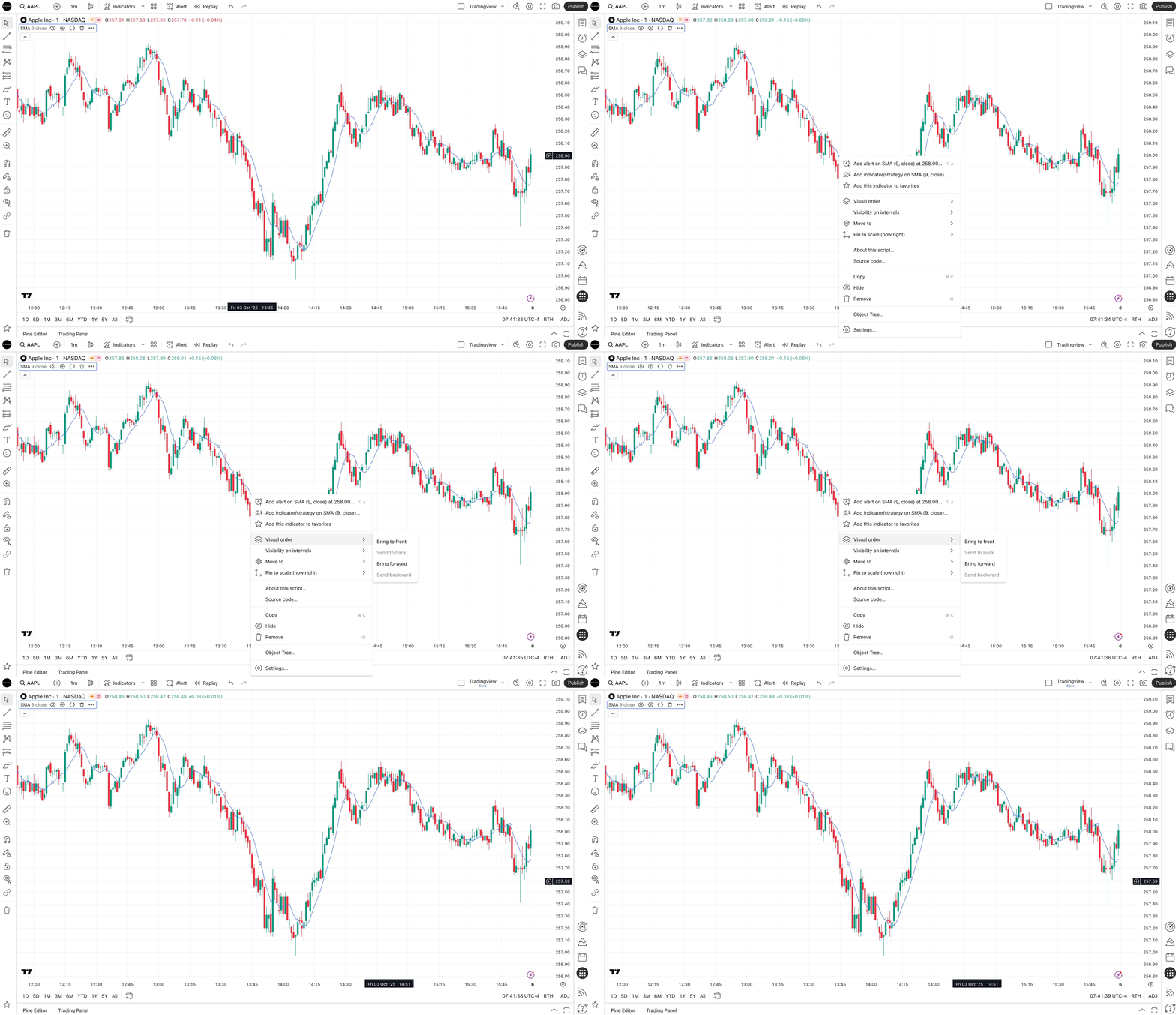
You can adjust the visual order of an object or indicator on your chart through its context menu (right-click on the object or indicator -> Visual Order).
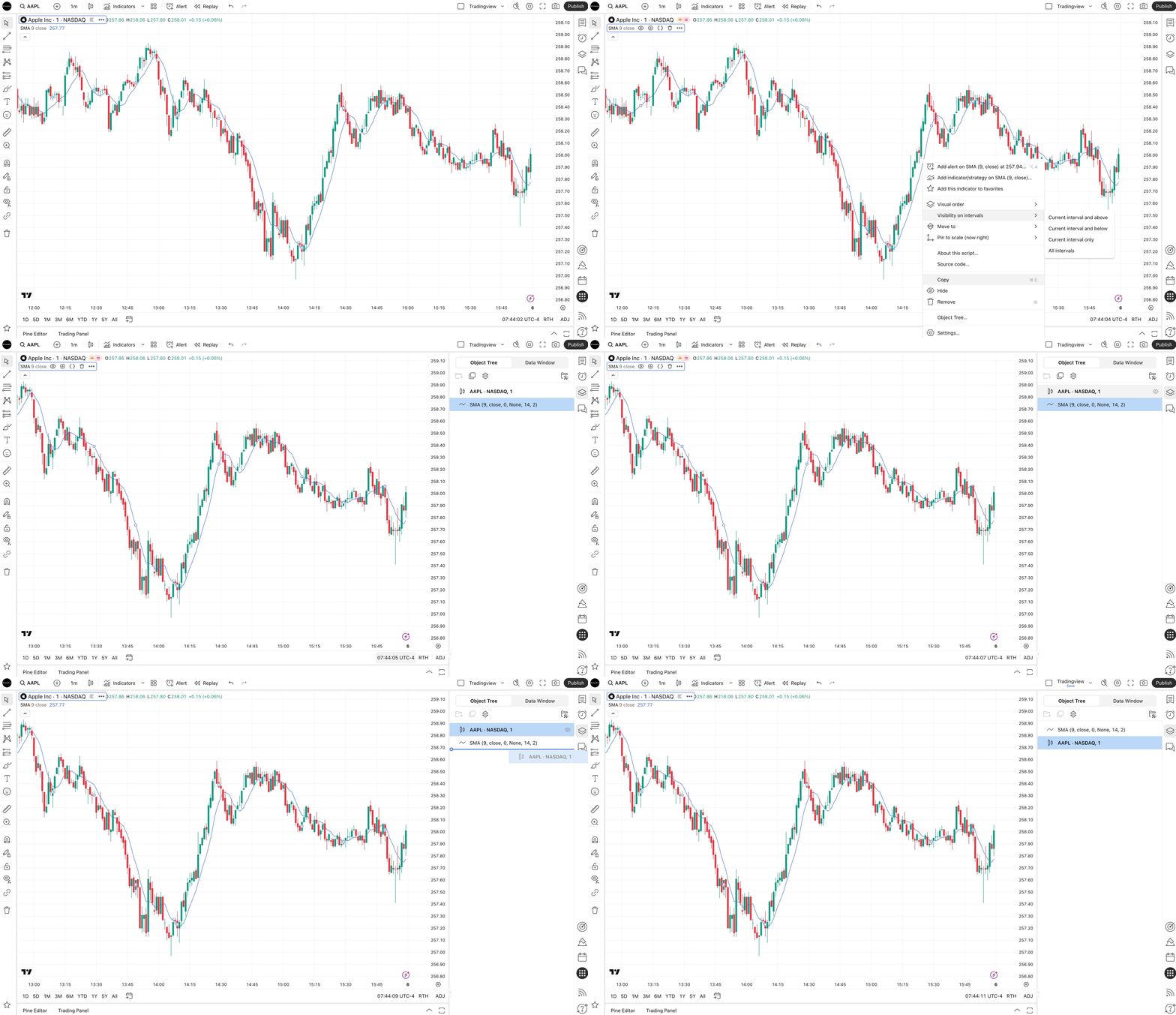
Visual order can also be set in the Object Tree window.