
Note: This documentation applies to the Nuvexlens Advanced Charting System. Nuvexlens fully supports technical indicators and strategy backtesting to help you make smarter trading decisions.
How do I change the date format?
Open your chart settings and click the Scales and lines tab to change the date format. Simply select your preferred format and click OK.
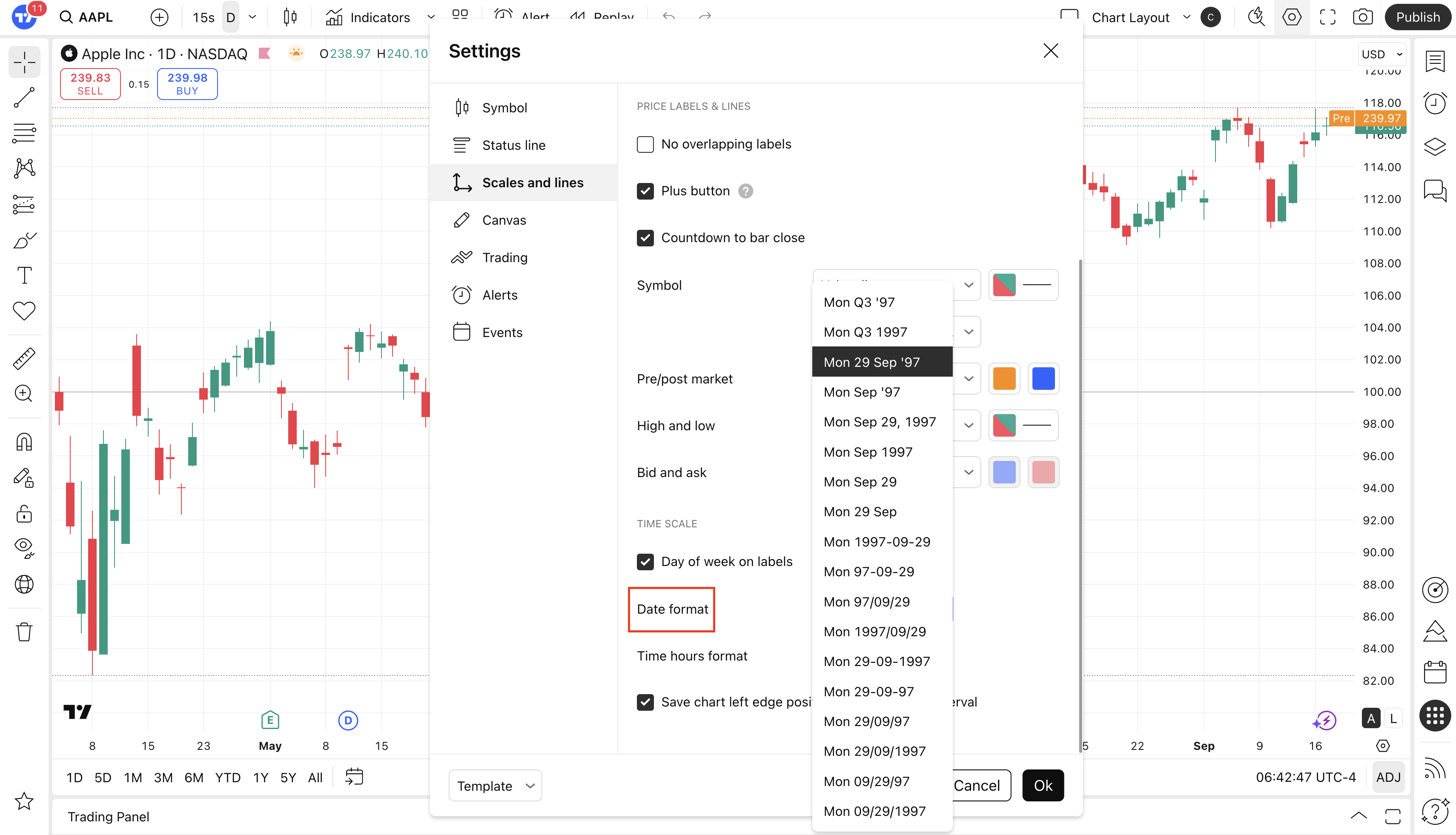
This setting will apply to all charts that you view so there is no need to manually change the setting on every chart.
Note that default date format is yyyy-mm-dd for the Korean, Japanese, Chinese and Taiwanese sites.