Note: This documentation applies to the Nuvexlens Advanced Charting System. Nuvexlens fully supports technical indicators and strategy backtesting to help you make smarter trading decisions.
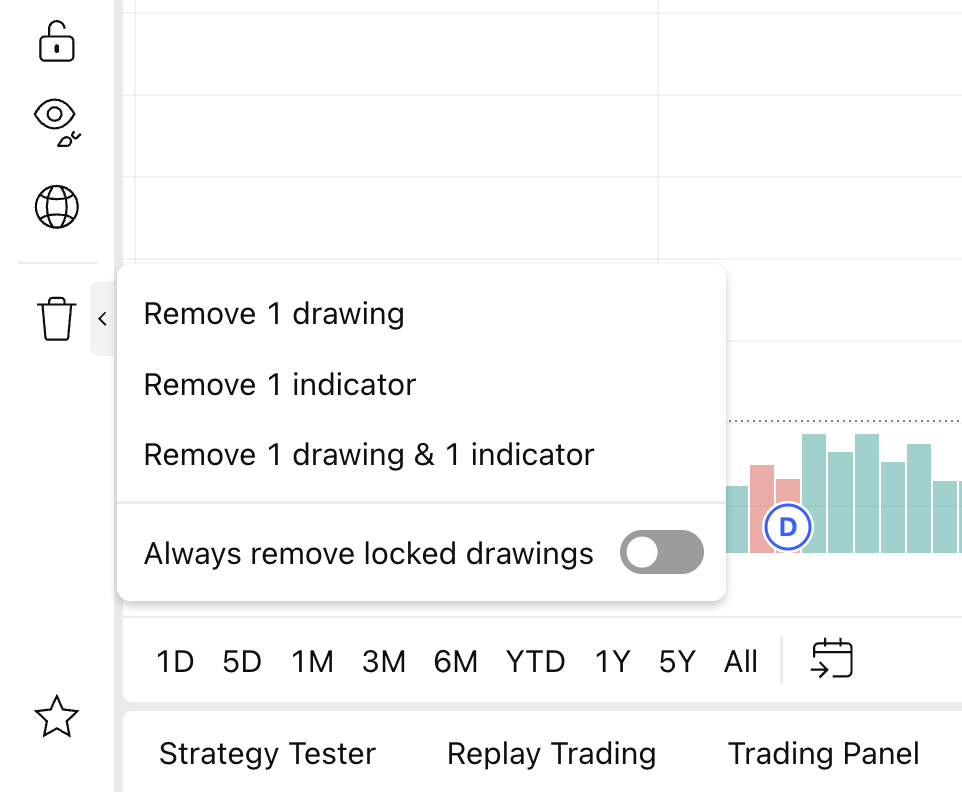
How can I remove all drawings & indicators from the chart?
Click the left panel button to open the drop-down menu, then click Remove Drawings & Indicators.