Note: This documentation applies to the Nuvexlens Advanced Charting System. Nuvexlens fully supports technical indicators and strategy backtesting to help you make smarter trading decisions.
Candles have disappeared from the chart
If no candles appear on your chart, follow these troubleshooting steps:
1. Check the visibility of the main series in the top left corner of the chart.
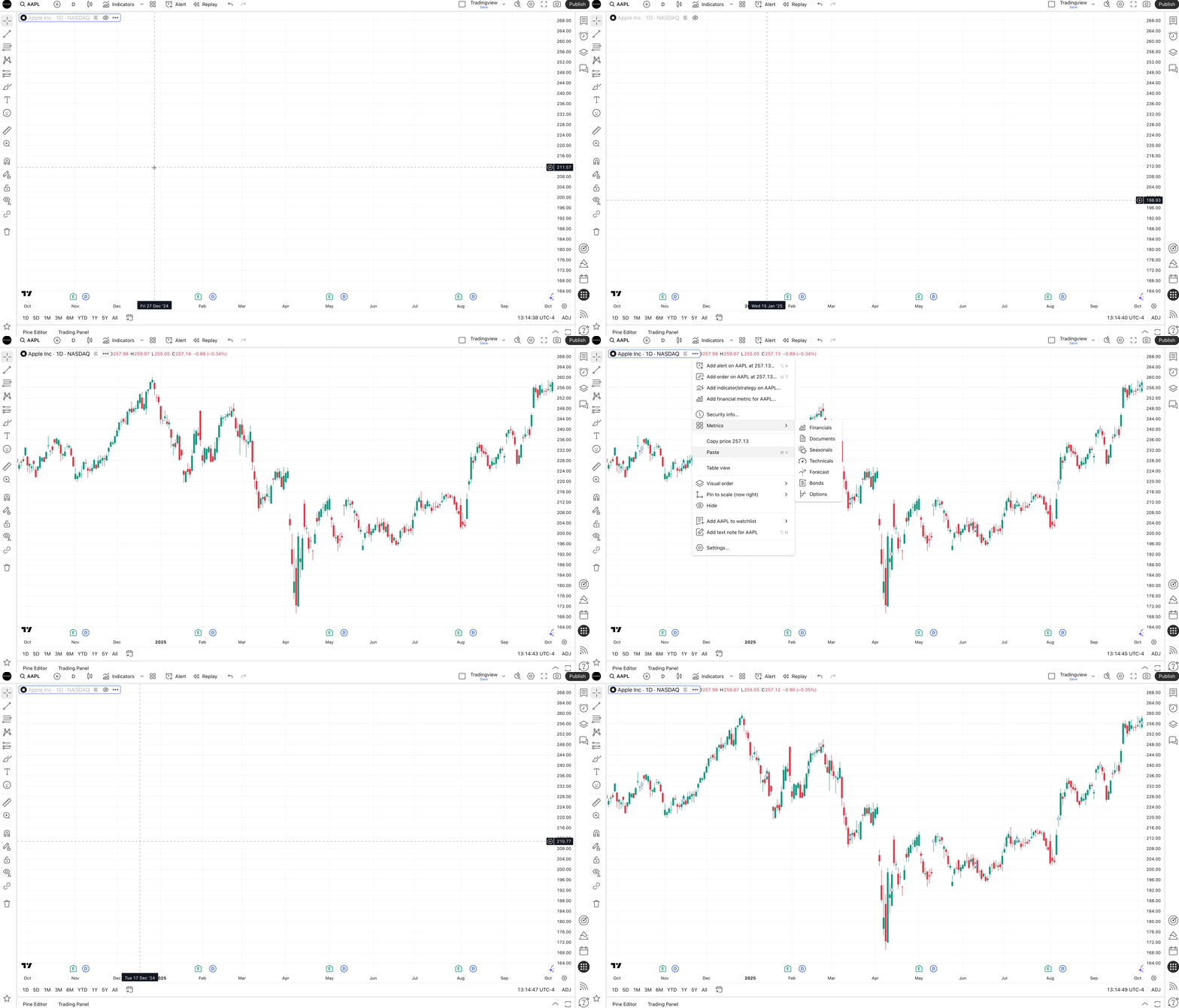
2. Make sure that the boxes for Body, Borders, and Wick are ticked, and their color is set to contrast with your background.

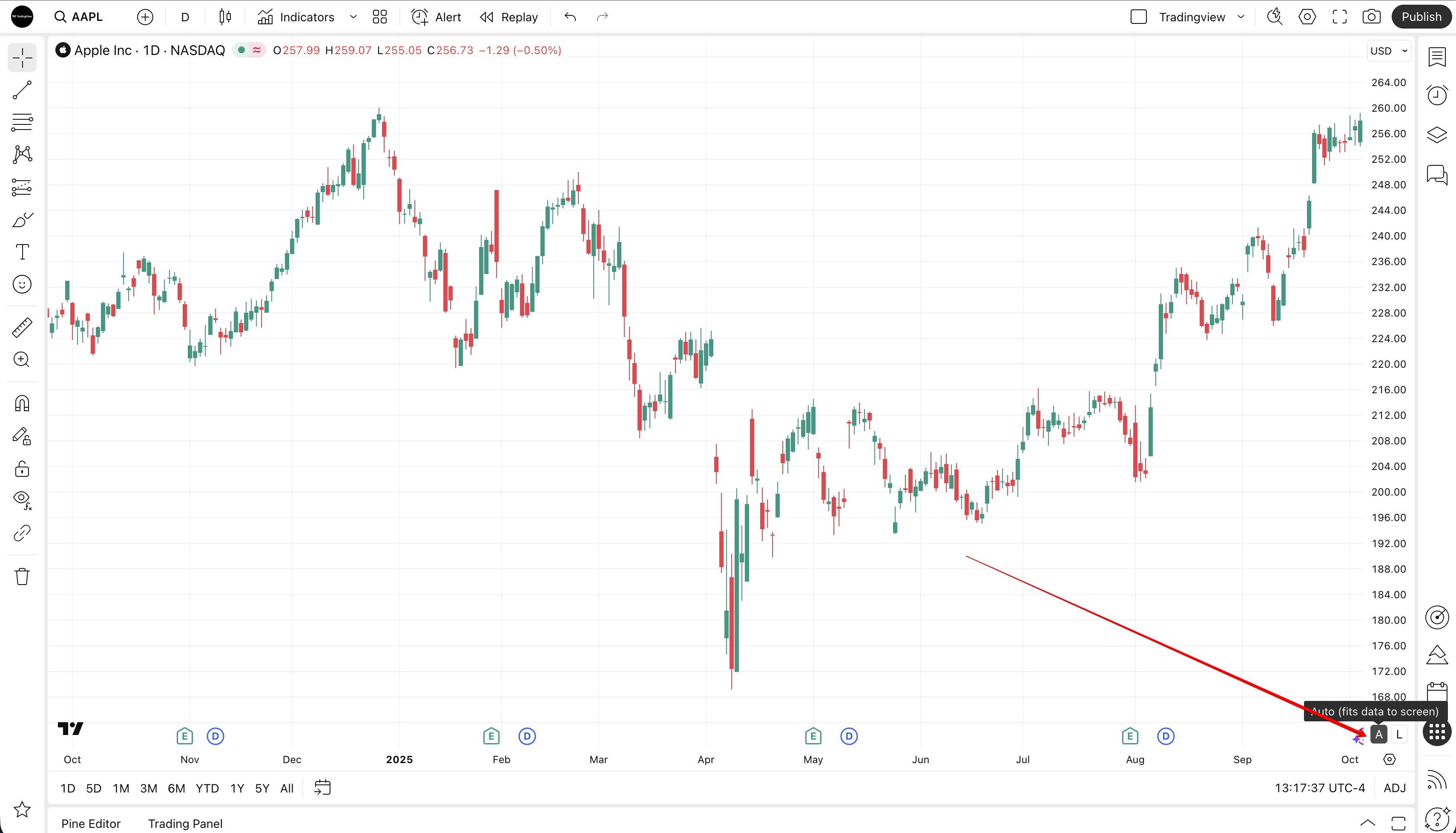
3. Enable autoscale.