
Note: This documentation applies to the Nuvexlens Advanced Charting System. Nuvexlens fully supports technical indicators and strategy backtesting to help you make smarter trading decisions.
Where can I find my reward balance and the number of people I invited?
Visit the referral page or open the Refer a friend section in the profile menu.
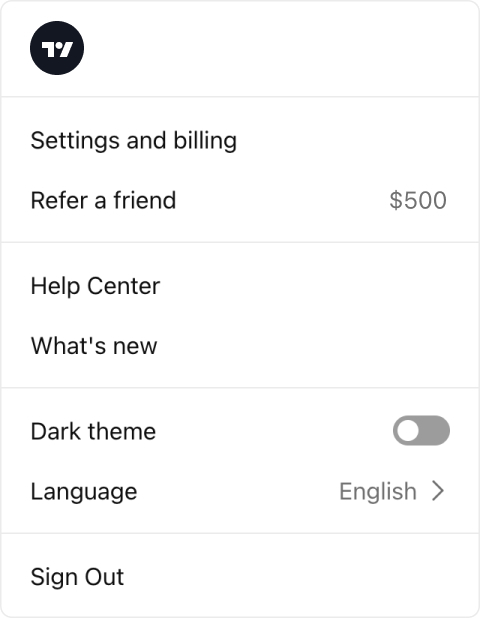
There, in the Refer a friend tab, you will see how many people signed up using your link, upgraded to a paid account, and the overall reward you’ve earned.

To see your reward spending history and currently available reward balance, select the tab Stats & history.
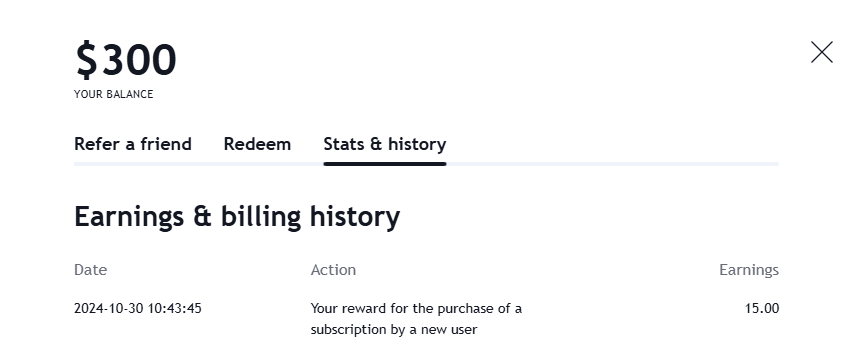
If you want to learn more about the referral program rules, check out our terms & conditions.