
Errors when creating/loading alerts
If an error appears when creating an alert or the alert manager is not loaded, one reason may be problems with your internet connection or browser/operating system settings.
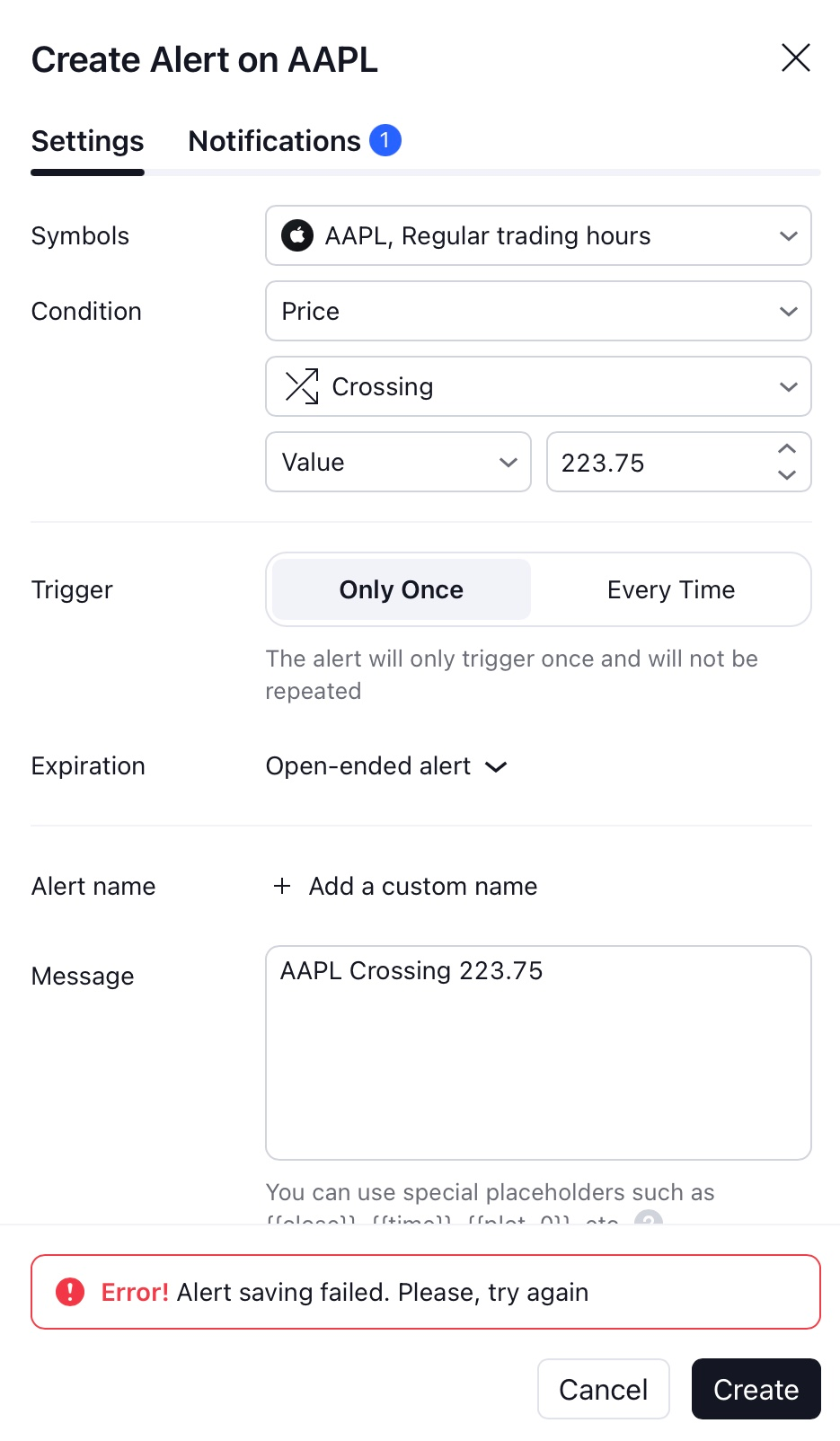
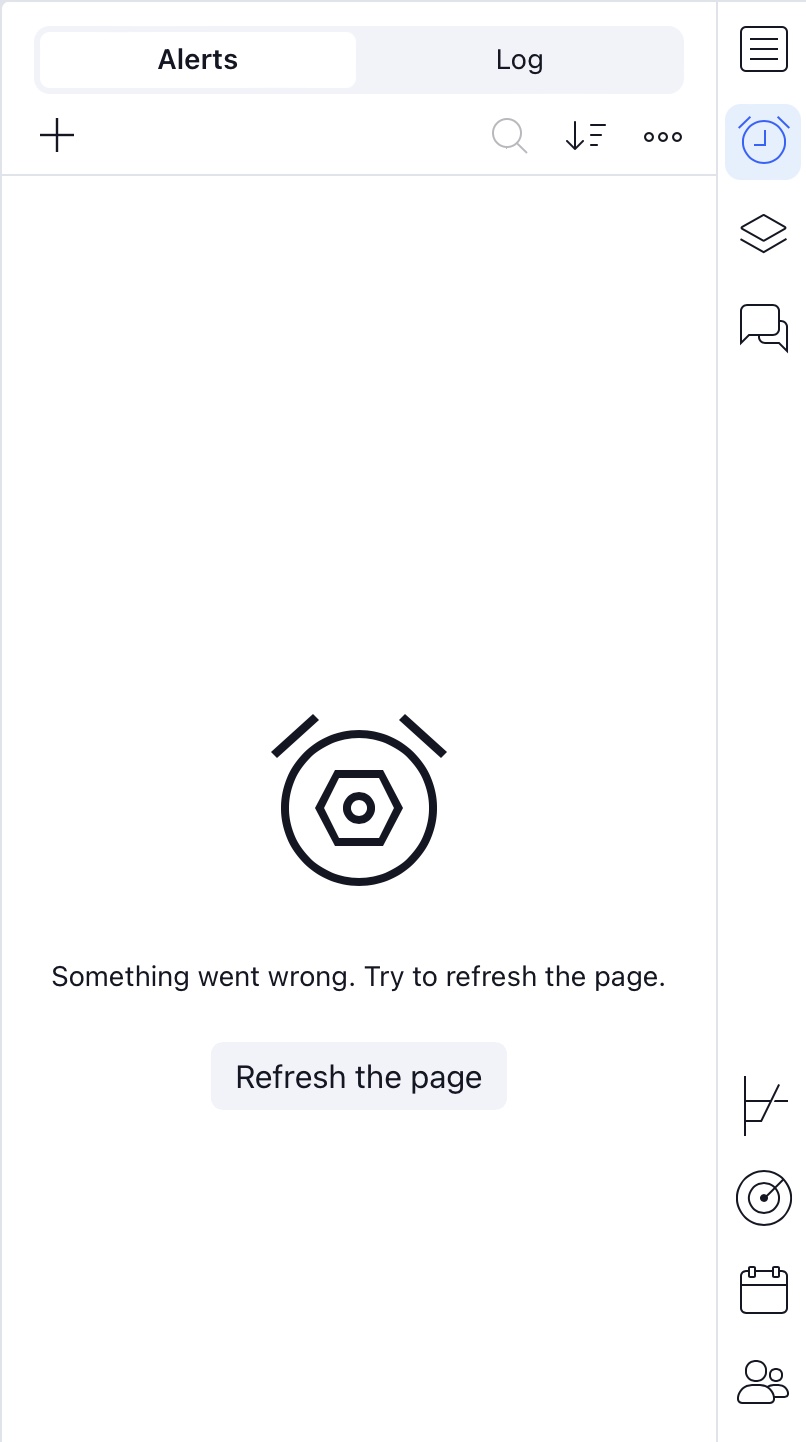
To check this, you need to open the following URL in the browser (this is the address of the alerts server):
https://pricealerts.tradingview.com/
If the request is successful, the result will be approximately the same as in the screenshot:
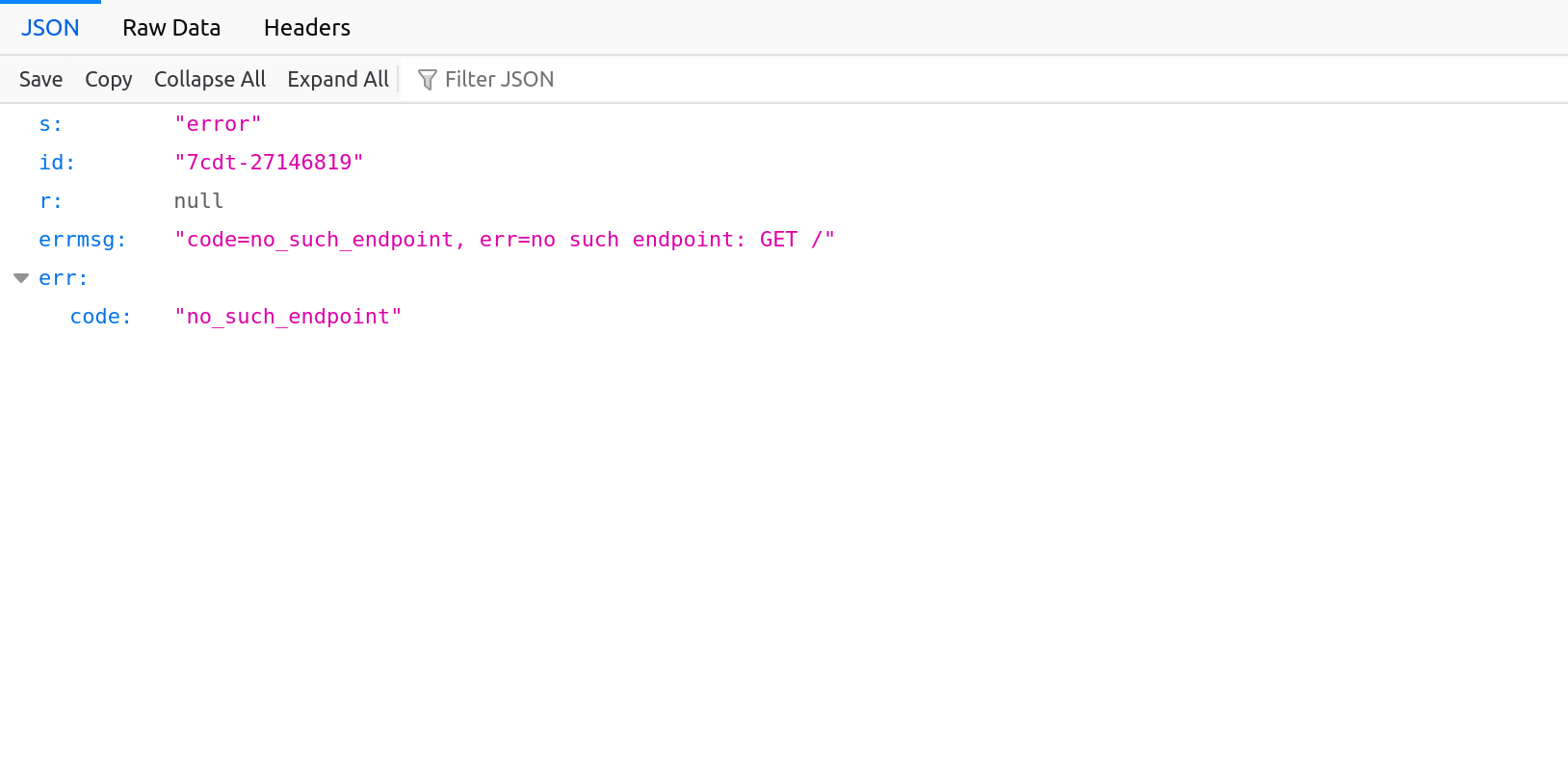
If the result is not the same as in the screenshot above, the request does not reach the server. In this case, you can turn off VPNs, antiviruses, firewalls, and ad blockers and also check the issue when using another network (4g/5g, Wi-Fi...).
If the answer matches the one in the screenshot, but the error is still being reproduced, please contact support (attach a screenshot to the report, which will show the result of clicking on the URL specified above).